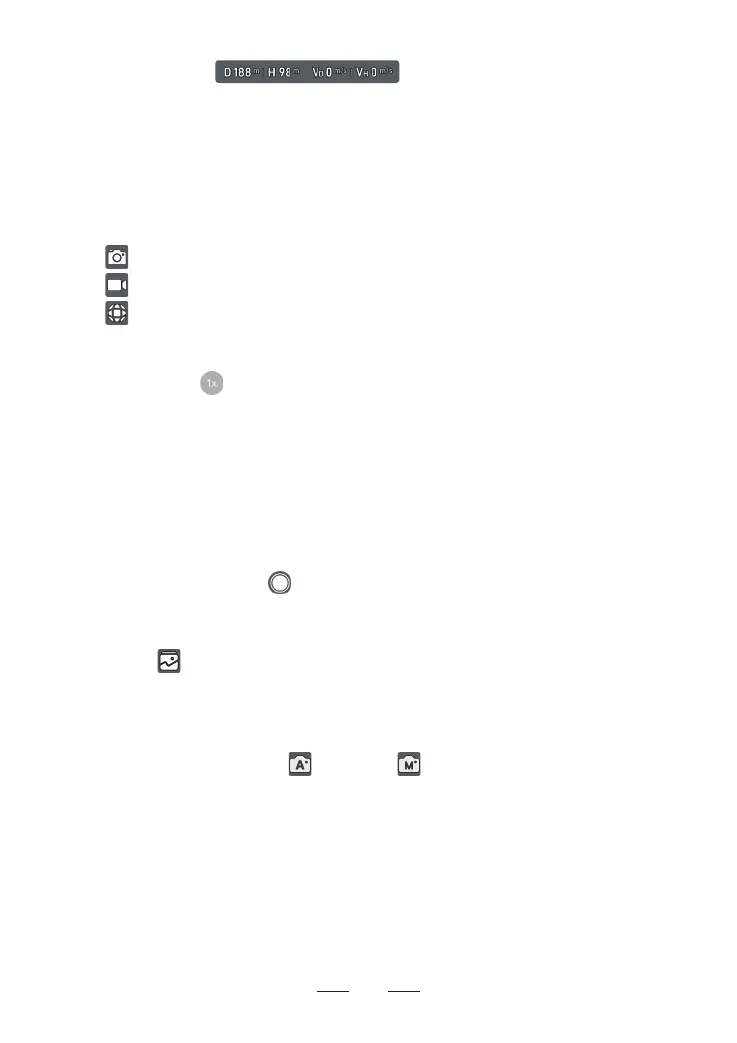
9. Flight Telemet:
D: horizontal distance between the HOME point and the drone
H: relative altitude between the HOME point and the drone
V
D
: drone horizontal speed
V
H
: drone veical speed
10. Shooting Modes:
30
11. Digital Zoom:
Displays the zoom ratio. Tap to adjust the zoom ratio. Tap and hold the icon to expand
the zoom dial and drag the dial up and down to adjust the zoom ratio. Use two ngers
on the screen to zoom in or out.
The camera suppos 2x digital zoom in photo shot (unavailable in 8K) and up to 4x in
video recording (2x in 4K, 3x in 2.7K, 4x in 1080p@24/25/30 fps but unavailable in
1080p@50/60 fps).
12. Shutter/Record Button:
Tap to take a photo or to sta or stop recording a video.
13. Album:
Tap to view the captured photos and videos.
14. Camera Mode Switch:
Tap to switch between Auto and Manual mode. In Manual mode, you can set
ISO, Shutter Speed and WB parameters by obseing the EM value.
Photo: Single, Burst, Inteal Timer, BRK and 8K.
Video: Normal, AI Night and Slow Motion.
Panorama: 180°, Veical, Wide Angle.



 To Next Page