WMA-5 Operation Manual V. 1.01 12 support@ppsystems.com
Getting Familiar with the WMA-5
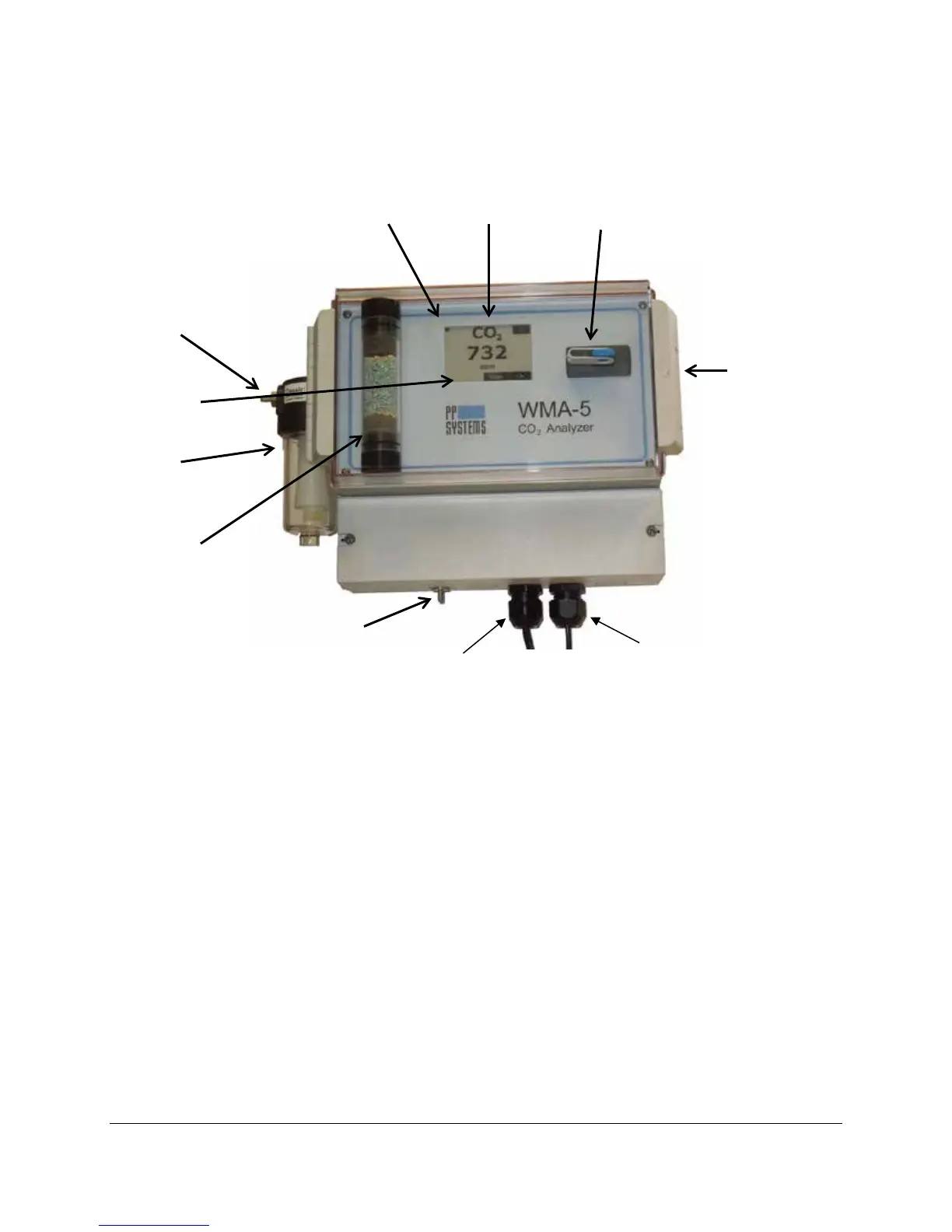
Touch Display
The WMA-5 features a 2.7” a-Si, active matrix TFT, Electronic Paper Display (EPD) touch panel. The
panel has such high resolution (117 dpi) that it is able to easily display fine patterns. Due to its bi-stable
nature, the EPD panel requires very little power to update and needs no power to maintain an image.
Features
• a-Si TFT active matrix Electronic Paper Display(EPD)
• Resolution: 264 x 176 pixel
• Ultra low power consumption
• Super Wide Viewing Angle - near 180°
• Extra thin & light
• SPI interface
• RoHS compliant
Status Box
All messages and warnings are displayed in the Status Box which is located in the bottom left hand
corner of the display. A flashing ♥ (Heart) symbol in the upper left hand corner of the display indicates that
the system is powered on.
Power Status (
Touch Display USB Flash Memory Port
Status Box
Water Trap
Absorber
Column (CO
2
Scrubber)
clear cover to
access display,
absorber and
USB port.



 To Next Page