WMA-5 Operation Manual V. 1.01 42 support@ppsystems.com
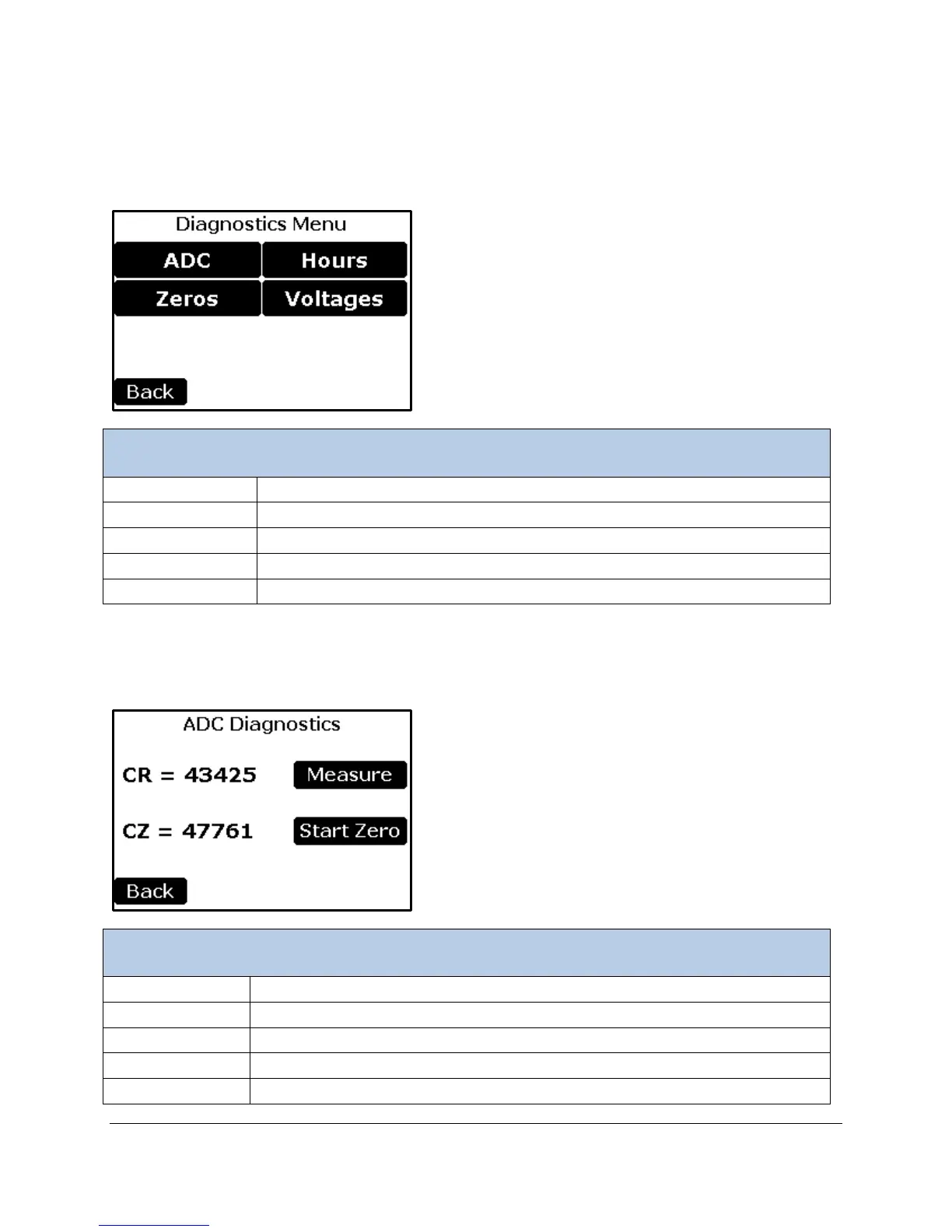
Diagnostics
This menu monitors and reports key system diagnostics associated with WMA-5 hardware. It is generally
used for troubleshooting and diagnosing potential problems associated with the instrument.
To read the CO
2
IRGA ADC values
To retrieve the last 7 zero ADC values
To Display the WMA-5 Hours
To Display the various measured voltages
Returns to the Main Menu.
ADC Diagnostics
This is the reading from the 16 bit A/D converter for the CO
2
detector.
To Modify the Diagnostic Modes setting. The Button displays the current mode
This is the reading from the last zero.
Returns the display back to the Diagnostic Menu.



 To Next Page