WMA-5 Operation Manual V. 1.01 35 support@ppsystems.com
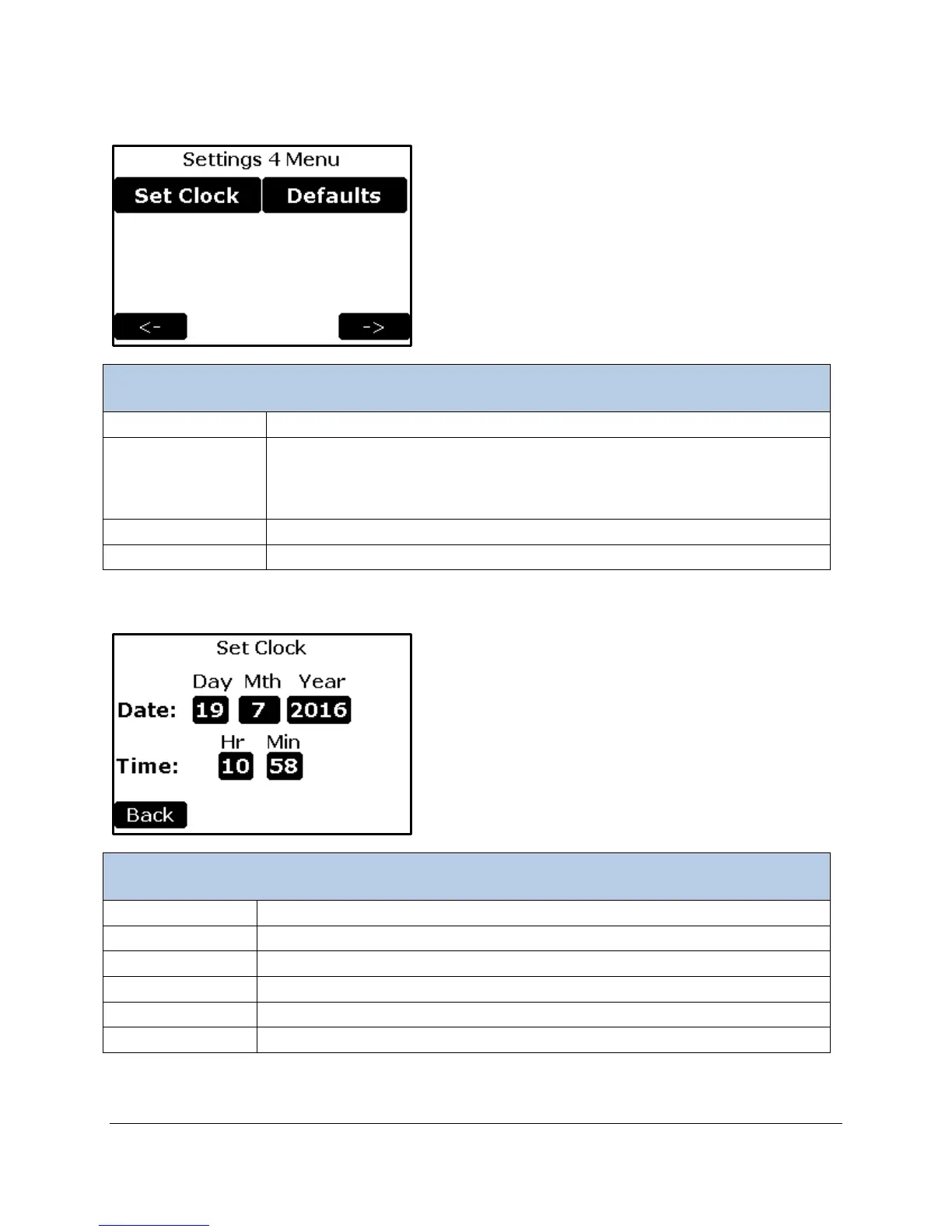
Settings 4 Menu
To set the time and date of the WMA-5
To reset all parameters to factory defaults
This function allows the user to initialize the WMA-5 to its factory default
values. This feature may be needed to correct an erroneous calibration, or to
simply undo undesirable configuration changes.
Returns to the Settings 3 Menu screen.
Continues to the Settings 1 Menu screen.
Set Clock Settings
To set the hour ( 0 – 23) (24 hour format)
To set the minutes (0 – 59)
Returns to the Settings 4 Menu.



 To Next Page