WMA-5 Operation Manual V. 1.01 30 support@ppsystems.com
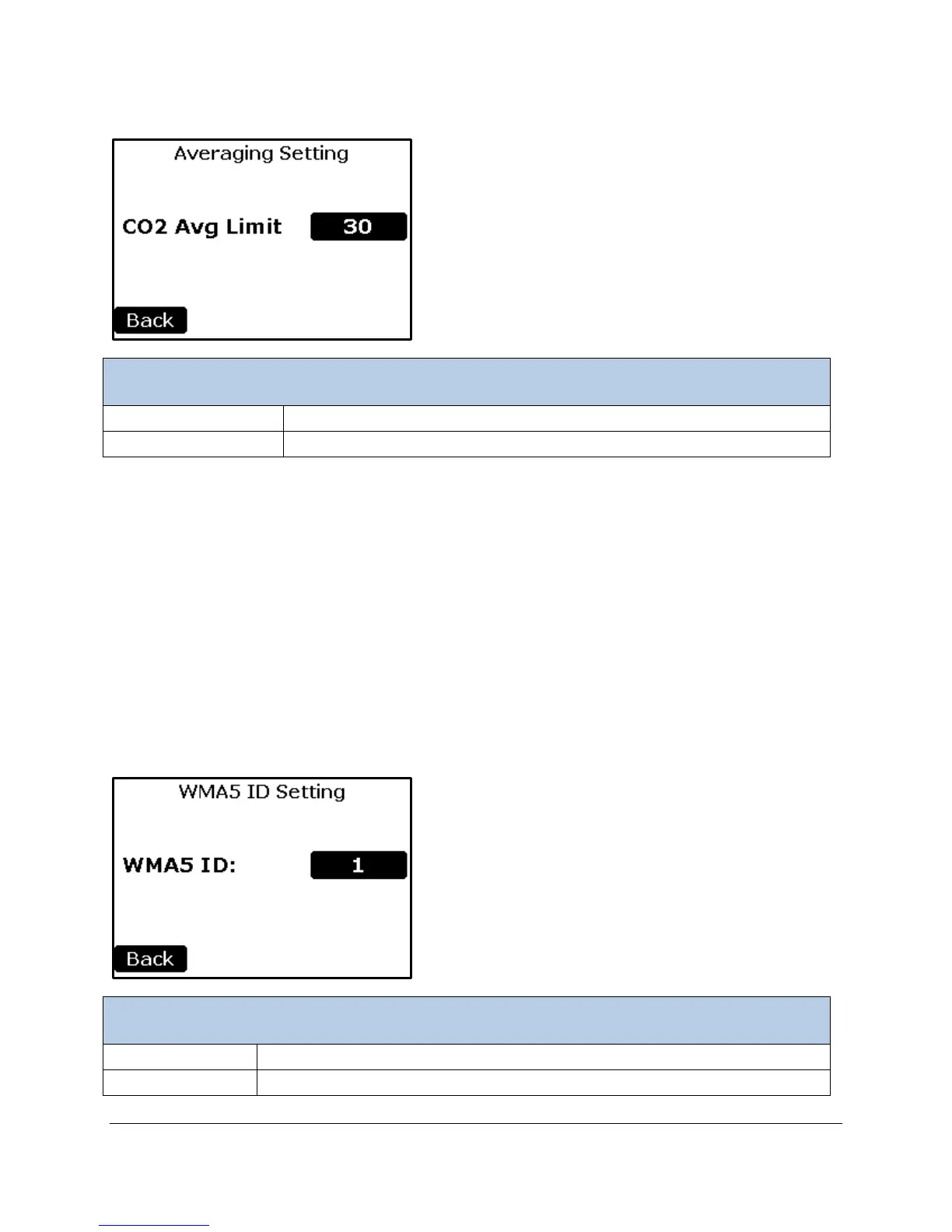
Averaging Settings
To select the CO
2
limit in which the CO
2
is being averaged.
Returns to the Settings 2 Menu.
Running Average: An exponential running average filter can be applied to smooth out small fluctuations
while remaining sensitive to larger differences by using an Average Limit value. Whenever a new reading
differs from the current running average by more than the CO
2 Avg Limit value, a new running average
begins. Thus, when the CO
2 concentration is changing rapidly, averaging is suspended and the
instrument can track changes at the basic instrument data rate of 1 second. When the CO
2 Avg Limit is
set to 0, no running average is performed. The running average filter response time is 3.5 seconds to
reach 66% of a new value, and 16 seconds to reach 99%. In other words, if Avg Limit is set above 100
ppm and the inlet sample gas concentration instantaneously changed by 100 ppm, it would take 4
seconds for the CO
2 reading to change by 66 ppm; then after 16 seconds, the measured value would
change by 99 ppm.
WMA ID Settings
To Select device ID Range 0-9 (the Default is 1)
Returns to the Settings 2 Menu.



 To Next Page