WMA-5 Operation Manual V. 1.01 41 support@ppsystems.com
The O
2
concentration Value entered at the beginning of the Calibration Process.
Returns to the Calibration Menu with no changes.
Calculates new Scale Factor and goes to next screen
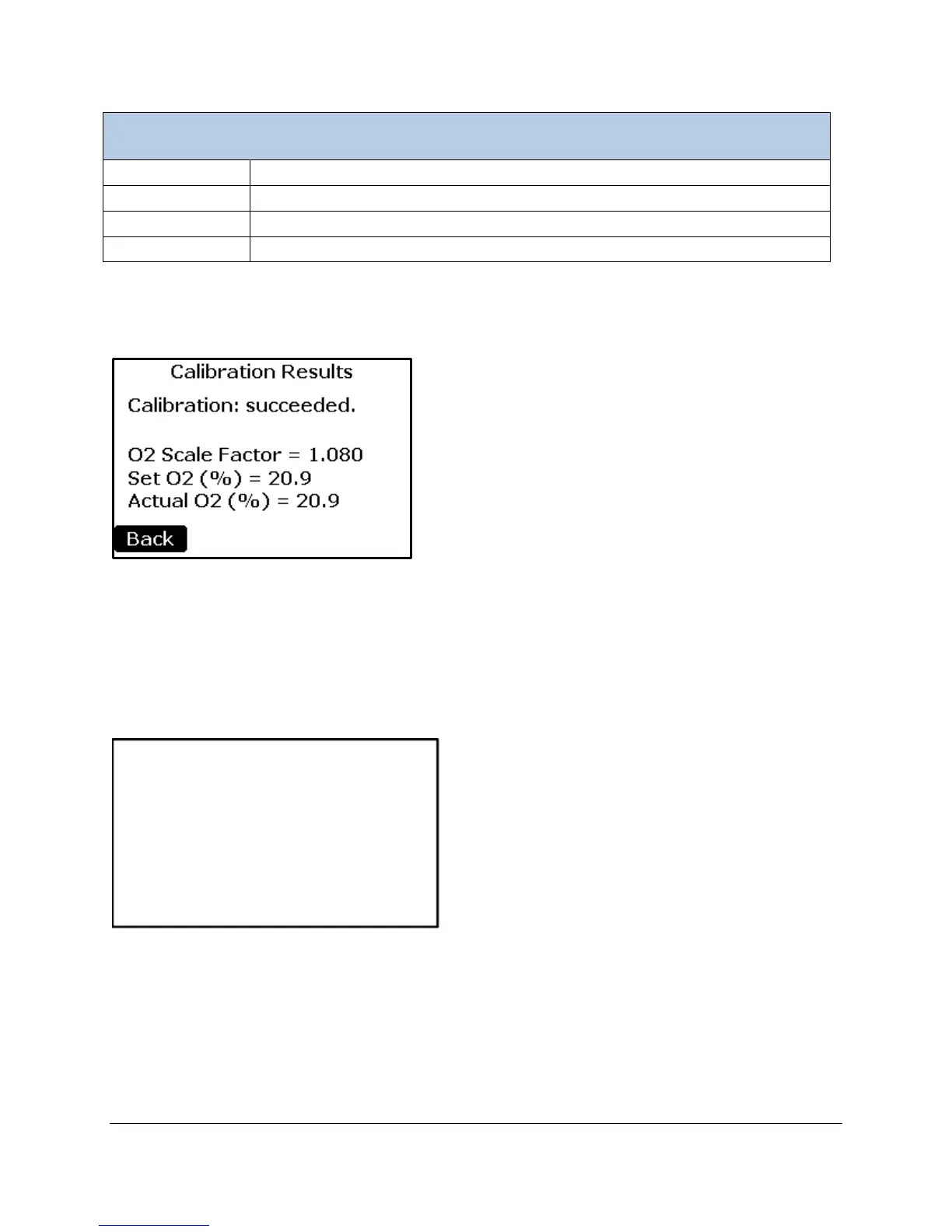
If the process is successful, the screen below will be displayed and the new calibration constant will be
stored in non-volatile memory. If the process is unsuccessful, the message “Calibration: failed.” will be
displayed and no changes made.
The Back button returns the user back to the Main Menu.
Touch Calibration
This function allows the user to calibrate the touch screen display. Follow the on-screen prompts to
complete the process.
NOTE: This function can also be initiated by holding a finger on the screen while powering up the WMA-
5. If your touch screen is not reacting to your touch:
1. Turn the instrument off.
2. Place your finger anywhere on the touch display and turn system power on and wait for the next
screen to appear.
3. Proceed as directed with the touch screen calibration.
screen calibration.
continue.



 To Next Page