WMA-5 Operation Manual V. 1.01 24 support@ppsystems.com
Settings
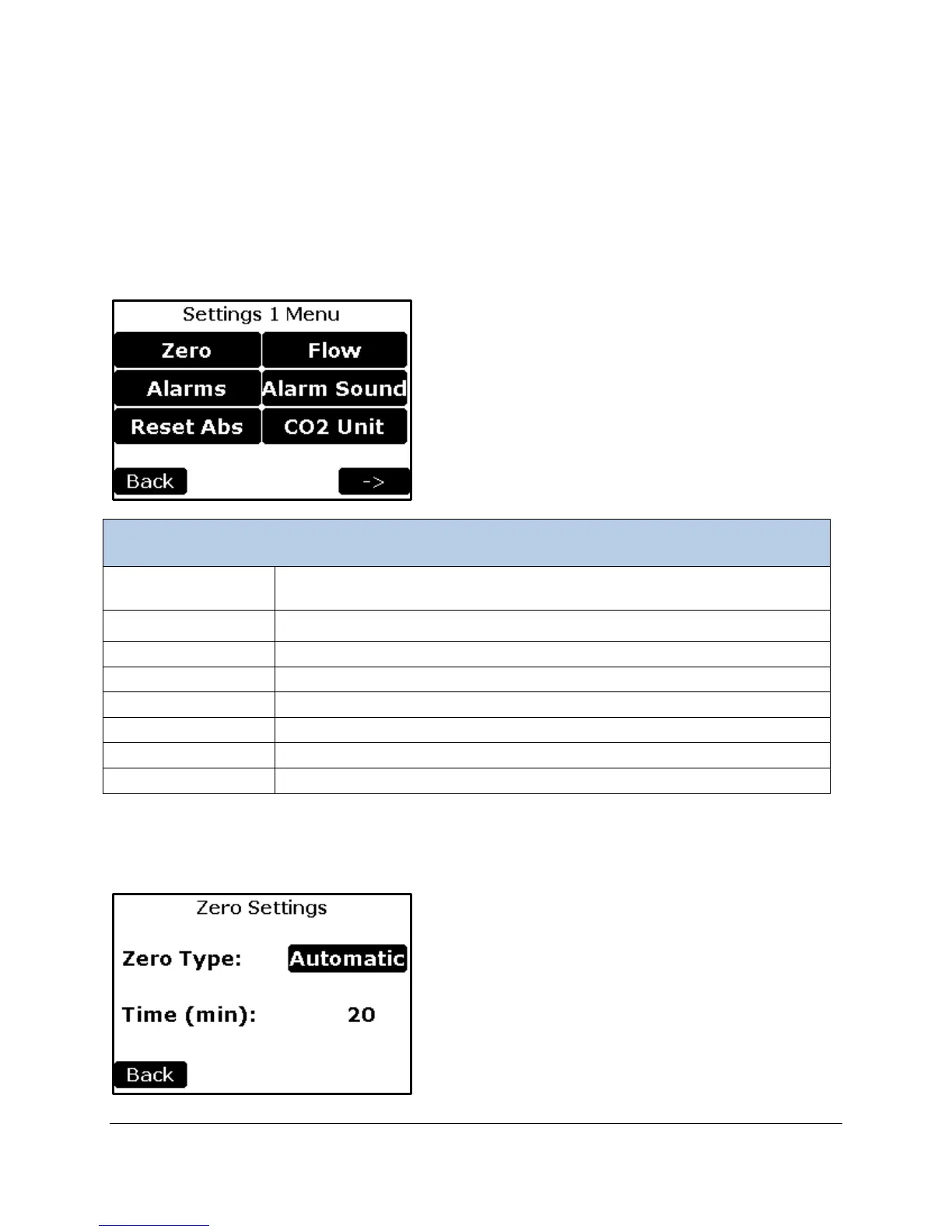
There are four settings menus; Settings 1-4. Generally, the settings have been grouped related to their
frequency of change and common functionality.
Settings 1 Menu
This menu contains the first tier and most common settings for the WMA-5 including the Zero, Alarms,
Reset Abs (Reset Absorber Column), Flow, Alarm Sound, and CO
2
Units.
Change/view the settings associated with the zero (zero type and time interval
for performing zeros).
To set the CO2 limits low and high which will cause an alarm
To indicate that absorber material has been replaced and reset.
To enable or disable the alarm sounds
To Select the units for Measure Screen Display (ppm or %)
Returns to the Main Menu.
Continues to the Settings 2 Menu screen.
Zero Settings
This function allows the user to change/view the zero parameters used by the WMA-5.



 To Next Page