WMA-5 Operation Manual V. 1.01 58 support@ppsystems.com
Communication Summary
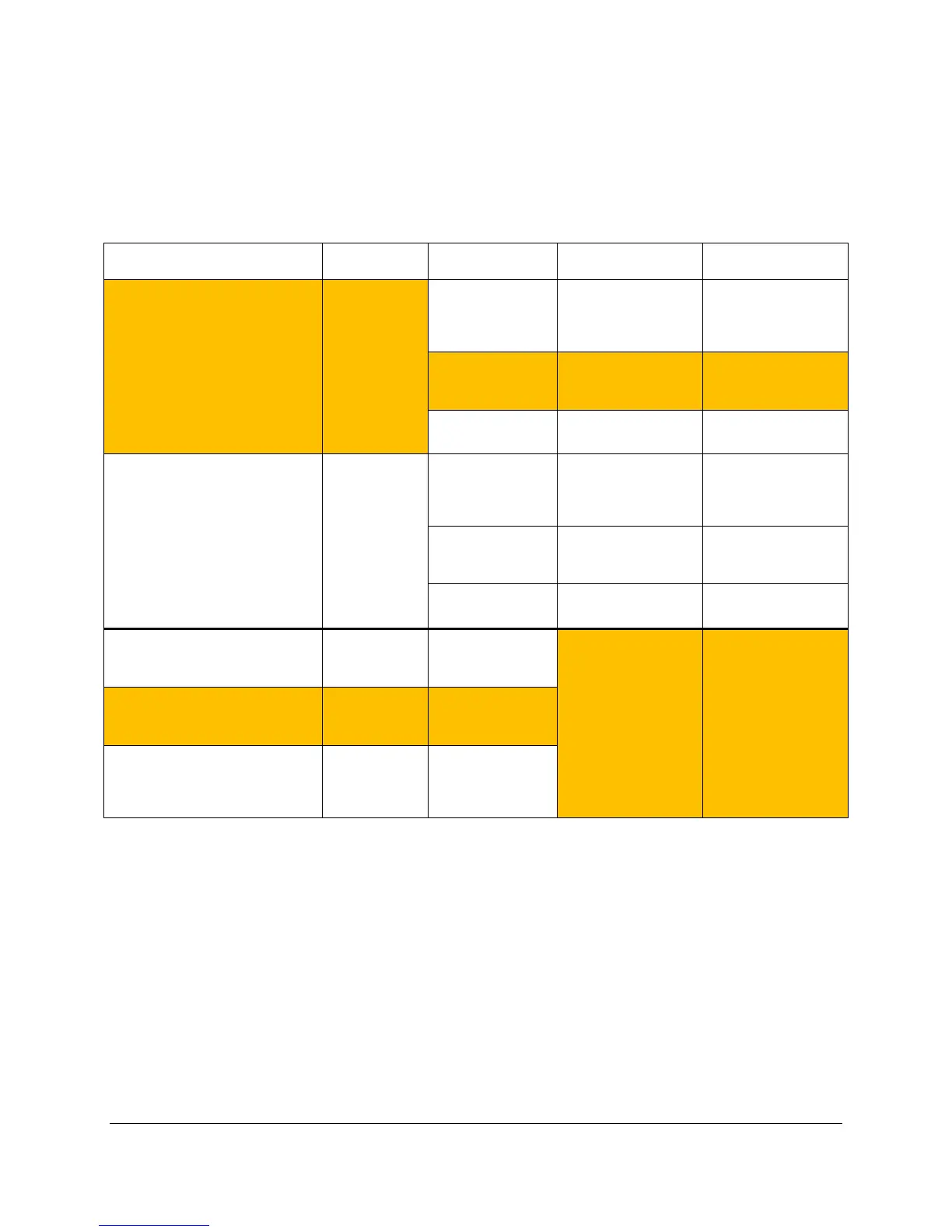
The following table summarizes the communication methods and protocols described in the preceding
sections. In addition, other capabilities exist within the WiFi option that may be useful to some users
attempting to write custom code on a wireless connection – please contact PP Systems for more
information.
USB 0-2 meter
Any USB host
device (PC, laptop,
iPad)
Any terminal emulation
program such as
HyperTerminal,
TeraTerm, PuTTY
in real time,
Able to change WMA-5
settings with simple
and above
computer with a
Analysis Software)
Graphical display of
data, and data logging
Any USB host
device
Custom user code
user equipment or data
RS232 0-60 meter
Any device with a
serial port
Any terminal emulation
program such as
HyperTerminal,
TeraTerm, PuTTY
in real time,
Able to change WMA-5
settings with simple
and above
computer with a
Analysis Software)
Graphical display of
data, and data logging
Any serial device Custom user code
user equipment or data
Wireless (WiFi) – Soft Access Point
(no router required)
0-15 meter
with a browser (PC,
iPad, iPhone,
Any browser (Internet
Explorer, Firefox,
Chrome, Safari)
View WMA-5 web
pages with live data
and trend. Able to
change wireless
settings, but not WMA-
5 settings.
Wireless (WiFi) – Client Mode
(WMA-5 connected to LAN via
existing router)
LAN extent
LAN with a browser
(PC, iPad, iPhone,
Wireless (WiFi) – Client Mode
(WMA-5 connected to LAN via
existing router, AND the router
firewall is configured to allow
Worldwide
Any device in the
world with a
browser
Notes:
• USB and RS232 can not be used simultaneously.
• Highlighted blocks are the expected use methods for most customers.
Wireless Network Settings
The WMA-5 Wi-Fi embedded device server contains two network interfaces. The Software enabled
Access Point interface (SoftAP) is also called ap0, and the wireless local area network interface (WLAN)
is called wlan0.
A maximum of four clients can be connected to the SoftAP interface if the WLAN interface is disabled. If
the WLAN interface is enabled a maximum of three clients may be connected.



 To Next Page