EasyManua.ls Logo

PP Systems WMA-5 - Settings 2 Menu; Analog Settings

Default Icon
74 pages
Print Icon
To Next Page IconTo Next Page
To Previous Page IconTo Previous Page
Loading...
WMA-5 Operation Manual V. 1.01 29 support@ppsystems.com
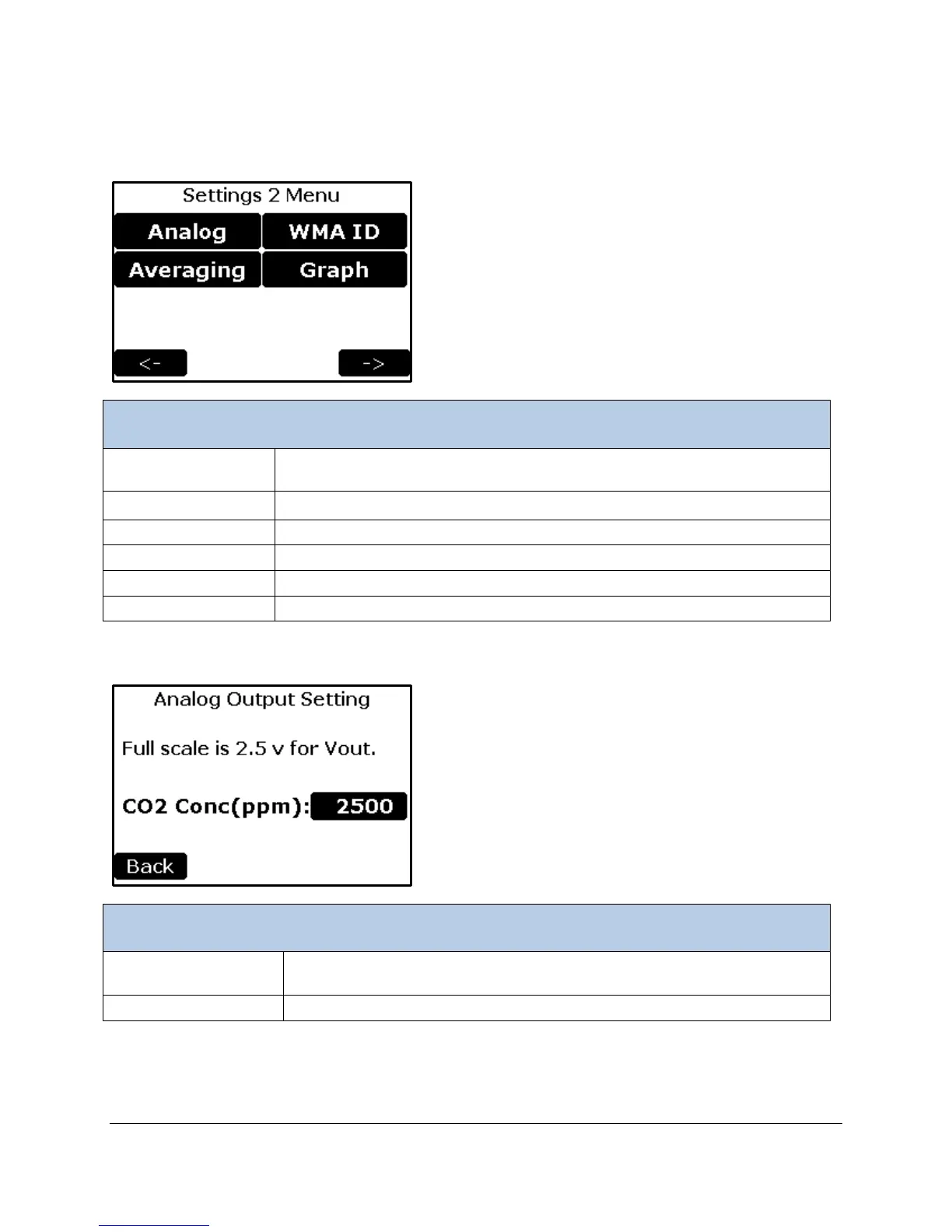
Settings 2 Menu
Settings 2 Menu
Analog Button
To set the CO
2
concentration corresponding to the full scale analog output
value.
Averaging Button
Sets the CO
2
averaging value range
WMA ID Button
To select an ID number of the WMA-5
Graph Button
To set the CO2 Y-axis range for the graph.
Back Button
Returns to the Settings 1 Menu screen.
Right Arrow Button
Continues to the Settings 3 Menu screen.
Analog Settings
Analog Settings
CO2 Conc (ppm)
Button
To set the CO
2
concentration corresponding to the full scale analog output
value.
Back Button
Returns to the Settings 2 Menu.

Table of Contents

Related product manuals