WMA-5 Operation Manual V. 1.01 55 support@ppsystems.com
Selects the Host serial port.
’0’ USB (TTL serial 3.3v)
’1’ RS232 (compliant RS232
1=RS232
GAS (Gas Analysis Software)
PP Systems Windows
®
based GAS (Gas Analysis Software) software is available for displaying and
logging data from the WMA-5. No programming or command-line knowledge is required to utilize the GAS
software. Connection between the WMA-5 and computer is via the USB interface. GAS will run on
Windows XP and above.
The GAS software is included on the flash drive that comes with each new instrument (Part No. xxxxx),
under the “PC Utilities\GAS_v[x]” directory, where [x] is the version number. GAS is also available for
download directly from our website (for registered users only). To install GAS, double click on “setup.exe”.
A number of standard installation windows will be shown to guide you through the installation process.
Once GAS is installed, the following icon will appear on the desktop:
Double click this icon to start GAS.
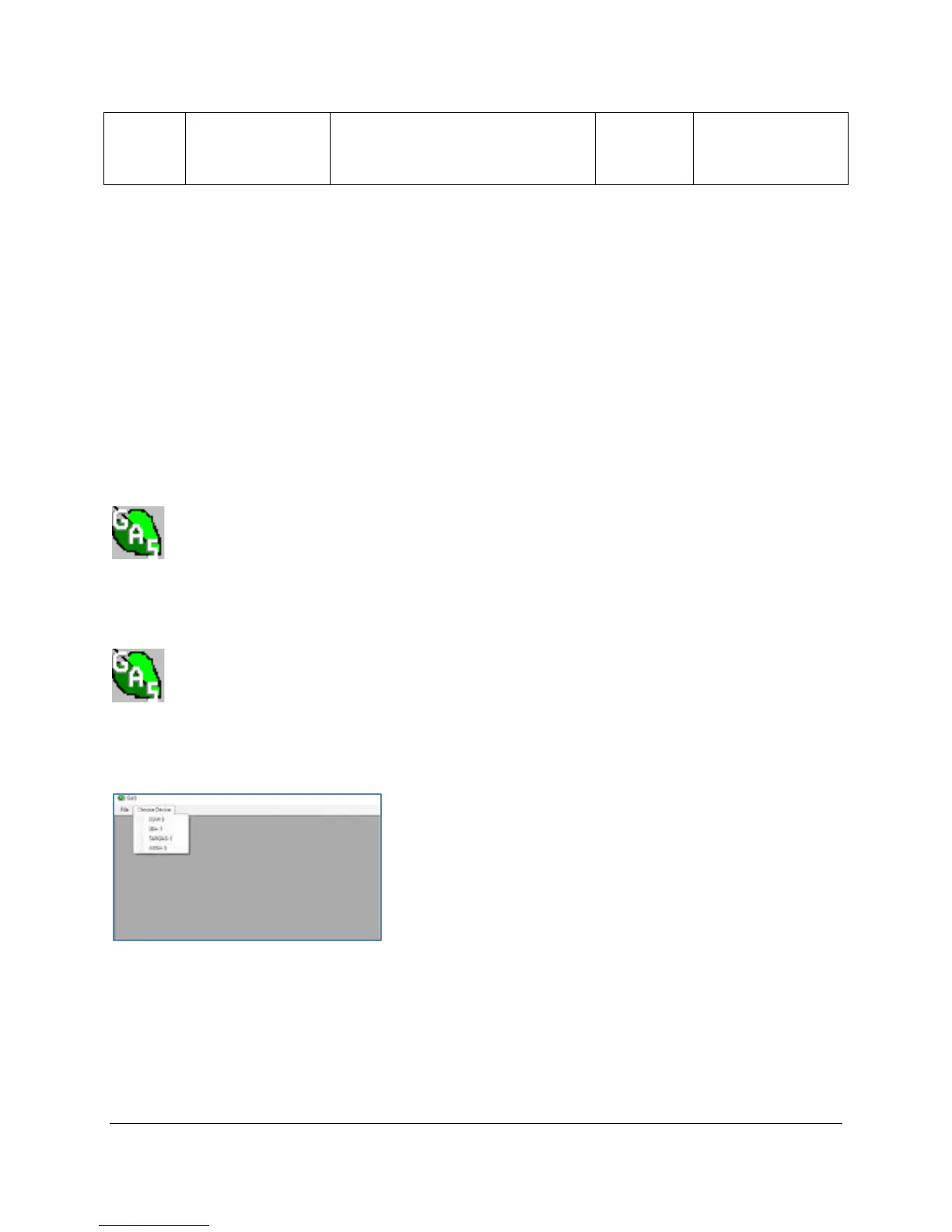
Click Choose Device and choose WMA-5.
A new WMA-5 tab window will appear. Next, click the Connect button.



 To Next Page