WMA-5 Operation Manual V. 1.01 32 support@ppsystems.com
Configures the data format and time interval that the measure data will sent to
a computer via a terminal emulation program (i.e. Hyperterminal).
Configures the data format and time interval that the measure data will sent to
the internet.
Configures the data format and time interval that the measure data will sent to
a USB memory stick
To select which Port to connect Host.
To reset Wi-Fi to Factory Settings (if installed)
Returns to the Settings 2 Menu screen.
Continues to the Settings 4 Menu screen.
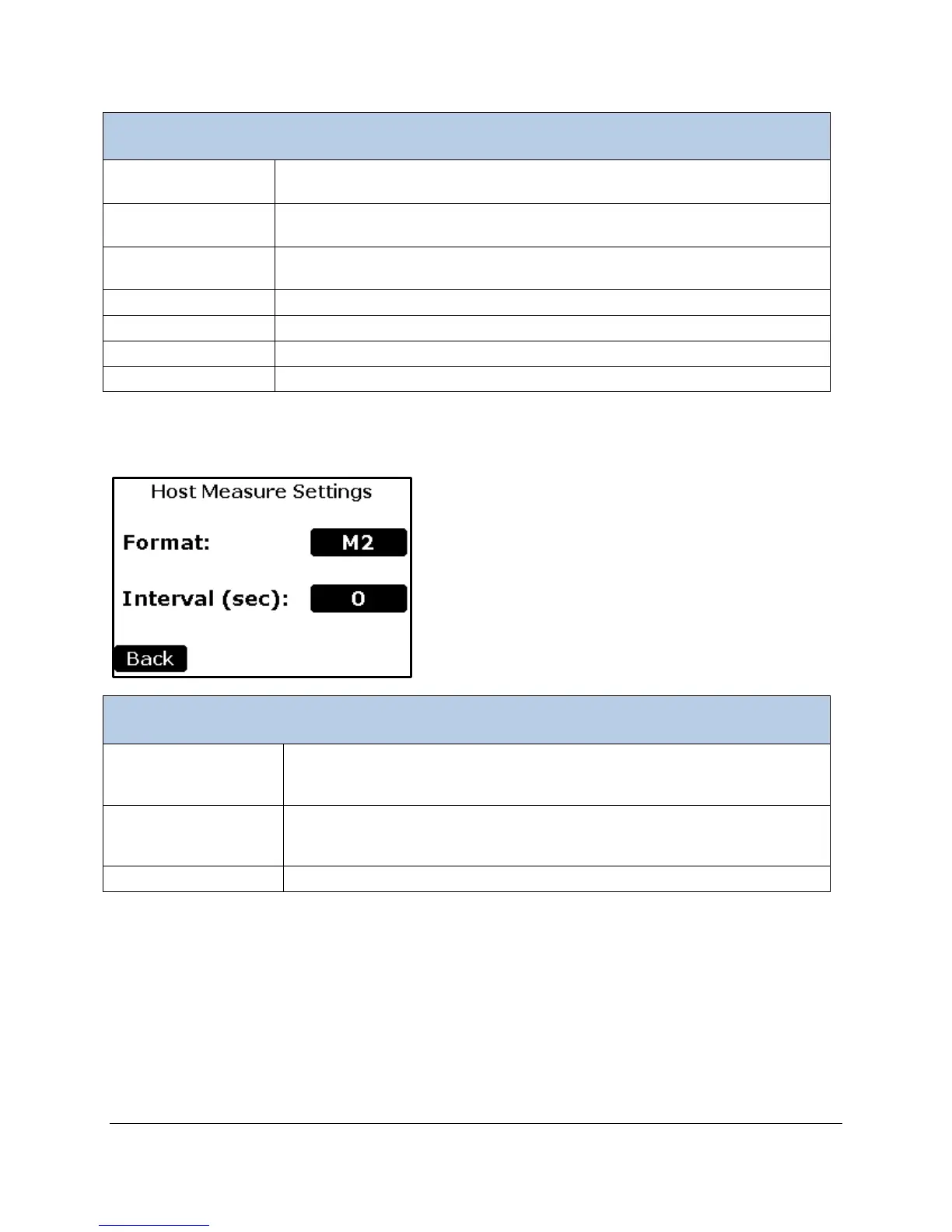
Host Settings
Determines the measure data format. All data formats are available (M1-
M6). The default is M2. See the Measure Format Settings table for a detailed
description of each format is below.
Determines the time interval in seconds in which the measure data will be
sent. A value of 0 stops sending data. The maximum value is 3600 seconds
Returns to the Settings3 Menu.



 To Next Page