WMA-5 Operation Manual V. 1.01 33 support@ppsystems.com
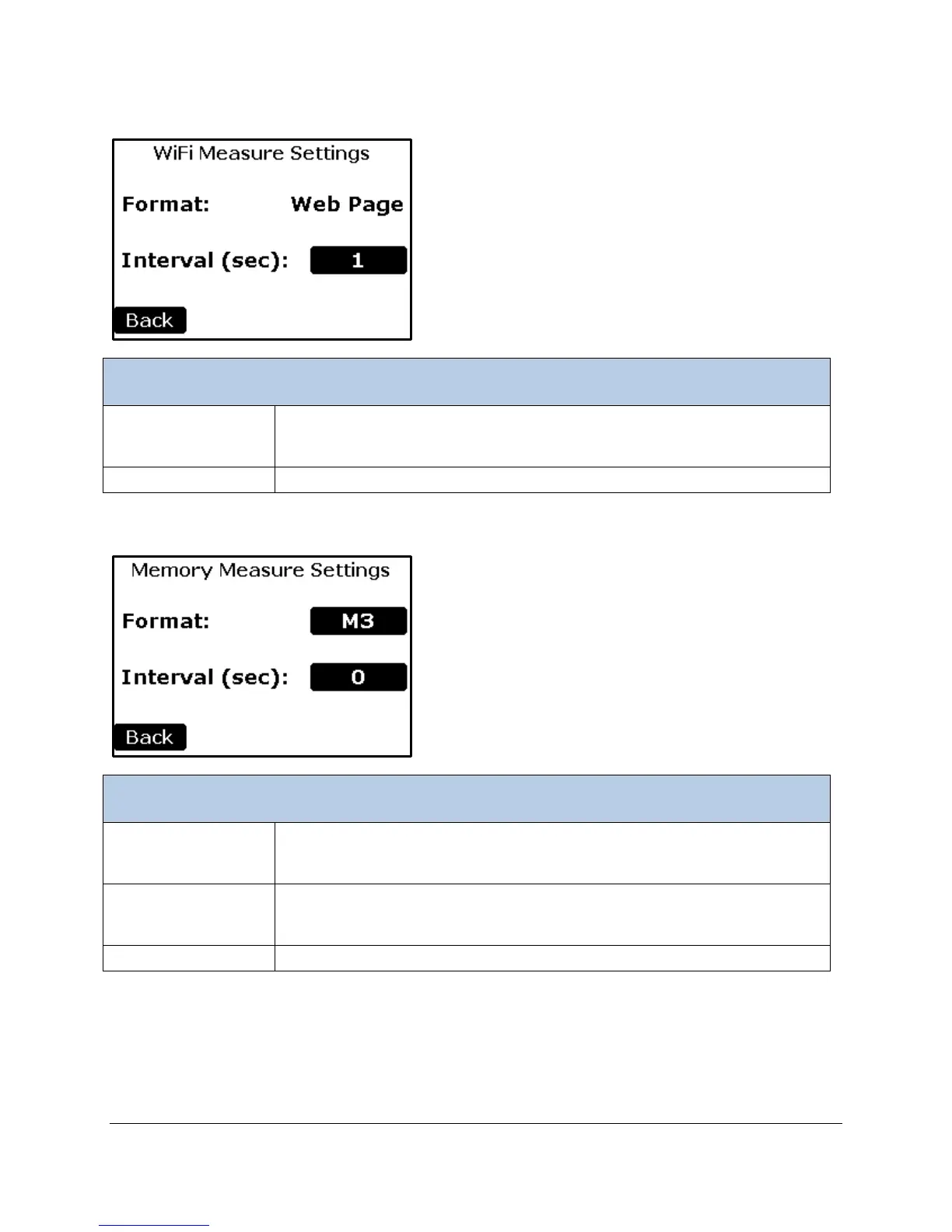
WiFi Settings
Determines the time interval in seconds in which the measure data will be
sent. A value of 0 means no data sent. The maximum value is 3600 seconds
(1 hour). Default is 1 second.
Returns to the Settings3 Menu.
Memory Settings
Determines the measure data format. All data formats are available (M1-M6).
The default is M3. See the Measure Format Settings table for a detailed
description of each format is below.
Determines the time interval in seconds in which the measure data will be
sent. A value of 0 means no data sent. The maximum value is 3600 seconds
Returns to the Settings3 Menu.



 To Next Page