WMA-5 Operation Manual V. 1.01 23 support@ppsystems.com
Goes back the previous screen (Variables 2 Screen).
Selects the next measurement screen (Measure Screen).
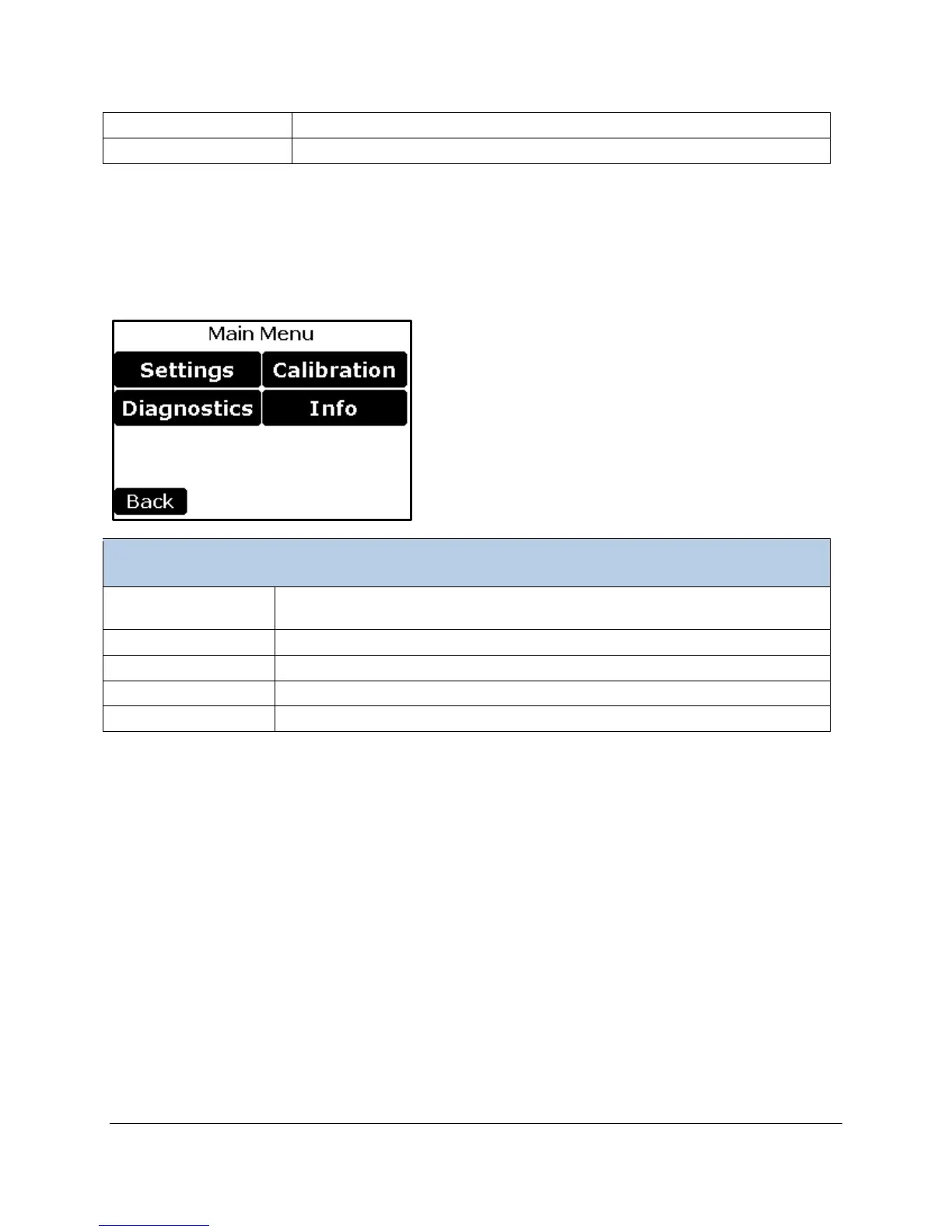
Main Menu
The Main Menu screen is displayed when the Main button is selected in the Measure screen. This menu
is the top level menu for all settings and user functionality of the system.
Controls major settings of the WMA-5. There are four sub menus under
Settings.
Performs system diagnostics for troubleshooting purposes.
Used to calibrate the CO
2
gas analyzer, O
2
Sensor, and the Touch Screen.
To obtain version information and contact info
Goes back to Measure screen



 To Next Page