WMA-5 Operation Manual V. 1.01 38 support@ppsystems.com
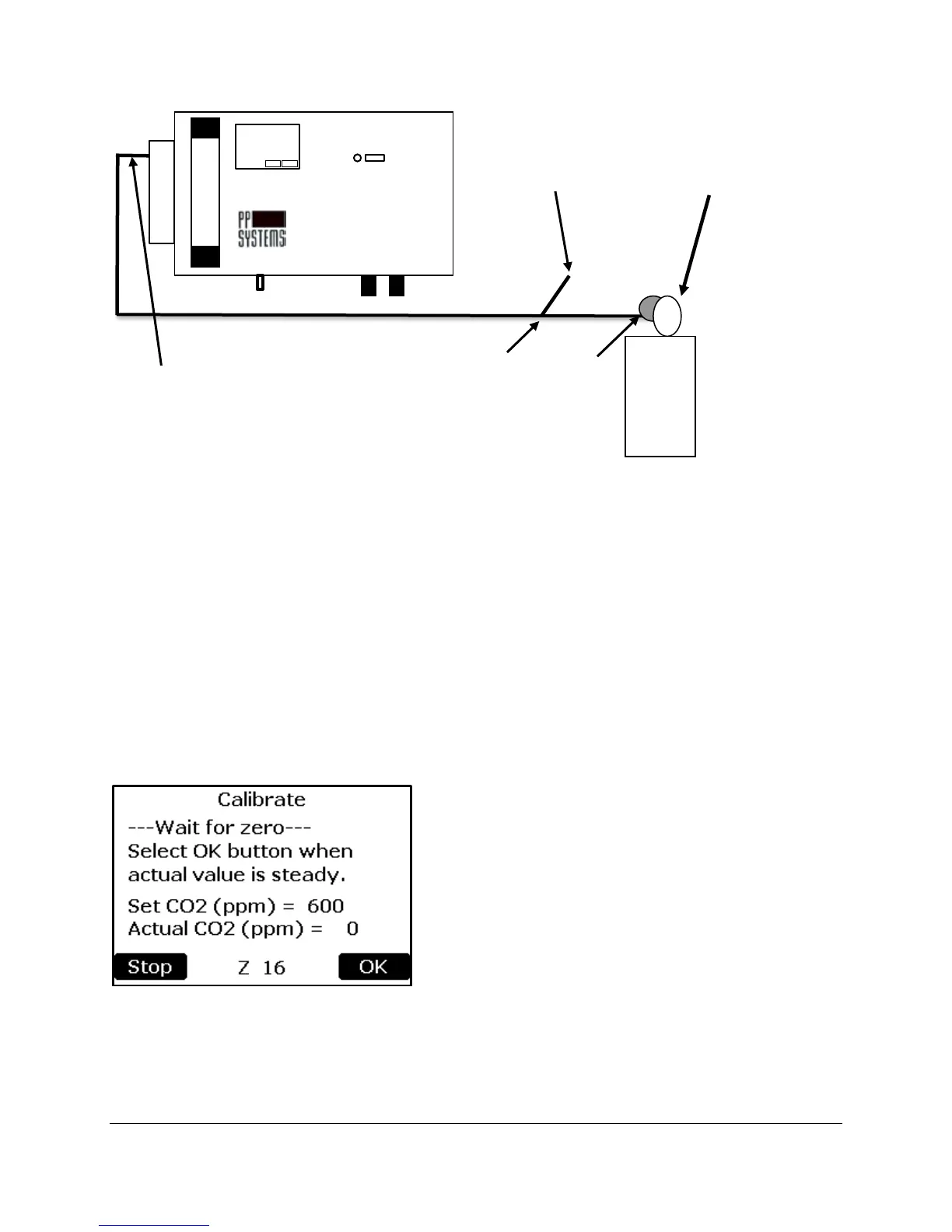
2. The pressure regulator should be set to a very low pressure and there should be a slight flow excess
gas venting from the open “T” Piece (approx. 250 ml/min).
3. Select the button to the right of the “CO
2
Conc (ppm):” text. The numerical keypad will appear
allowing a new number to be inputted. See numerical keypad description under Zero Time section for
details.
4. Enter the CO
2
concentration of the calibration gas that you are using. This value must match the
certified CO
2
concentration of the calibration cylinder and be similar or higher than the anticipated
measurement range of the instrument (i.e. it is best to calibrate the instrument with a reference gas
containing 350 - 450 ppm CO
2
when measuring around 350 ppm CO
2
).
5. The WMA-5 will then perform a zero. At completion of successful zero, a similar message to the
following will be displayed.
CO
2
Analyzer
CO
2
Gas
Cylinder
Regulator
to vent excess
Valve
approx. 250 cc/min
390



 To Next Page