161
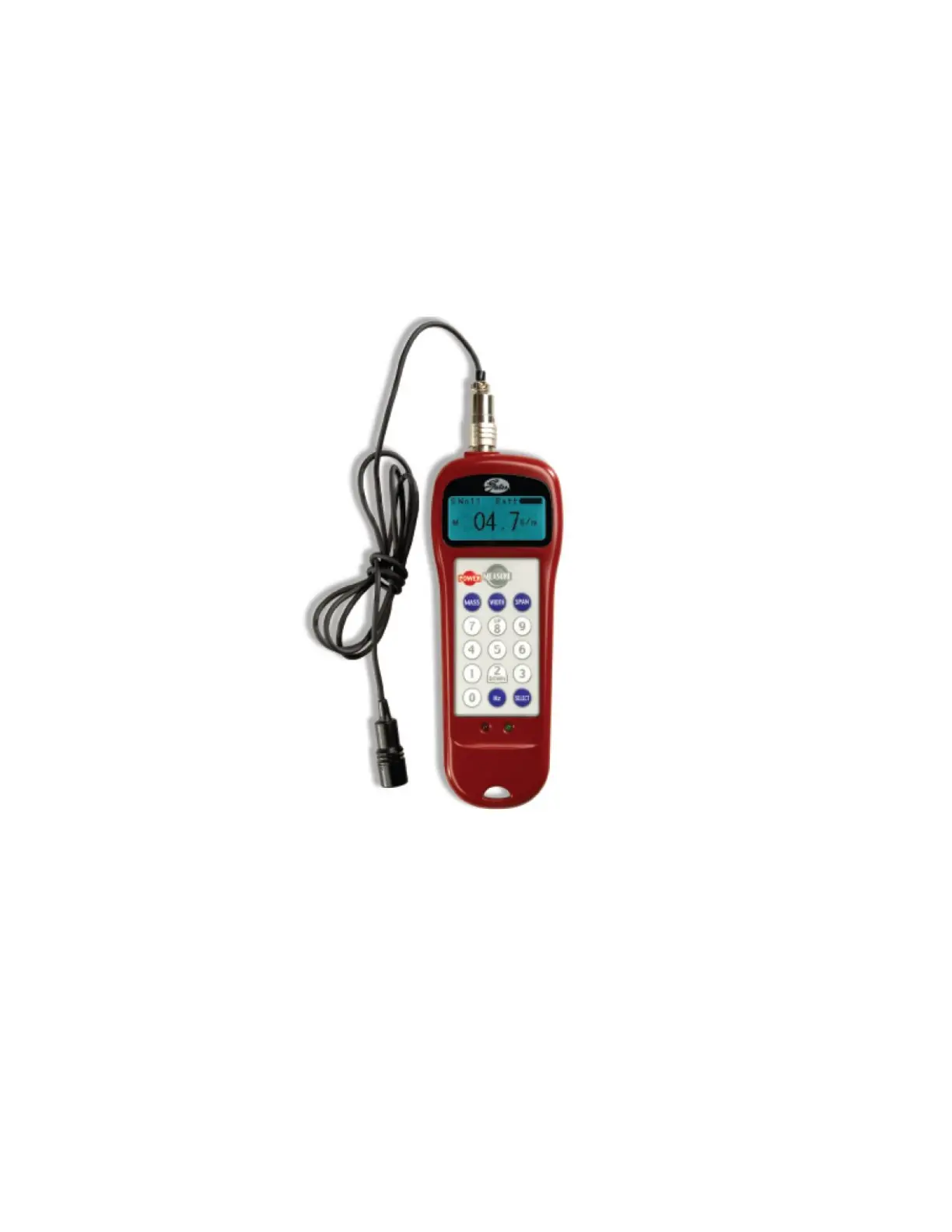
Appendix E: Belt Tensions, Gates Tension Meter
In some cases it may be desirable to confirm the belt tension of one of the axes in the robot. This is not
normally required, as the robot has been designed with spring tensioners that only require loosening and
then re-tightening some clamping screws to reset the belt tensions. However in the case of the long Z
column belts it is possible that after several years of operation, the belt may stretch enough that the
tension spring pre-load screw may need to be adjusted. If it appears a belt tension is not being adjusted
properly by the pre-load spring, the tension can be checked with a Gates Sonic Tension Meter, Model
507C or 508C.
To use the tension meter
1. Turn on the power
2. Press the “Mass” button and enter the belt mass from the table below.
3. Press the “Width” button and enter the belt width from the table below.
4. Press the “Span” button and enter the belt free span from the table below.
5. Press “Select” to record the data.
6. Press “Measure” to take a tension reading.
7. Place the microphone near the belt, typically within 3mm or so. Gently pluck the belt so that it
vibrates. The tension meter will calculate the belt tension from the acoustic vibrations and display
the tension in Newtons. Compare the tension to the table below. Adjust the belt tension preload
screws if necessary.



 To Next Page