Model PD6000 Analog Input Process Meter Instruction Manual
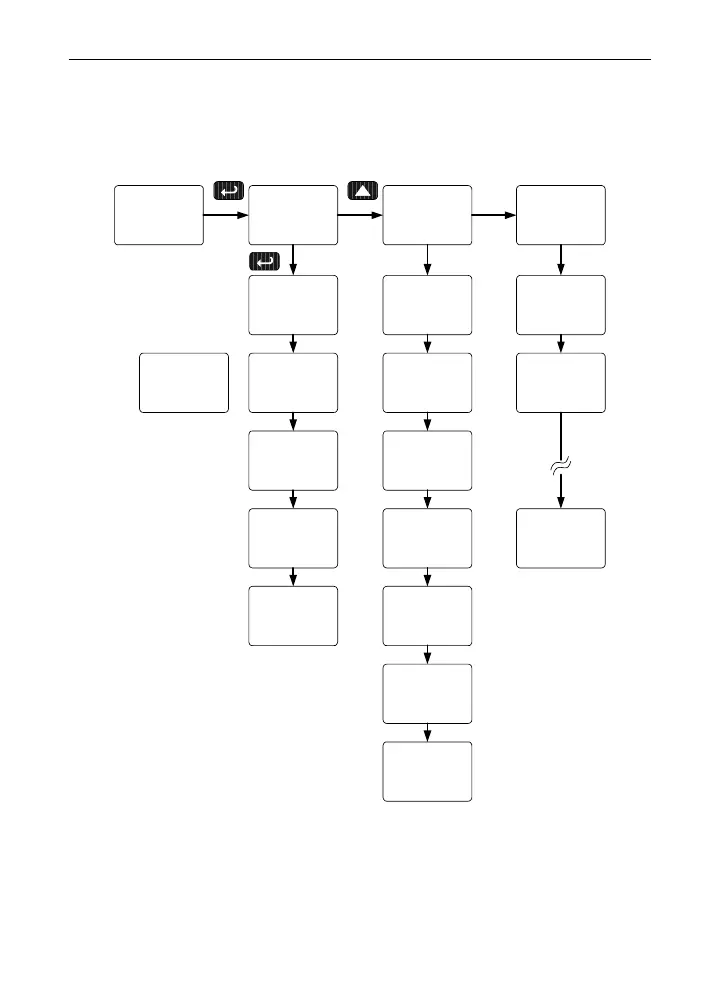
Display Setup Menu
•
Press the Up arrow to change selection
• Press Enter to accept setting
• Press Menu to exit programming
Dsplay
setup
big
dsplay
Little
dsplay
d-Inty
dsplay
Int 1
d-Inty
Int 2
d-Inty
Int 8
d-Inty
d pU
big
dset 1
big
d Hi
big
d Lo
big
d HL
big
d pU
Little
dset 1
Little
d Hi
Little
d Lo
Little
d HL
Little
d unit
Little
d oFF
Little
Select
Set Points
1 -8
After setting up the input and display, press the Menu button to exit pro-
gramming and skip the rest of the setup menu. Press the Menu button
again and the Up arrow to reach the
Program menu and complete the
scaling or calibration of the meter.
34



 To Next Page