Model PD6000 Analog Input Process Meter Instruction Manual
Programming the Meter (prog)
It is very important to read the following information, before proceeding
to program the meter:
• The meter is factory calibrated prior to shipment to read in mil-
liamps and volts depending on the input selection. The calibration
equipment is certified to NIST standards.
• Use the Scale menu to scale the process inputs (e.g. 4-20 mA). A
calibrated signal source is not needed to scale the meter.
The
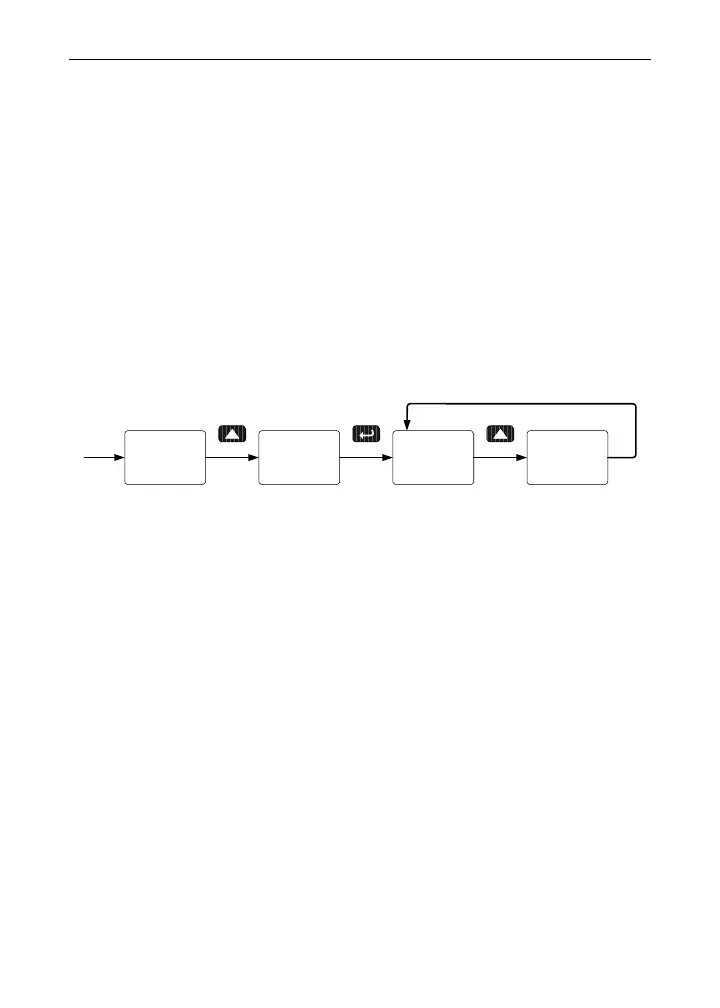
Program menu contains the Scale and the Calibrate menus.
The process inputs may be calibrated or scaled to any display value
within the range of the meter.
prog sCale
Prog
Cal
Prog
Setup
Additional parameters, not needed for most applications, are pro-
grammed in the
Advanced Features menu; see Advanced Features
Menu
, page 60.
Multi-Point Calibration & Scaling
The meter is set up at the factory for 2-point linear calibration. The
number of points for multi-point calibration/scaling is set up in the
Ad-
vanced
Features menu. Up to 32 linearization points may be selected.
See page 66 for details.
Multi-Point Linearization Utility
The meter can be programmed for multi-point scaling using the PC-
based Multi-Point Linearization Utility available for free download at
www.predig.com.
In order to program the meter using a computer, the meter must be
connected using an RS-232 or RS-485 serial adapter, see ORDERING
INFORMATION on page 3 for details.
35



 To Next Page