Model PD6000 Analog Input Process Meter Instruction Manual
METER OPERATION
The meter is capable of accepting current (0-20 mA, 4-20 mA) and vol-
tage signals (0-5 V, 1-5 V, 0-10 V,
± 10 V) and displaying these signals
in engineering units from -99999 to 999999 (
e.g. a 4-20 mA signal could
be displayed as -50.000 to 50.000).
The dual-line display can be customized by the user to operate in such
a way as to satisfy a specific application. Typically the main display is
used for the process variable; while the second display is used engi-
neering units, custom legend, or set point indication.
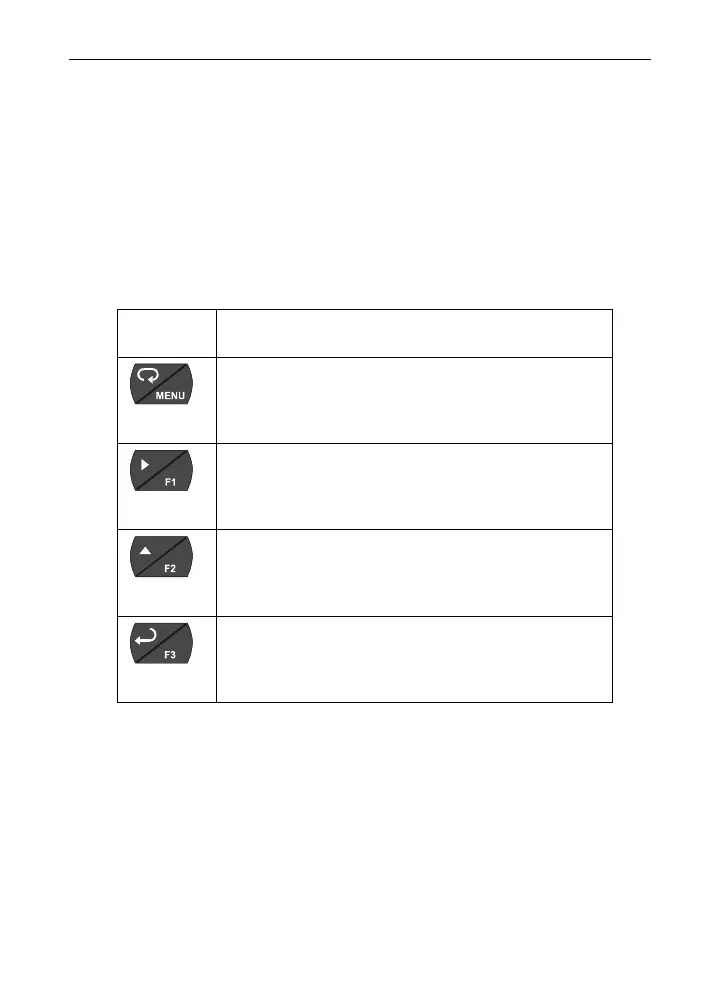
Front Panel Buttons Operation
Button
Symbol
Description
Press to enter or exit Programming Mode,
view settings, or exit max/min readings
Press to reset max/min readings or other
parameter/function assigned through the
User menu
Press to display max/min readings or oth-
er parameter/function assigned through
the User menu
Press to acknowledge relays or other pa-
rameters/function assigned through the
User menu
Function Keys Operation
During operation, the programmable function keys operate according to
the way they have been programmed in the
Advanced Features – User
menu.
The table above shows the factory default settings for F1, F2, and F3.
74



 To Next Page