Model PD6000 Analog Input Process Meter Instruction Manual
Setting the Relay Operation (relay)
This menu is used to set up the operation of the relays.
CAUTION! During setup, the relays do not follow the input and they will
remain in the state found prior to entering the Relay menu.
1. Relay action
a. Automatic reset only (non-latching)
b. Automatic + manual reset at any time (non-latching)
c. Latching (manual reset only)
d. Latching with Clear (manual reset only after alarm condi-
tion has cleared)
e. Pump alternation control (automatic reset only)
f. Sampling (the relay is activated for a user-specified time)
g. Off (relay and status LED disabled)
2. Set point
3. Reset point
4. Fail-safe operation
a. On (enabled)
b. Off (disabled)
5. Time delay
a. On delay (0-999.9 seconds)
b. Off delay (0-999.9 seconds)
6. Relay action for loss (break) of 4-20 mA input (ignore, on, off)
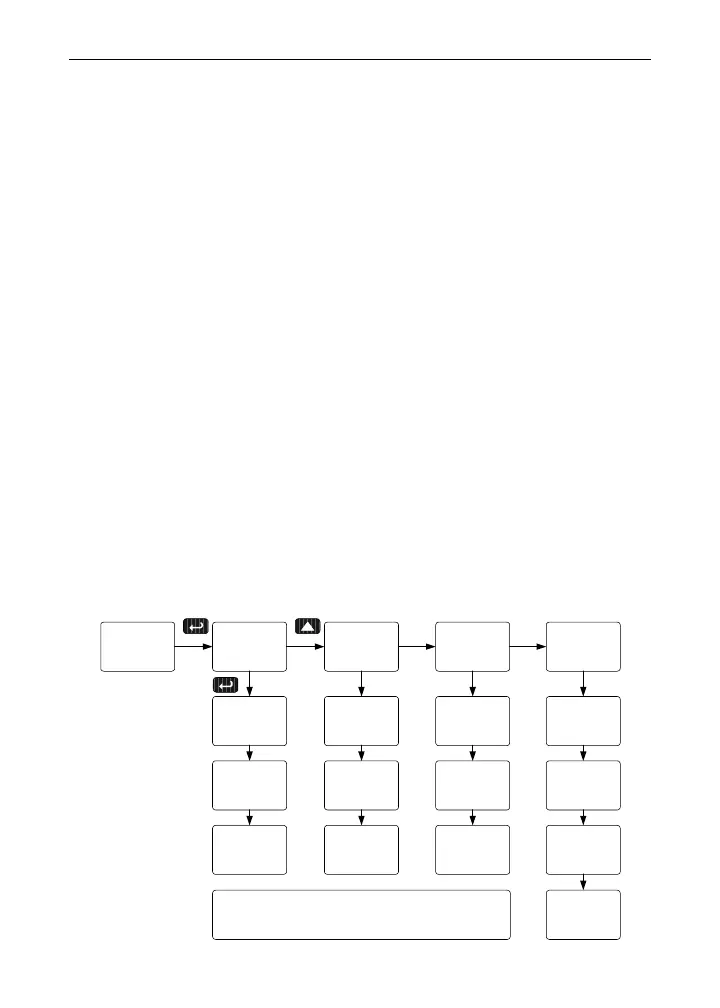
relay
setup
rly 1
relay
delay
relay
dly 1
delay
on
dly 1
Act 1
rly 1
set 1
rly 1
rst 1
rly 1
Note: The setup of relays 2-8 follows the same
pattern shown here for relay 1.
Failsf
relay
on
Fls 1
off
Fls 1
Fls 1
Failsf
break
relay
ignore
break1
On
break1
break1
break
Off
break1
off
dly 1
39



 To Next Page