Model PD6000 Analog Input Process Meter Instruction Manual
Reset Meter to Factory Defaults
When the parameters have been changed in a way that is difficult to
determine what’s happening, it might be better to start the setup
process from the factory defaults.
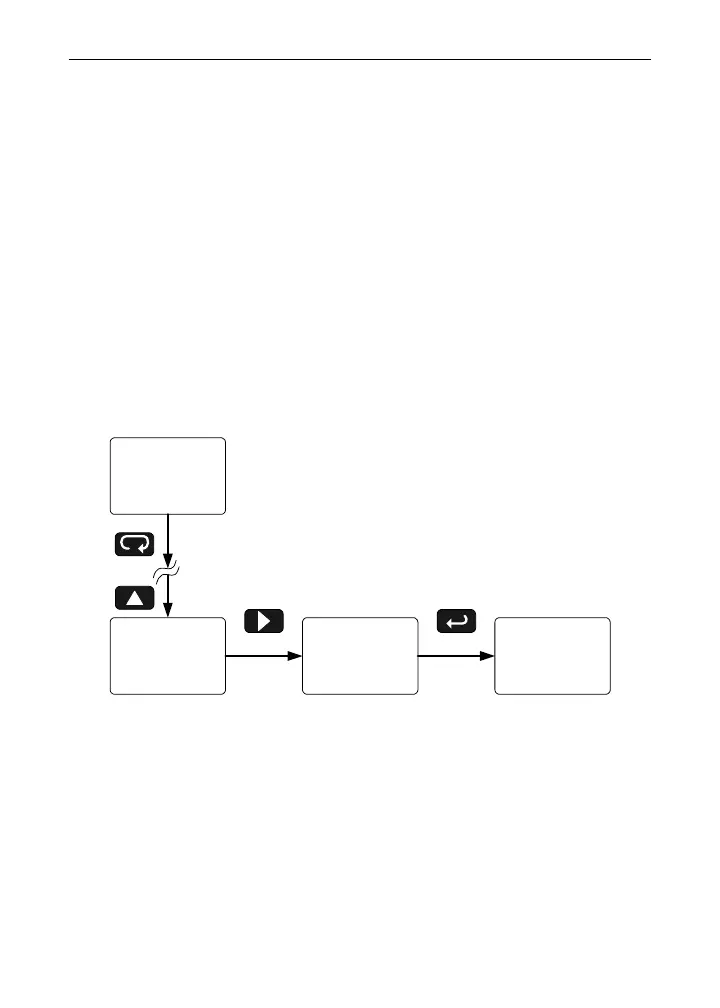
Instructions to load factory defaults:
1. Enter the Advanced Features menu. See Advanced Features
Menu
, page 60.
2. Press Up arrow to go to
Diagnostics menu
3. Press and hold Right arrow for five seconds, press
Enter when display flashes
reset.
Note: If Enter is not pressed within three seconds, the display re-
turns to the
Diagnostics menu.
4. The meter goes through an initialization sequence (similar as on
power-up), and loads the factory default settings.
996000
GPd
Run Mode
20.000
mA
reset diaG
Press & hold Menu for
3 sec to access
Advanced features
Press & hold right
arrow for
3 sec to reset meter
77



 To Next Page