© Precor Incorporated, Unauthorized Reproduction and Distribution Prohibited by Law
Rear Flat Belt Terminal Cover Removal
16 Remove the two #10-24 X 1.25 screws that secure the flat belt
terminal covers to the flat belt terminal, remove the outside
terminal cover.
17 Rotate the top of the inside terminal cover down until it is below
the stairarm pedal, pull to remove.
18 Repeat the steps for the remaining rear flat belt terminal covers.
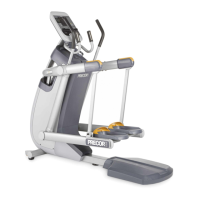
Figure 161: Flat Belt Terminal Covers
1 Remove the two bolts that adjust and secure the flat belt clamps to
the flat belt terminals.


 To Next Page