Chapter 7: Monitor Profiles
39
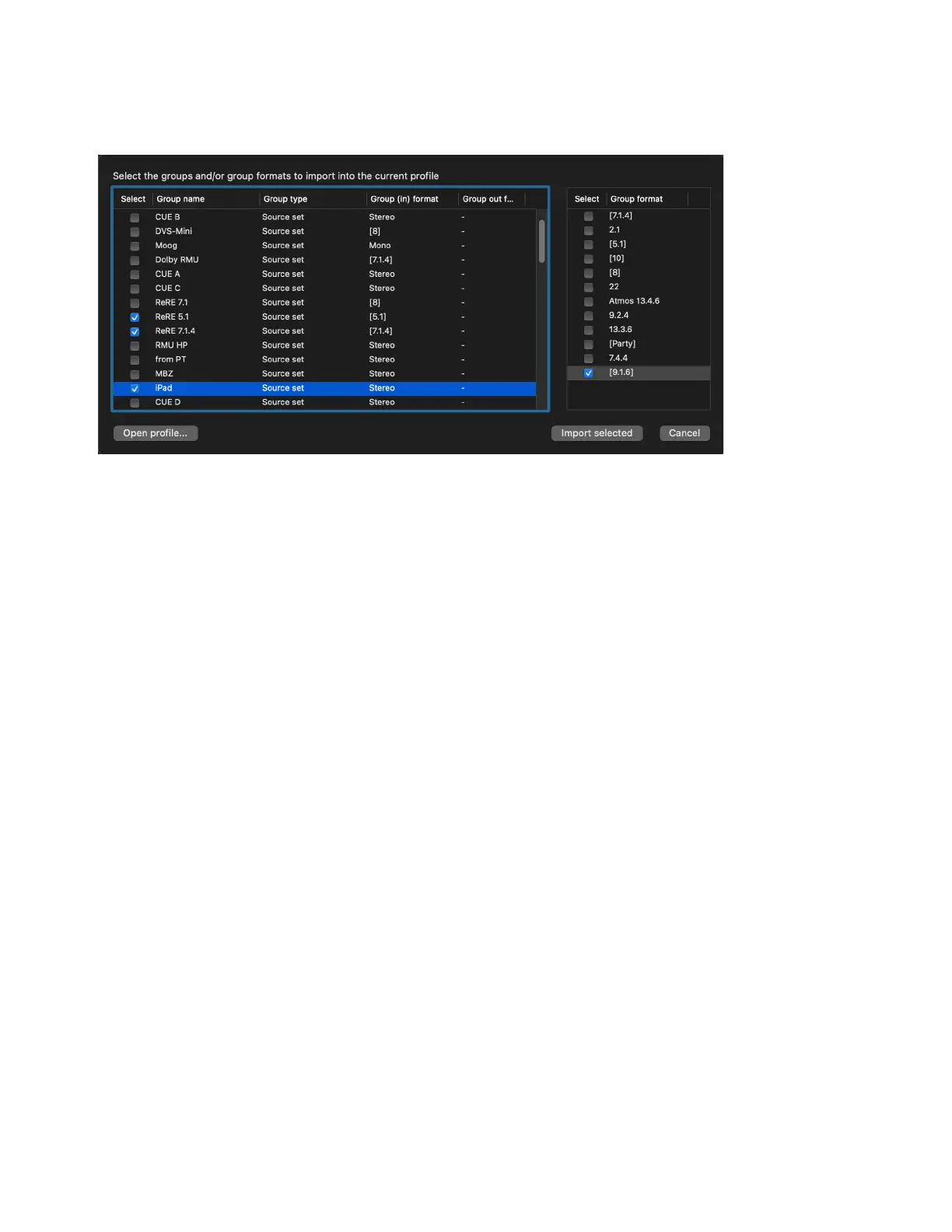
All of the Groups and Group formats from the selected monitor profile are listed in the Import Profile Settings window.
5 In the left pane of the window, select any Groups that you want to import into the current monitor profile. In the right pane, select any
Group formats that you want to import.
6 Click Import selected.
The selected Groups and Group formats are loaded into the current monitor profile.
Import Profile Settings window



 To Next Page