Chapter 7: Monitor Profiles
38
Importing Groups and Group Formats from a Monitor Profile
You can import Groups and Group formats from any monitor profile file (.dmprof) into the current monitor profile in DADman.
To import groups and group formats from a monitor profile:
1 Choose Settings > Monitor Profile.
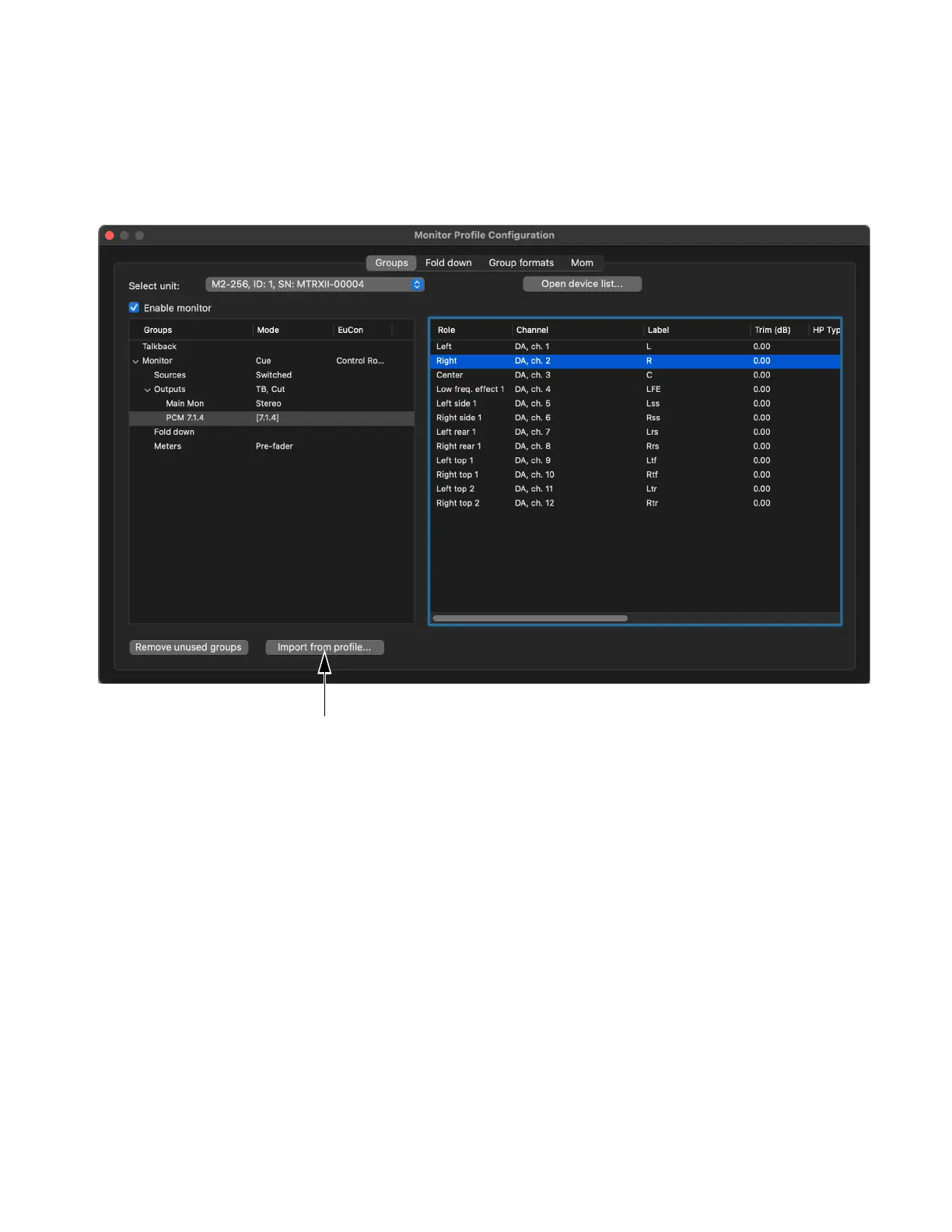
2 In the Monitor Profile Configuration window, click the Input from profile button.
3 In the resulting Import Profile Settings window, click Open profile.
4 Navigate to the monitor profile you want, select it, and click Open.
Monitor Profile Configuration window



 To Next Page