Chapter 7: Monitor Profiles
46
Fold Downs
You can add any Fold downs that are defined in the Fold Down page (see Fold Down Page) for use with the monitor group. If you have
added multiple Fold downs to a Monitor group, you can select (or deselect) any one of them in the Monitor section of the DADman win-
dow. When selected, that Fold down is used for the Monitor group. For example, if you are monitoring a 5.1 source over headphones,
use a 5.1 to Stereo fold down. If no Fold down is selected, no Fold down is applied.
To add Fold down to a monitor group:
1 Click the Fold down tab and setup any fold down matrices that you want to be available for use (see Fold Down Page).
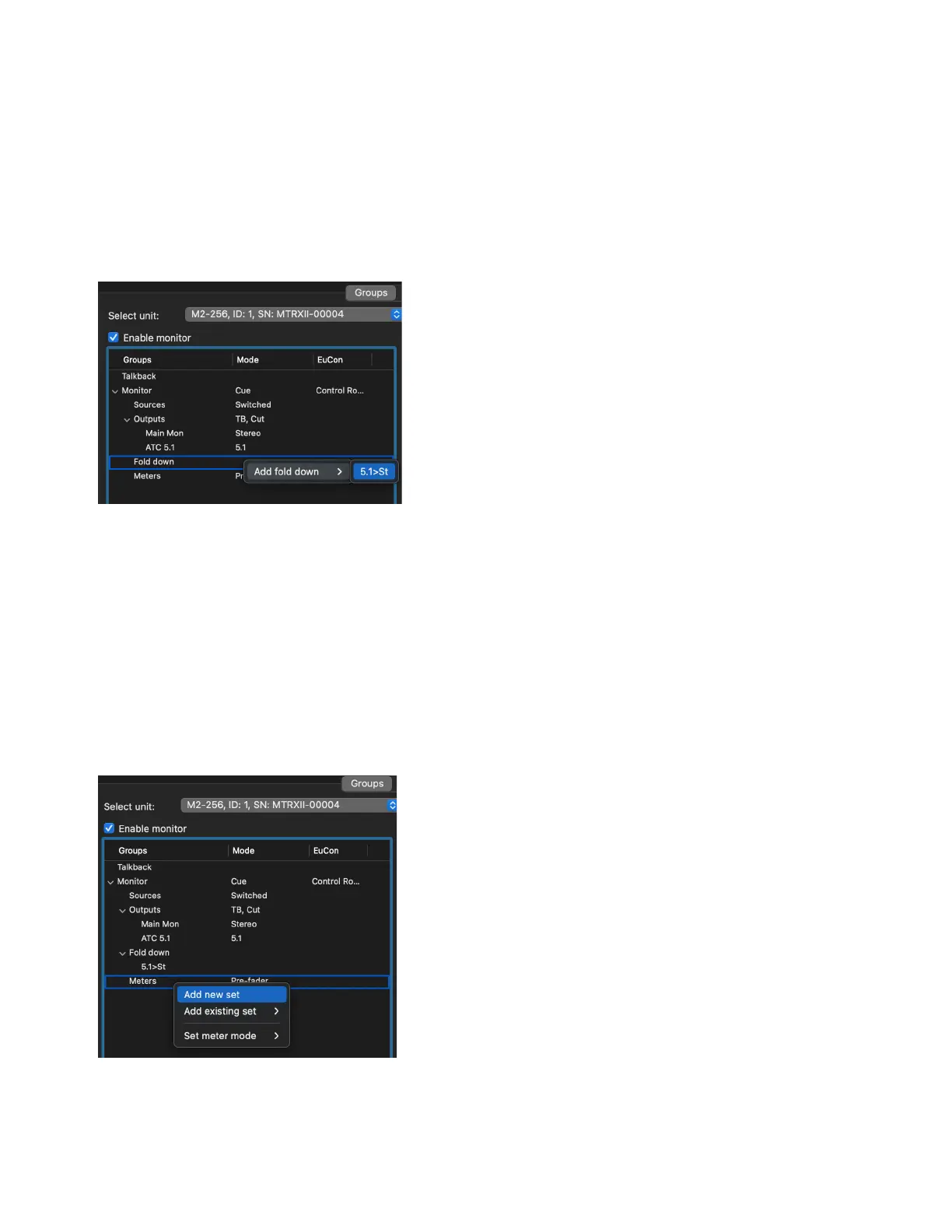
2 In the Groups page, right-click Fold down under the monitor group select the desired configured fold down from Add fold down.
Repeat these steps to add additional fold downs.
To remove a fold down from a monitor group:
Right-click the fold down and choose Remove fold down.
External Metering
You can assign one or more output sets for an external metering system (such as one from TC Electronics or DK Technologies). Assign
any metering output sets to parallel assigned monitoring output sets.
To add a parallel output to an external metering system:
1 Right-click on Meters and choose Add new set or Add existing set.
2 To specify Pre- or Post-Fader operation, right-click on Meters, choose Set meter mode, then select the desired mode. Typically you
want to use pre-fader for recording workflows and post-fader for mixing workflows.
Adding 5.1 to stereo fold down for monitoring



 To Next Page