83
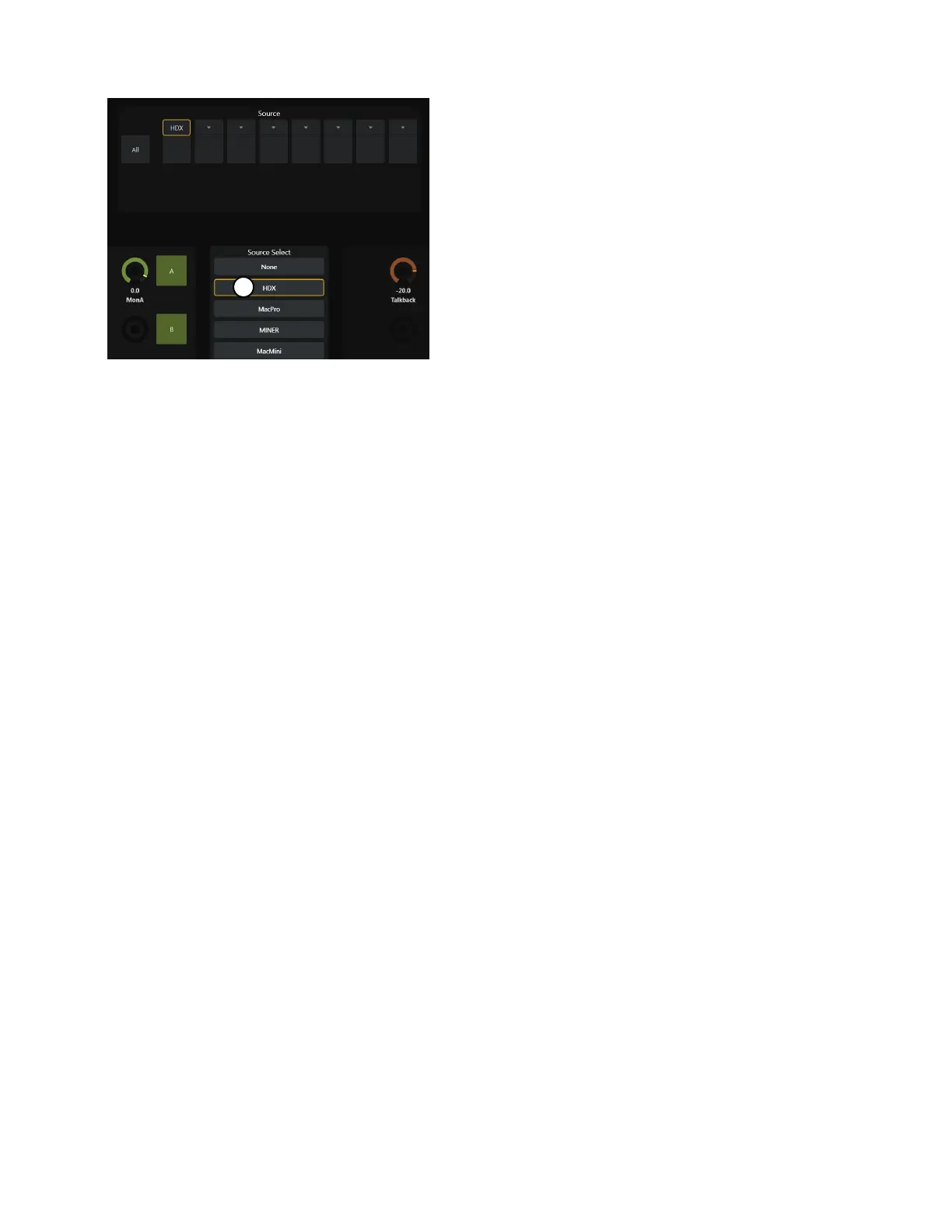
3 Tap an available source in the Source Select list to assign it to the selected input source.
When first assigned, input sources are inactive (as shown in the image to the right). After assigning all your input sources you can
activate them as desired by tapping in the lower third of their block in the upper Source row.
4 Repeat the previous steps to assign additional input sources.
Sources can be duplicated and put in any order.
5 To see additional available sources, scroll the Source Select list up or down. To see additional input source slots (such as 9–16) in
the
Source row, scroll it left or right.
Additional Monitor Soft Keys
Monitoring Cue Speaker Sources and Cut (mute) are available as Soft Keys. In the default Pro Tools appset, Monitor cue Speaker Cut
and Sources appear in the Master Post Module Soft Keys. These commands are also available in the Soft Keys Editor, letting you create
custom Soft Key assignments for monitor control.



 To Next Page