12
Proel MS 32 Owner's Manual
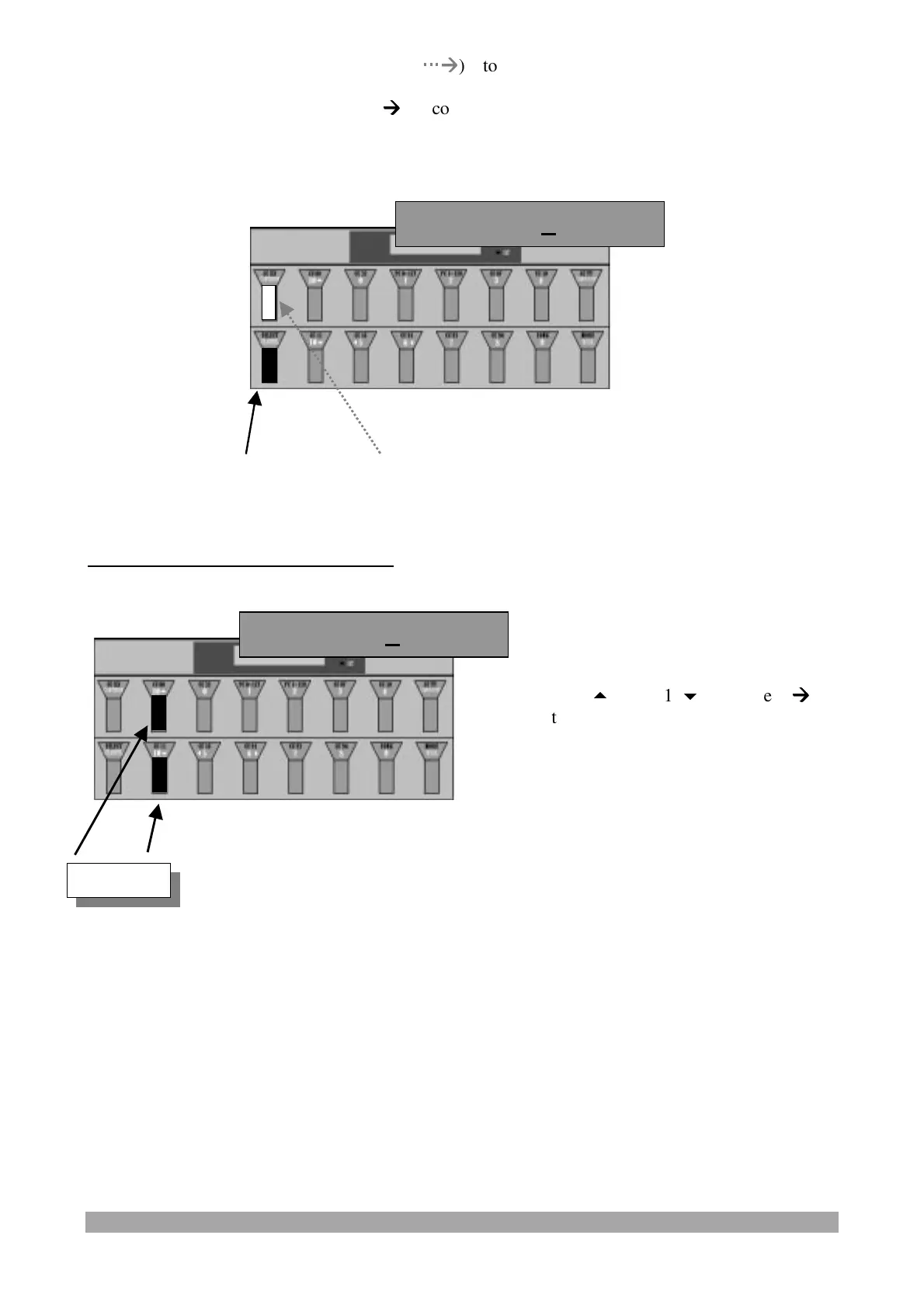
Press and release:
- the "CCXXX/CONTINUE" switch (
Æ
Æ
) to confirm the data and pass to the
display/modification of the following "GLOBAL" parameter or
- the "SELECT/CHANNEL" switch (
Æ
Æ
) to confirm the data and exit from "GLOBAL" parameter
programming.
CONTINUE SWITCH ASSIGNMENT:
Continue=Cnt
Press the "10
" and "10
" switches (
Æ
Æ
)
to select the Cnt (Continue), PBS (Patch
Bay Switches) or Cnt+PBS options.
Continue=Cnt
Value


 To Next Page