Proel MS 32 Owner's Manual
47
DATA MIDI DUMP (sending):
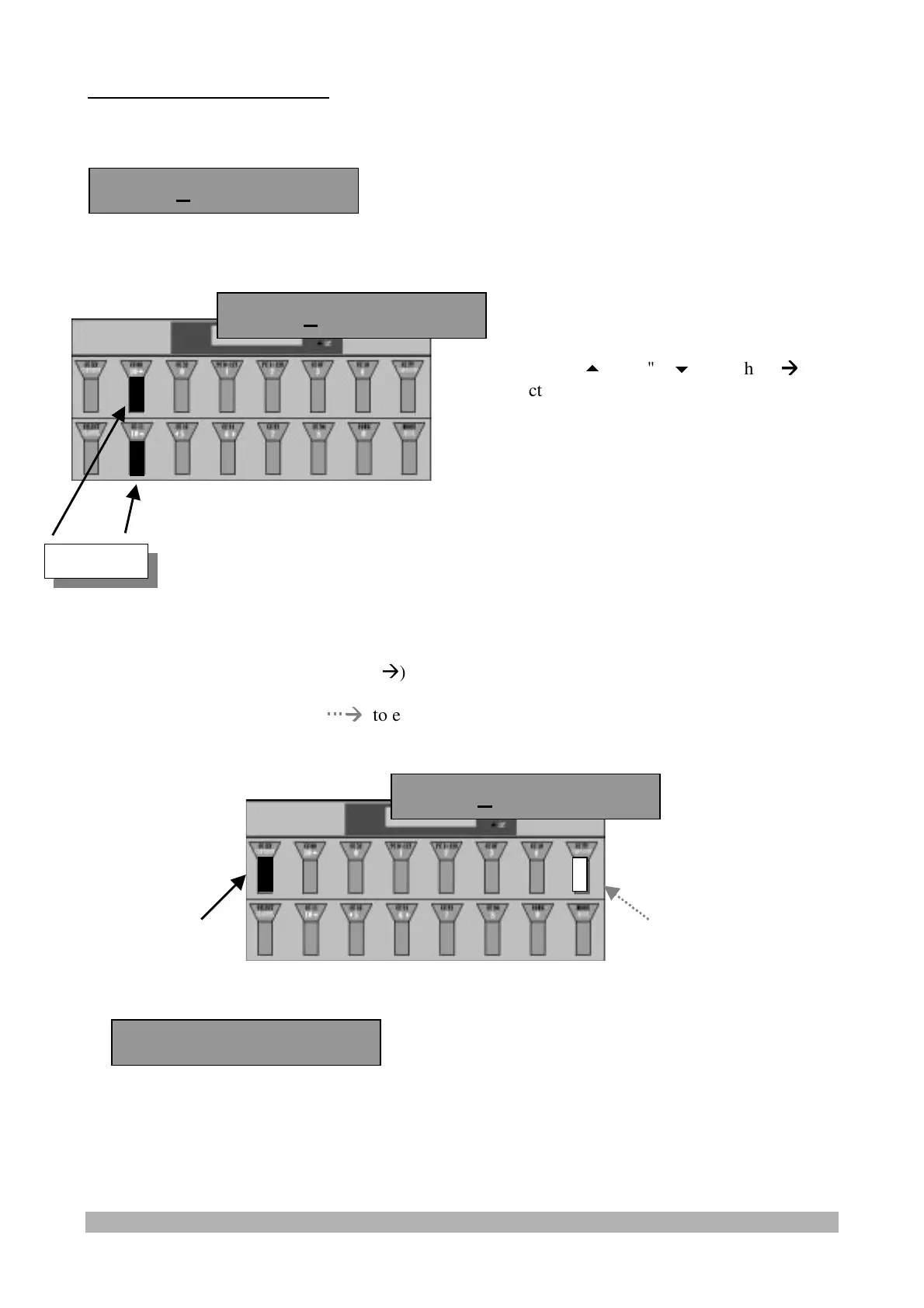
Pressing and releasing the "9" switch, the display will show:
Press and release:
- the "
CCXXX/CONTINUE
" switch (
Æ
) to start dumping the selected data (All, Global, Set, or
Patch) through the Midi Out (downloadable on a Sequencer or Computer)
- the "
START/STOP
" switch (
Æ
Æ
) to exit from the "DUMP" function.
- If the Continue switch is pressed, the pedalboard will show:
When the data transmission is completed, the display will go back to the main screen shots..
Dump All Cont?
Dump All Cont?
Value
Press the "10
" and "10
" switches (
Æ
Æ
)
to select the data to be inserted: All (all the
data), Glb (only the Global memory), Set
(only the 10 Set memories), Ptc (only the
100 Patch memories)
Dump All Cont?
Sending Dump.. !


 To Next Page