32
Proel MS 32 Owner's Manual
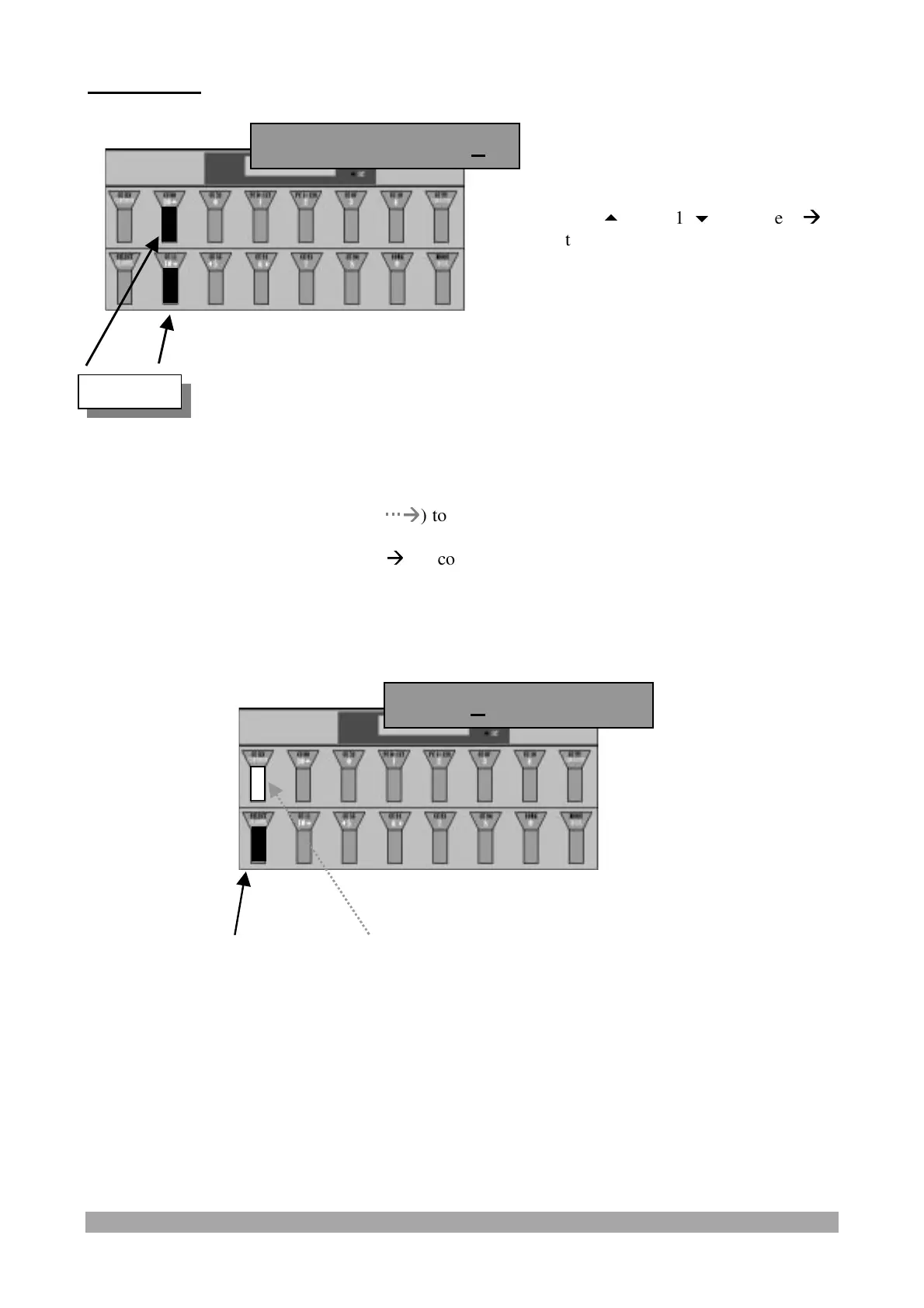
FC 1/2 LINK :
Press and release:
- the "CCXXX/CONTINUE" switch (
Æ
Æ
) to confirm the data and display/modify the following
“PATCH” parameter or
- the "SELECT/CHANNEL" switch (
Æ
Æ
) to confirm the data and exit from “PATCH” parameter
programming.
Press the "10
" and "10
" switches (
Æ
Æ
)
to select the On/Off value of the Link
between the Foot Controllers 1 and 2.
When the Link is On each Foot Controller
transmits the parameters of both.
FC1/2 Link Of
Value
PBS1 Of PBS2 Of


 To Next Page