Proel MS 32 Owner's Manual
53
MIDI CHANNEL/ PATCH BAY SWITCHES
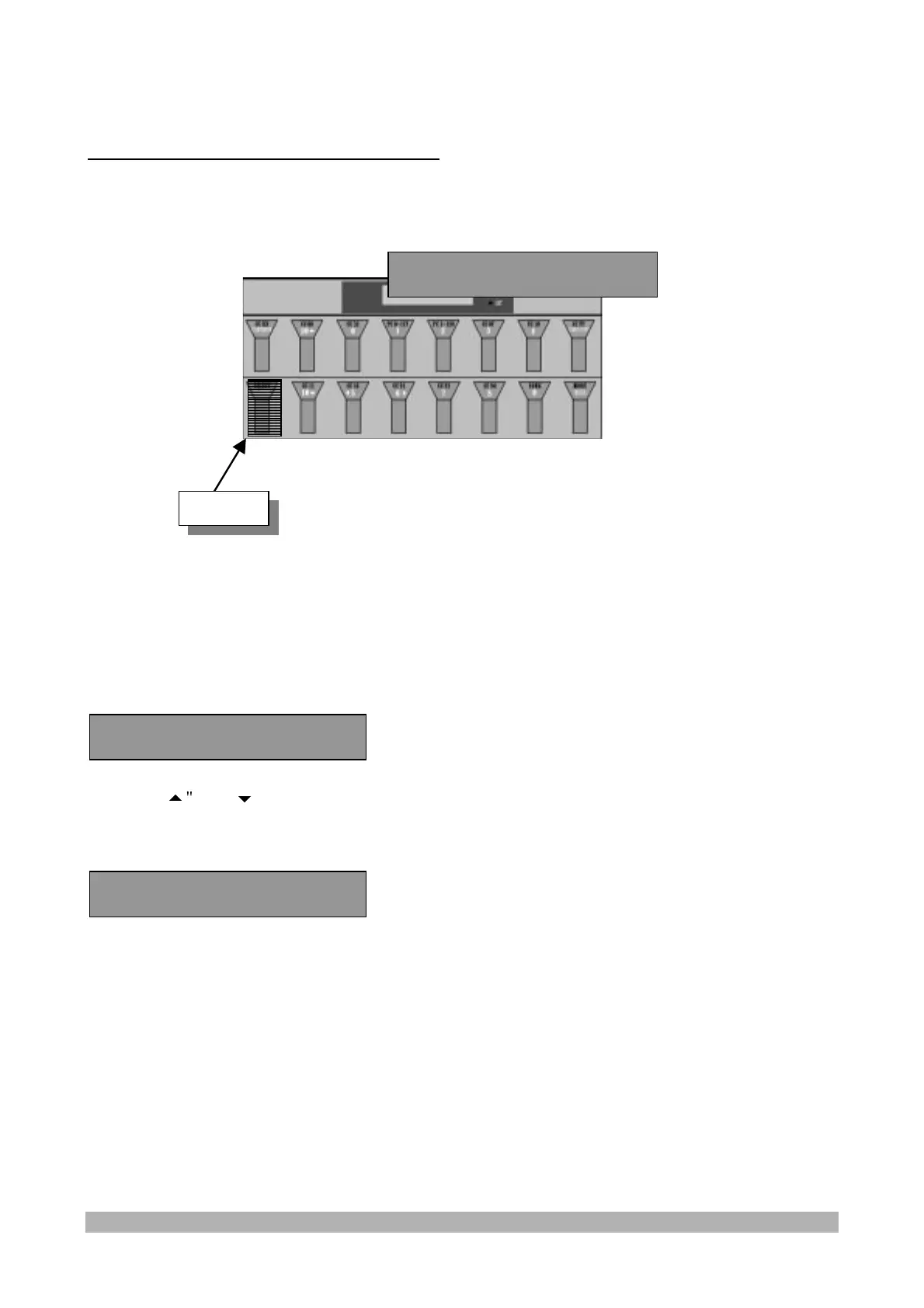
In the "FREE" mode it is possible to select the Midi channel where to send the messages and enter
the PATCH BAY SWITCHES section to activate the 4 On/Off:
.
MIDI CHANNEL/PATCH BAY SELECTION
Keep the "
SELECT/CHANNEL
" switch pressed for some seconds to select the midi channel and
the patch Bay
The display shows:
Press the "
" and "
" switches to select the Midi channel.
Press the "SELECT/CHANNEL" switch again to exit and go back to the FREE mode.
Press the "Continue" switch to display the PATCH BAY SWITCHES:
Press the switches from 1 to 4 to select alternatively the On or Off condition for the corresponding
PATCH BAY switches.
Press the "SELECT/CHANNEL" switch to exit and go back to the FREE mode.
1on 2on 3on 4on
Ch= 1 Continue ?
Ch= 1 Continue ?
Channel


 To Next Page