28
Proel MS 32 Owner's Manual
FC1 ASSIGN :
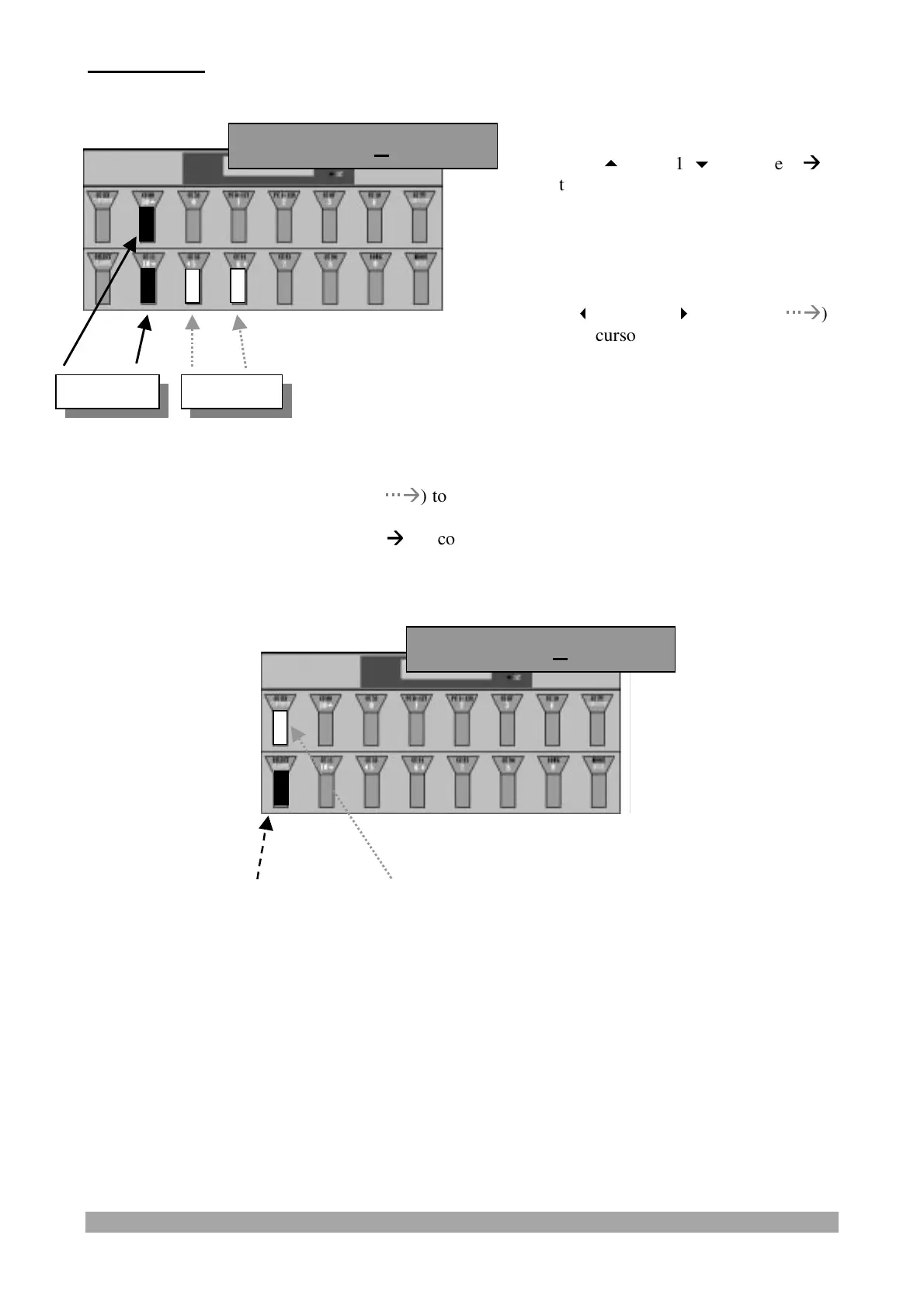
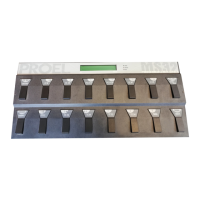
Press and release:
- the "CCXXX/CONTINUE" switch (
Æ
Æ
) to confirm the data and display/modify the following
“PATCH” parameter or
- the "SELECT/CHANNEL" switch (
Æ
Æ
) to confirm the data and exit from “PATCH” parameter
programming.
FC1 mn 0 Mx127
Press the "10
" and "10
" switches (
Æ
Æ
)
to select a Control Change value, from 0 to
120, the A/B/AB channel, and the On/Of
conditions.
(Keeping the switch pressed the characters
will shift automatically).
Use the "
5" and "6
" switches (
Æ
Æ
)
to move the cursor back and forward.
FC1 to 7 AB On
Value Cursor


 To Next Page