Proel MS 32 Owner's Manual
33
PATCH BAY SWITCH 1-2 :
Note: The Patch bays stored in the ON condition can be rapidly activated and deactivated
when out of the EDIT mode by pressing the
Continue
switch.
The Patch Bay Switch function is linked to the Global "Continue switch assign"
parameter.
To operate as Patch Bay Switch (PBS) control, the "Continue switch assign"
parameter must be set in PBS or in PBS+CNT (cfr. page 11)
Press and release:
- the "
CCXXX/CONTINUE
" switch (
Æ
Æ
) to confirm the data and display/modify the following
"PATCH" parameter or
- the "
SELECT/CHANNEL
" switch (
Æ
Æ
) to confirm the data and exit from "PATCH" parameter
programming.
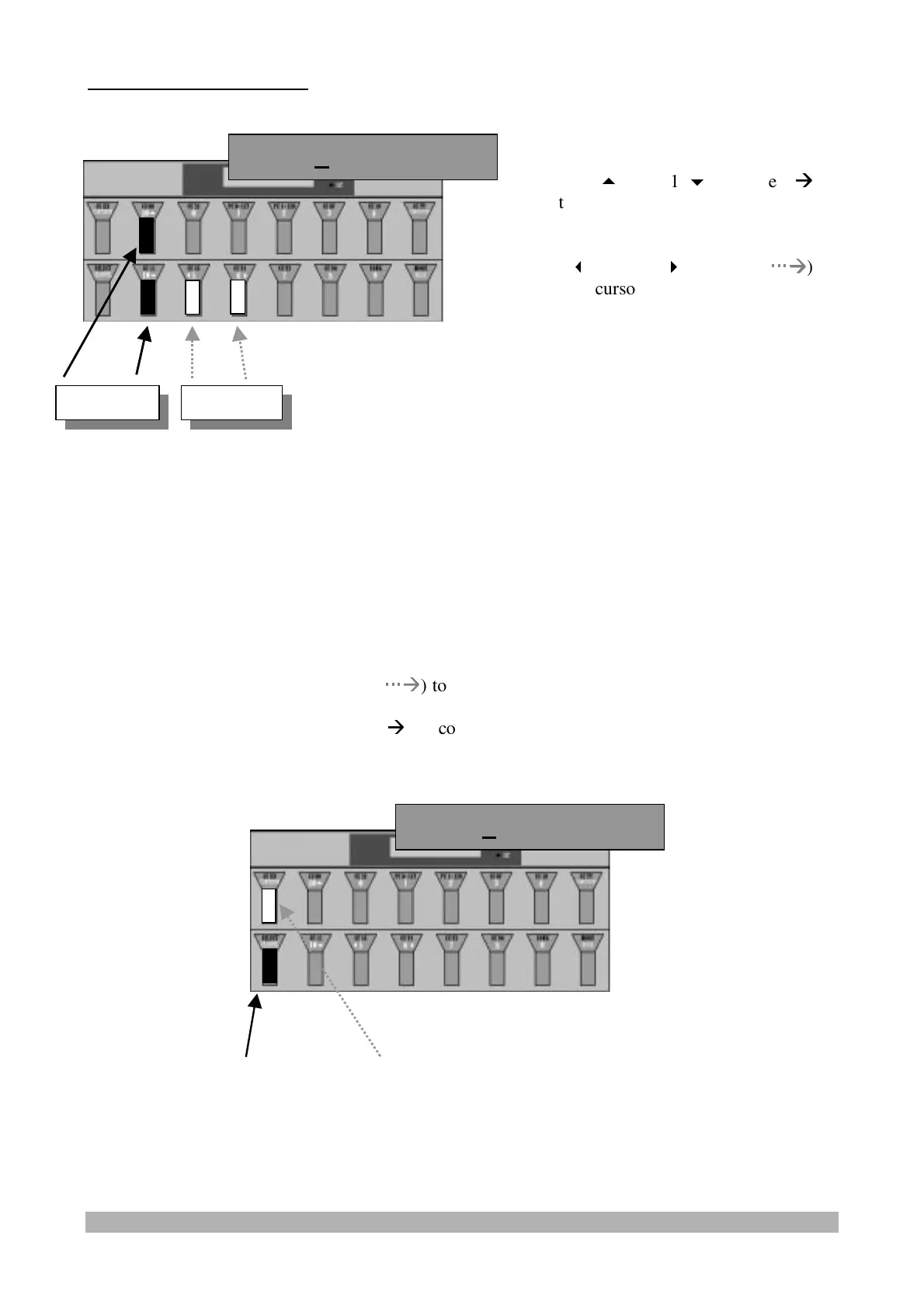
PBS3 Of PBS4 Of
PBS1 Of PBS2 Of
Value Cursor
Press the "10
" and "10
" switches (
Æ
Æ
)
to select the On/Off condition to be
inserted for the patch bay switches 1 and 2.
Use the "
5" and "6
" switches (
Æ
Æ
)
to move the cursor back and forward.


 To Next Page