18
Proel MS 32 Owner's Manual
EDIT SET PARAMETERS
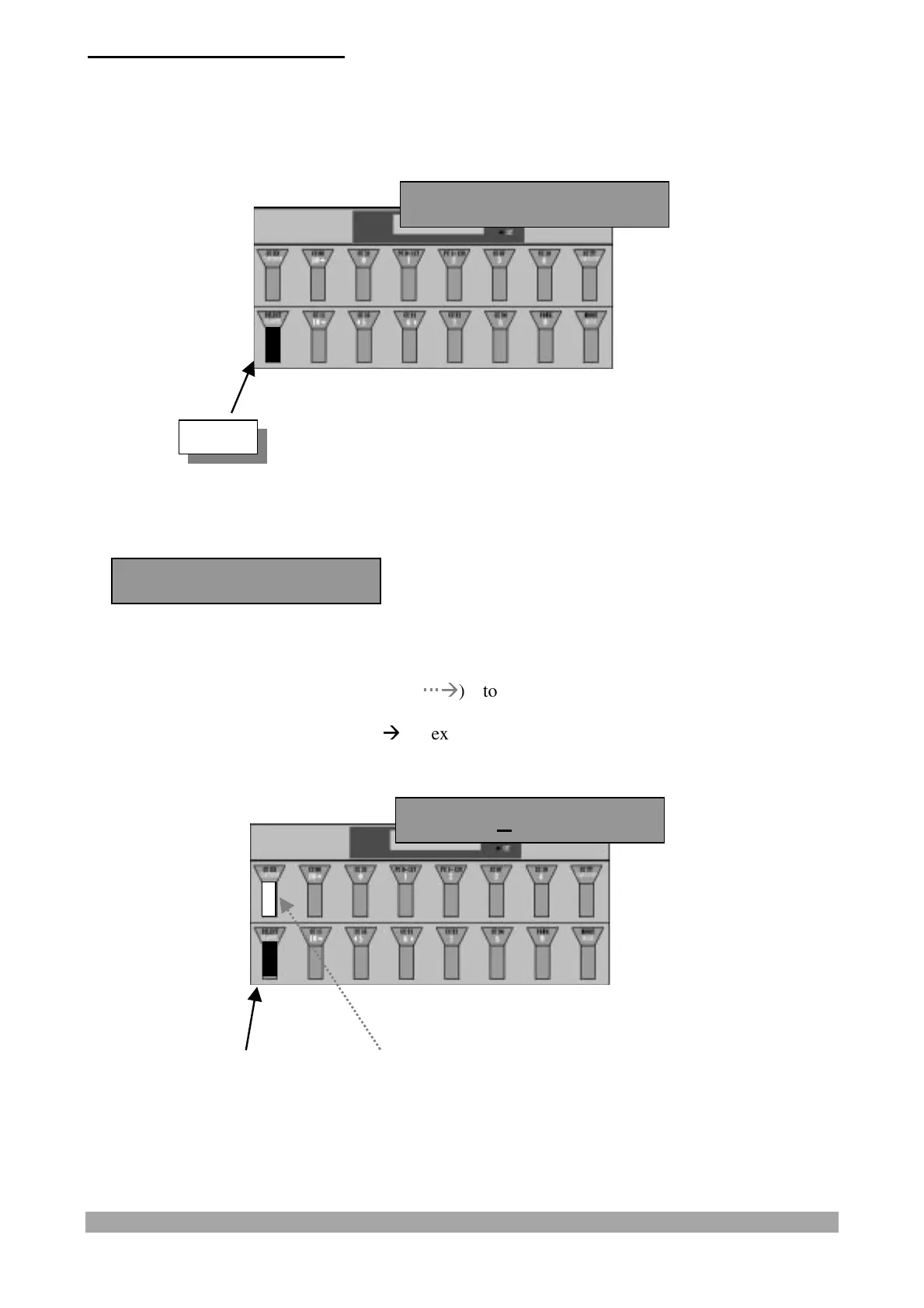
When the pedalboard is in the SET mode press the "SELECT/CHANNEL" switch to edit the
parameters of the selected "SET".
The display shows:
Press and release:
- the "CCXXX/CONTINUE" switch (
Æ
Æ
) to confirm the data and pass to the
display/modification of the first "SET" parameter or
- the "SELECT/CHANNEL" switch (
Æ
Æ
) to exit from "SET" parameter programming.
EDIT
Edit S continue?
Edit S continue?
Name: *FACTORY0*


 To Next Page