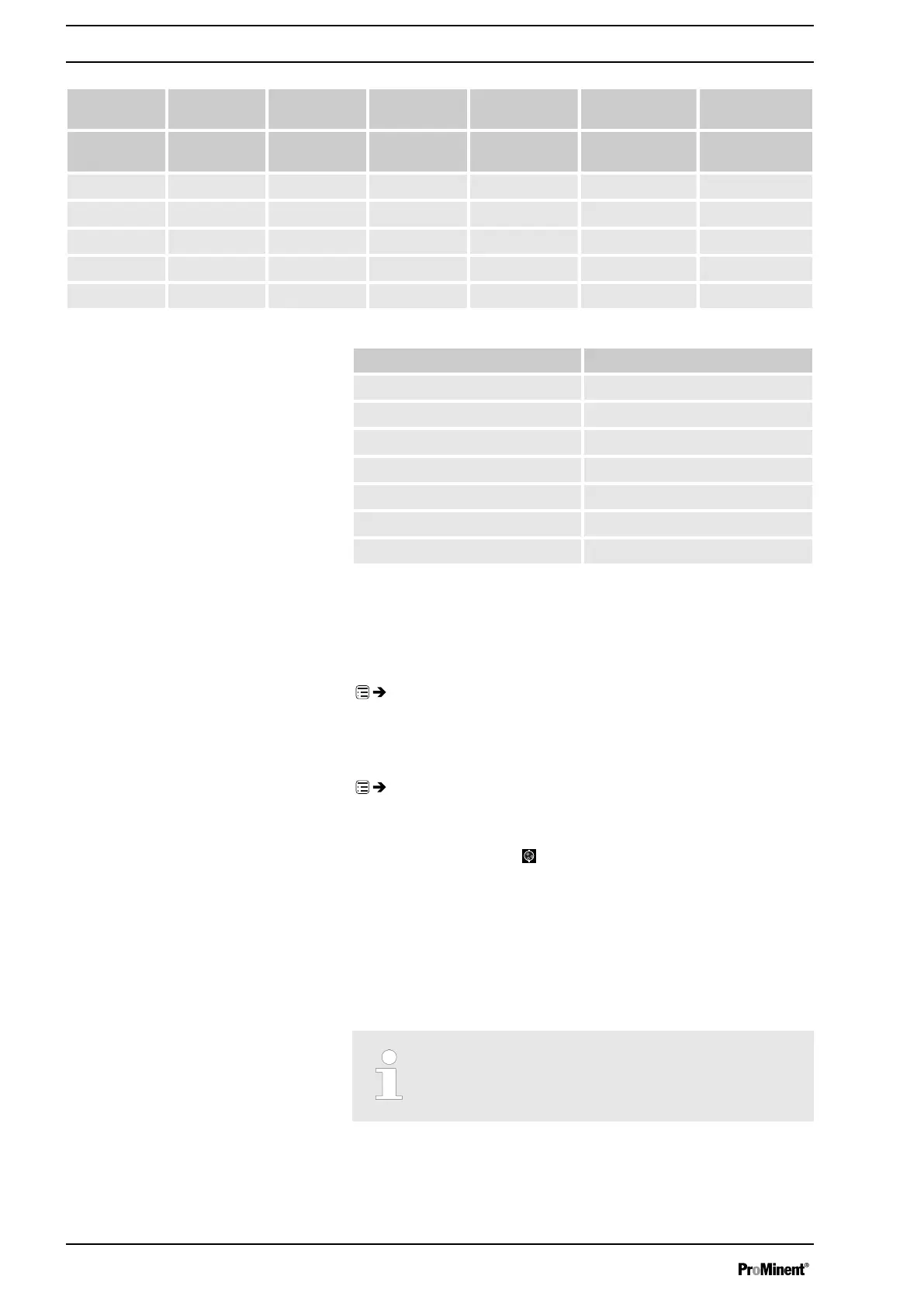
Pressure
stage /
4 7 10 16 20 25
Size of liquid
end
1009 X X X - - -
0708 X X - - - -
0715 X X - - - -
0414 X - - - - -
0424 X - - - - -
Pressure stage Switch-off pressure*
2 2.8
4 5.2
7 8.5
10 12.5
16 19
20 23
25 28
* above which the unit is switched off for the medium-term in the event of
excess pressure
11.2.4.4
‘Monitoring’
‘Menu / Information
è
Settings
è
Metering
è
Monitoring
è
...’
11.2.4.4.1
‘Air lock’
‘Menu / Information
è
Settings
è
Metering
è
Monitoring
è
Air lock
è
...’
Should a message and the
"Air lock" symbol appear, this may mean
that there is gas in the liquid end (if
‘Warning’
or
‘Error’
was set in the
‘Air
lock’
sub-menu).
11.2.4.5 Compensation
Using the
‘Compensation’
programmable function, you can minimise the
influence of back pressure oscillations and thus achieve a high dosing pre‐
cision.
With difficult hydraulic conditions, it can be better to switch
off the ‘Compensation’ function.
Set Up /
‘Menu’
54


 To Next Page
 Loading...