N93-582-01 Issue 1 NH Page 18 of 42 © Protec Fire Detection plc 2015
9.9 Connecting the TCP/IP Interface Data Cable
If the installation includes the Digilite® DL500 TCP/IP interface card, the data communication cable
now requires connecting into the socket on the rear of the PCB cassette.
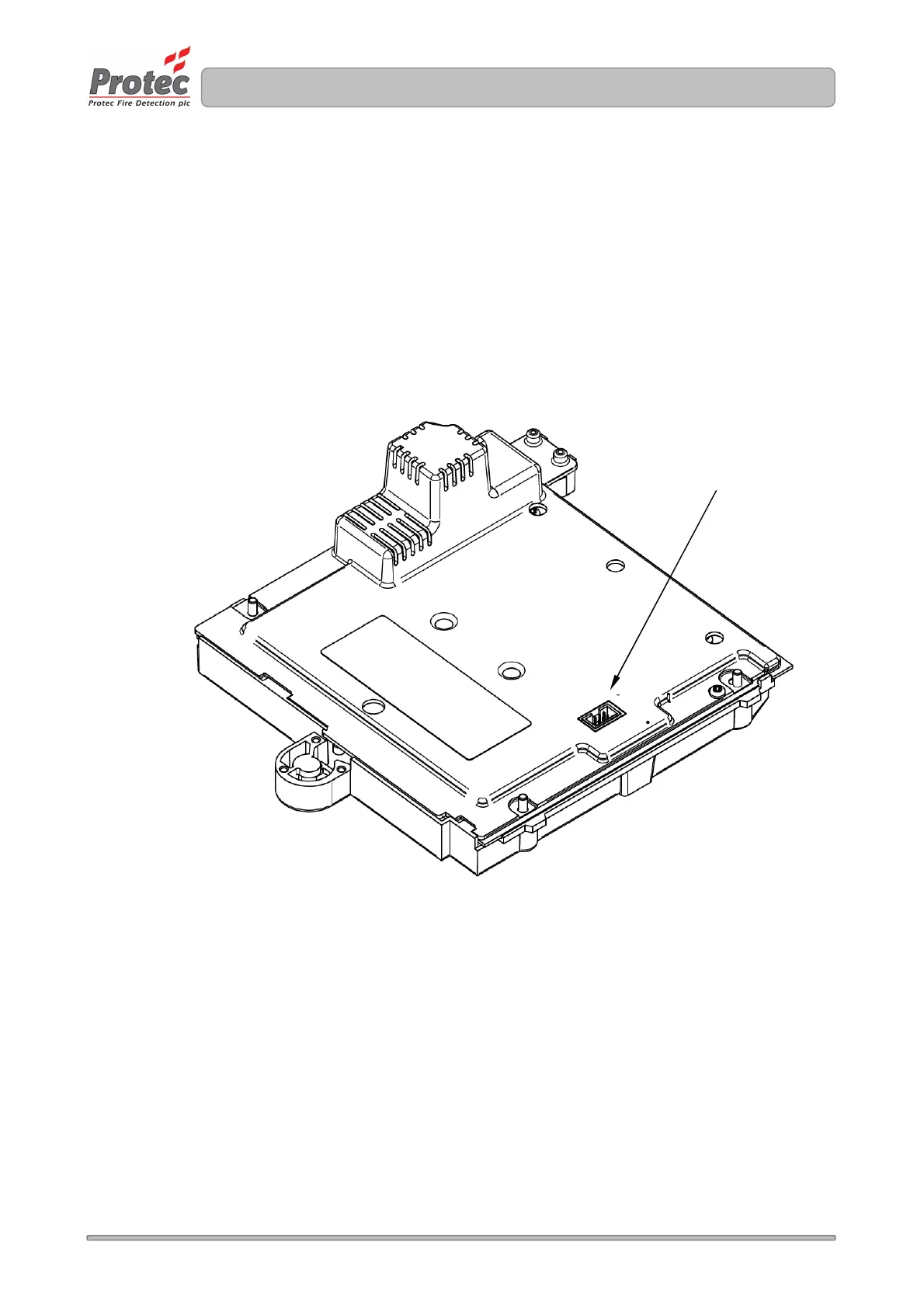
With reference to Figure 9.6, carefully insert the connector on the data cable into the socket on the
rear of the PCB cassette, making sure it is pushed fully home.
Figure 9.6
Location of the TCP/IP data cable socket on the rear of the Digilite® DL500 PCB cassette.
TCP/IP Lead
Connector



 To Next Page