N93-582-01 Issue 1 NH Page 8 of 42 © Protec Fire Detection plc 2015
3.0 Items Supplied with the Digilite® DL500
• Loop Commissioning Booklet ( used to affix loop device barcode labels at the relevant
addresses )
• Digilite® DL500 Spares kit
• The User and Installation and Commissioning Manual (this manual) can be downloaded from the
Protec web site.
4.0 Items and Information Required Prior to Commissioning
4.1 Site information required to commission the Digilite® DL500
To ensure rapid and trouble-free commissioning the following information should be supplied to the
commissioning engineer in advance of the proposed commissioning date.
• Address positions of each loop device
• Required device types for each address
• Address device text ( 20 characters maximum per device )
• Test group text ( 20 characters maximum per group )
• Panel text ( 2 lines of 20 characters maximum )
• Programming information (days of the week for each test group, daily test time etc)
• Network settings ( if the installation uses the Digilite® DL500 TCP/IP Interface )
Network Settings required: Fixed IP Address and Subnet Mask per panel
Network settings must be provided by the I.T. management of the installation who must
give prior permission for the Digilite® DL500 to be connected to the Local Area Network
of the installation.
4.2 Items required to commission the Digilite® DL500 using the Windows Configuration
Tool
• Suitable PC with a USB port ( please consult the Digilite® DL500 programming manual for
details of the recommended PC specification )
• Digilite® DL500 Windows Configuration Tool ( contact Protec for details of this )
• Digilite® DL500 Programming Manual ( available upon request, or from the Protec website )
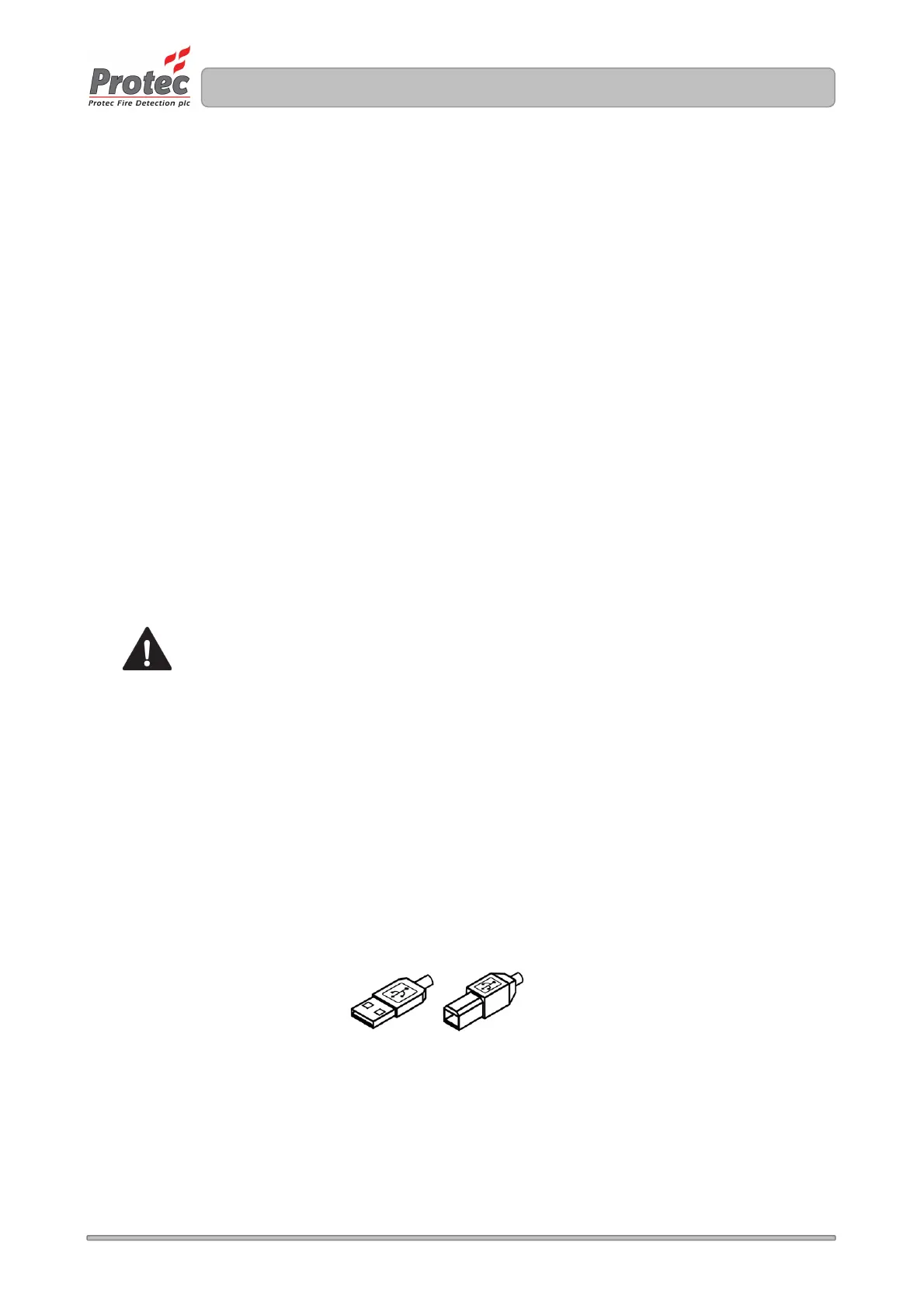
• USB 2.0 Lead ( Type A male to Type B male 2 metre maximum length ), as illustrated below
.
TYPE A TYPE B



 To Next Page