N93-582-01 Issue 1 NH Page 30 of 42 © Protec Fire Detection plc 2015
10.14 Displaying Loop Device Data
The DISPLAY LOOP DEVICE DATA menu allows the engineer to view data relating to any loop
device logged onto the Digilite® DL500. During the commissioning phase this feature may be useful
to determine the state of each loop device, the reply values for each channel and any missed replies.
1. Enter the engineer code supplied with the system and press the ↵
↵↵
↵ key to access the menus.
2. Using the ◄ and ► keys navigate to the DISPLAY LOOP DEVICE DATA menu screen and
press the ↵
↵↵
↵ key to accept the option.
3. Using the▲ or ▼ keys, select the address to be viewed.
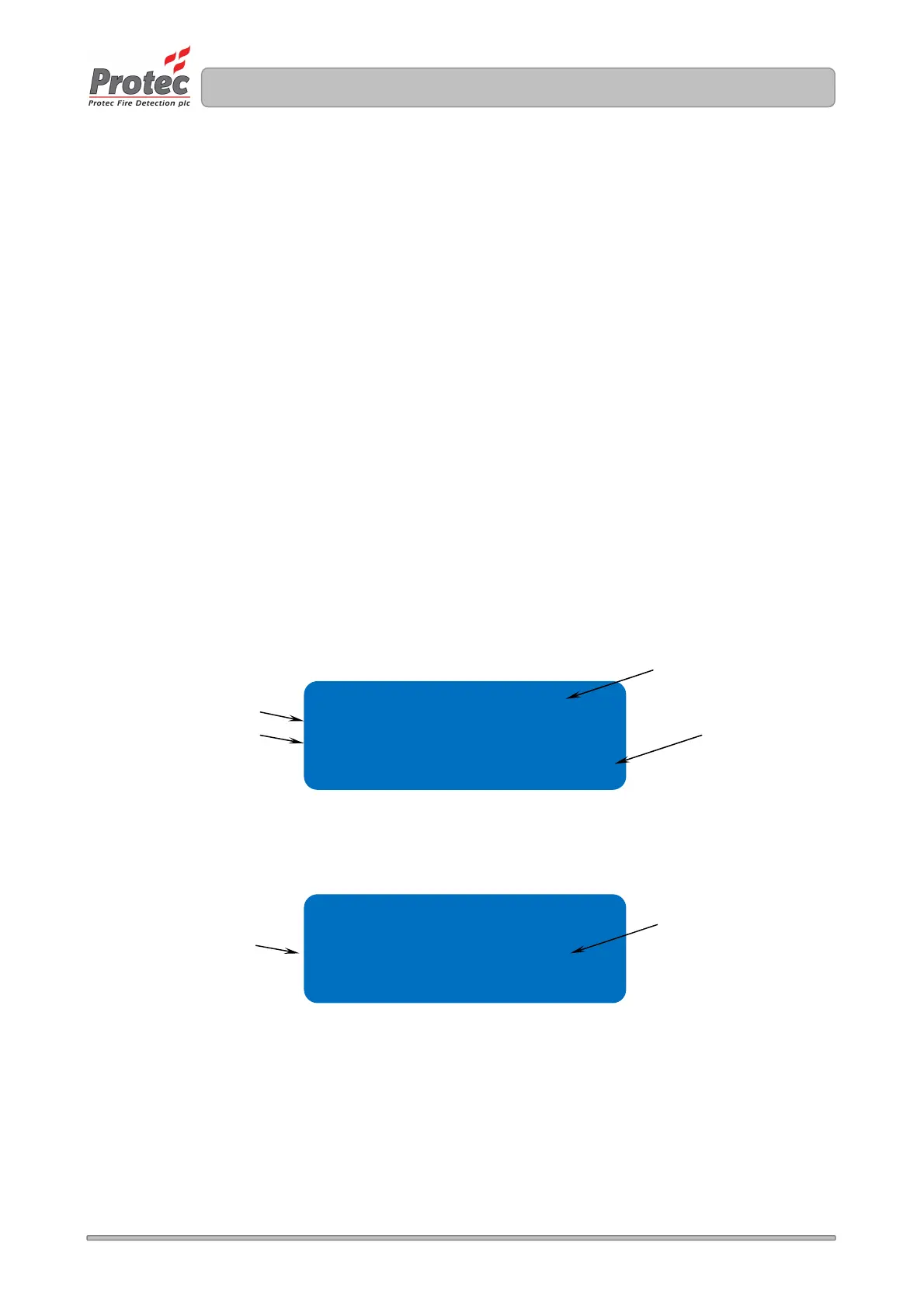
4. The default loop data screen is shown (see figure 10.11).
This screen displays the address, any type text associated with the device type at this address
the test group into which the device is programmed, the current state of the device and any
programmed address text for the address.
5. Using the ◄ and ► while in this screen toggles line 3 of the display to show the current
reply values from the address, and a count of the number of missed communications
replies the device has had since the counter was reset (see figure 10.12). Pressing the enter
key at any time will reset the missed replies counter for this device.
6. Press the Back or Escape key at any time to return to the main menu.
Figure 10.11 Default loop device data screen
Figure 10.12 Enhanced loop device data screen
Programmed test group shown here
GROUP GG
State normal
ADDRESS TEXt XXXXXXXx
Type text shown here
GROUP GG
ch1 ch2 ch3 MR=000
ADDRESS TEXt XXXXXXXx
Device state text shown here
Address text shown here
Number of missed replies
shown here
Device reply channels
shown here



 To Next Page