N93-582-01 Issue 1 NH Page 25 of 42 © Protec Fire Detection plc 2015
10.7 Programming Loop Device Address Data
If new loop devices are to be allocated the loop must be logged before entering this
menu. If the loop devices are not re-logged the Digilite® DL500 uses existing site
data.
The loop devices temporarily stored during logging must be allocated certain operational parameters
before the Digilite® DL500 can process data from them. The PROGRAM ADDRESS DATA menu is
used to achieve this.
1. Enter the engineer code supplied with the system to access the menus.
2. Using the ◄ or ► keys scroll to the PROGRAM ADDRESS DATA menu option then press
the ↵
↵↵
↵ key. A flashing cursor then indicates which parameter is currently being edited.
3. Pressing Back or Escape at any time will exit the menu without saving any changes.
4. With reference to figure 10.2.
Select a loop address to edit its parameters
• Using the ◄ or ► keys choose the loop ADDRESS to be edited.
To allocate a loop device serial number to the address
• Use the ▲ and ▼ keys to select SNUM field.
• Using the ◄ or ► keys link a currently unallocated loop device to this address.
• To de-allocate a device from this address select an SNUM of 000000, this then makes the
loop device free to swap to another address or it can be left de-allocated ( the Digilite®
DL500 will not process a de-allocated device ).
To set the test group number for the address
• Use the ▲ and ▼ keys to select GROUP field.
• Use the ◄ or ► keys to set the group number for the address, valid group numbers are
1 to 28 inclusive.
To set the address to be Maintained or Non-Maintained Operation
• Use the ▲ and ▼ keys to select STATE field.
• Use the ◄ or ► keys to toggle the state between MAINT and NON MAINT as required.
To exit programming and save the changes
• Press the ↵
↵↵
↵ key, the Digilite® DL500 will show the warning prompt screen.
• At this screen press the ↵
↵↵
↵ key to accept and save the data, or the Back key to decline and
return to the PROGRAM ADDRESS DATA menu. Then upload and save the site file to a
PC.
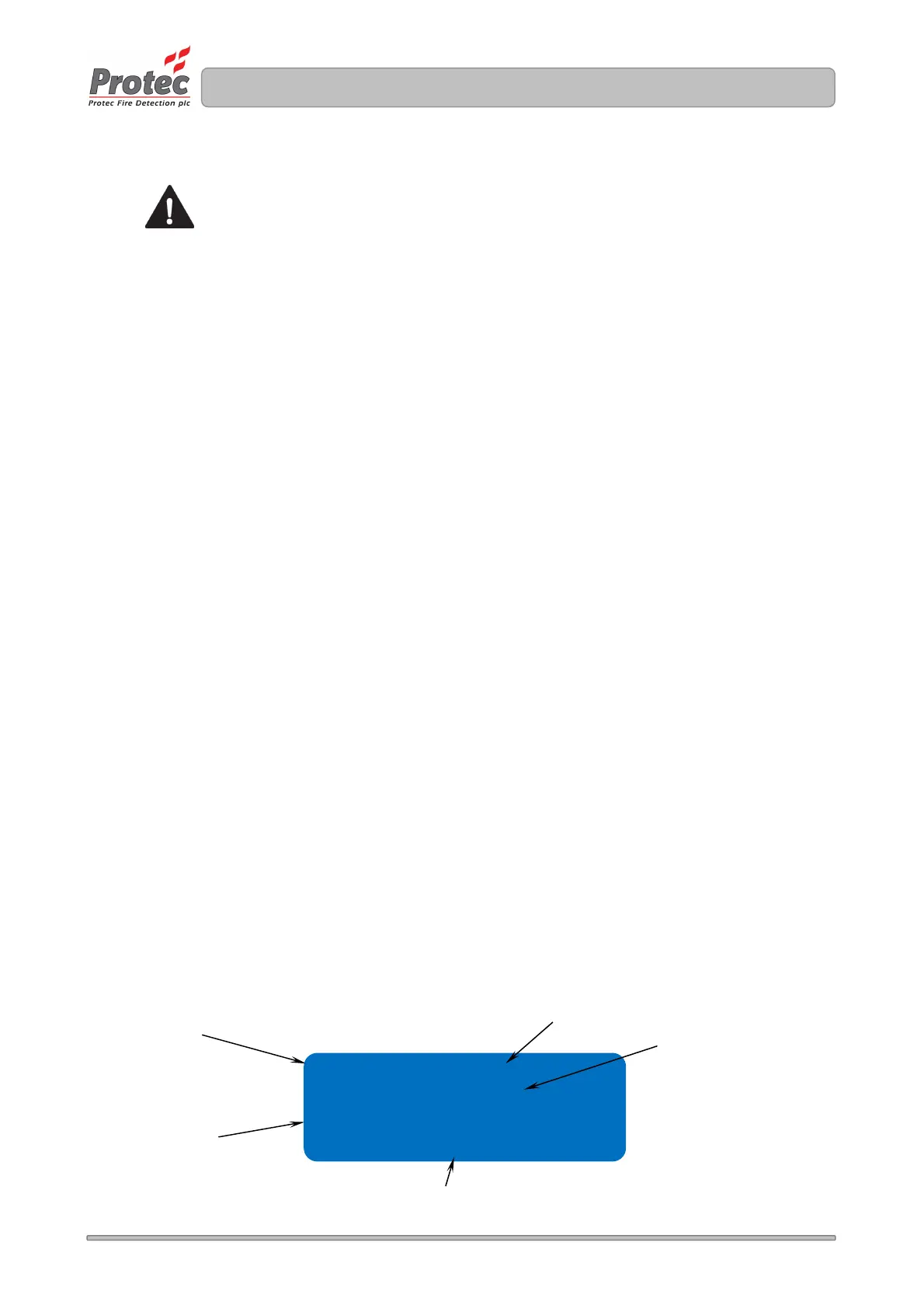
Figure 10.2 PROGRAM ADDRESS menu screen
Snum e00461+
GROUP 01
State MAINT
The loop address
being programmed
Setup the Test
Group here
The loop device serial number currently
allocated to the address.
• Nothing here means the device is
already stored in the memory
• A + means the device is not
currently stored in the memory
• A – means the device is stored in
the memory but has not been
logged Setup MAINT or
NON-MAINT here
The loop address type text



 To Next Page