4 SQL (Squelch level)
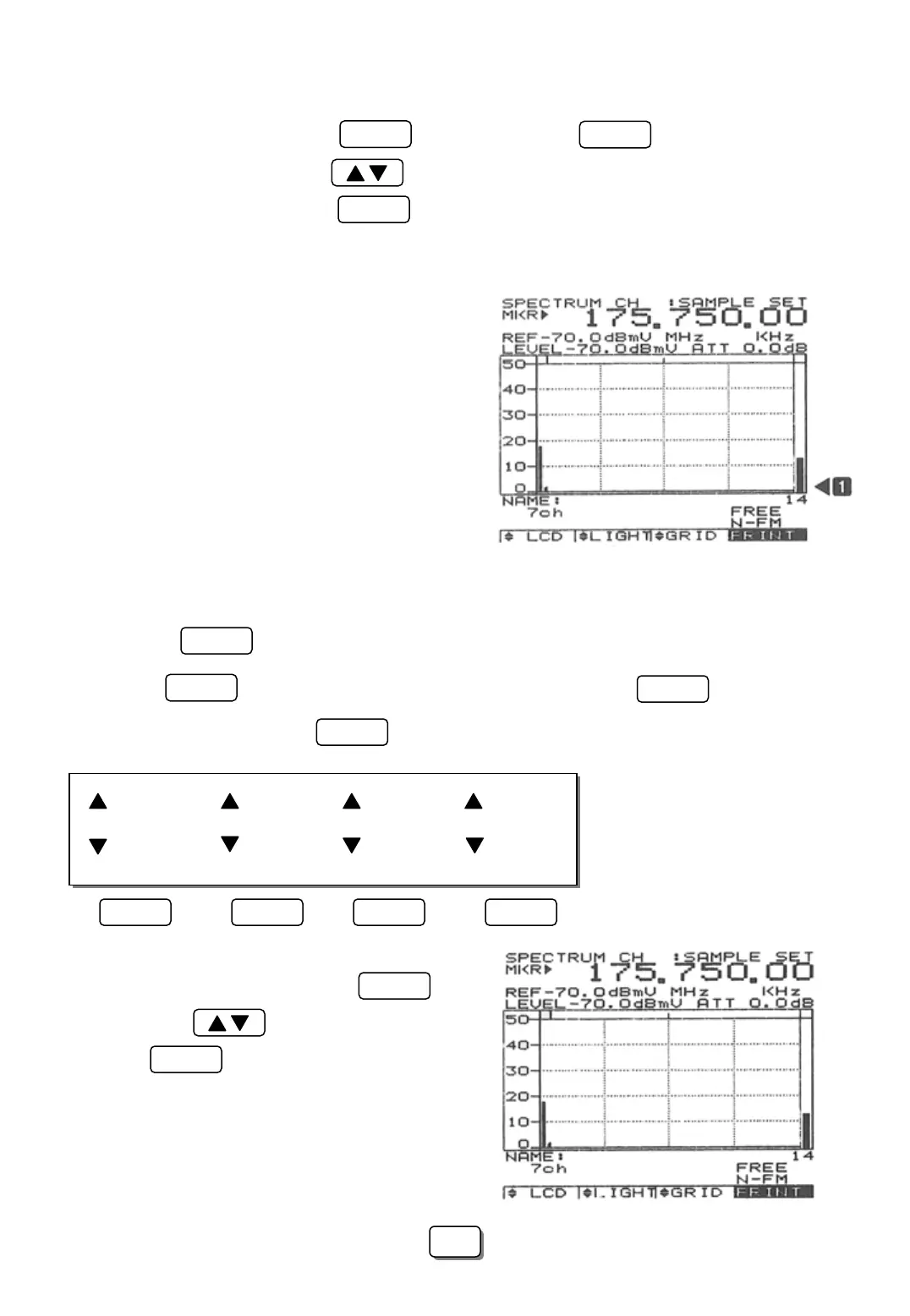
To set the squelch level, press the key to highlight the icon on the lower right
hand side of the LCD. Press the keys while observing bar graph to set the squelch
to the desired level ①. Press the key when finished.
SQL
ENTER
F3
The squelch level performs the following functions:
[1] The RF carrier’s Audio modulation is available
at the speaker when the RF carrier signal level
is greater than the squelch level.
[2] Halts the scan when the received RF carrier level
is greater than the squelch level Scanning
resumes when the RF carrier level falls below
the squelch level.
4 LCD MENU
Pressing the key displays the following menu at the bottom of the LCD:
LCD
Note:
The icon must not be highlighted prior to displaying the menu.
If RUN is highlighted press the key.
RUN
LCD
F1
LCD Light GRID PRINT
LCD Light GRID PRINT
F1 F2 F3 F4
1 LCD Contrast
To adjust the LCD contrast press the key
Then press the keys for a suitable display.
Press the key when finished
F1
ENTER
51
51



 To Next Page