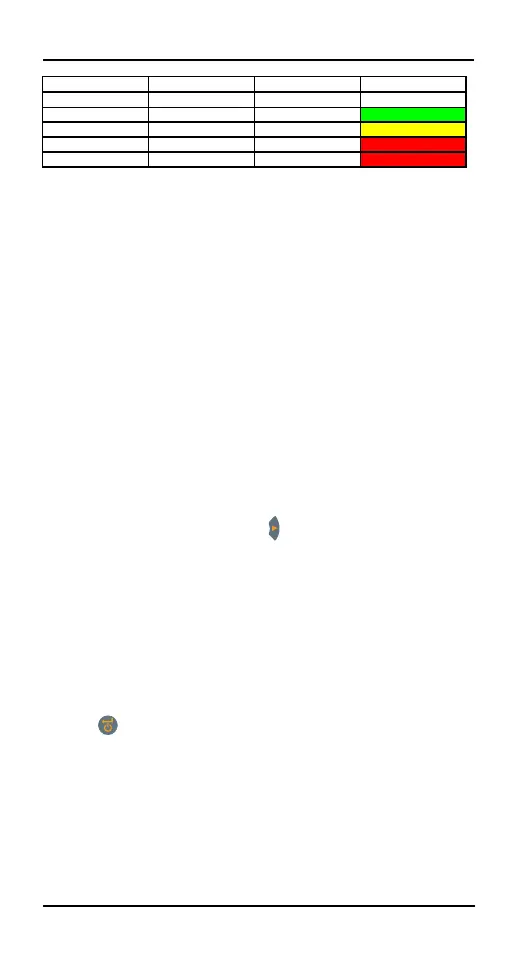
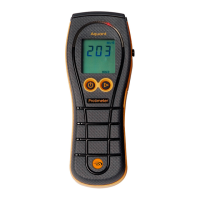
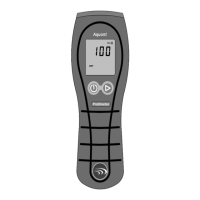
Aquant Display Indication Progress bar
<60 ---.-
≥60 but <170 Aquant value DRY Green
≥170 but <200 Aquant value RISK Yellow
≥200 but <999 Aquant value WET Red
≥999 999 WET Red
Comparative measurement helps in measuring whether
the surface moisture/material is wetter or dryer than the
Reference surface/ material. If the surface
moisture/material is wetter than the reference surface/
material, then the progress bar is red, or if it is dryer,
then the progress bar is green.
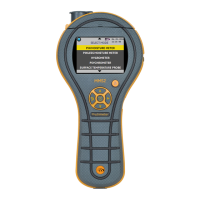
Navigate to SELECT MODE -> HYGROMETER and
press to select the Hygrometer mode.
In Search mode, the device has the capability to give
comparative measurement.
Note: If metal is present below the surface, the MMS3 may
give a false positive.
This method takes four steps:
1. Select Pinless Moisture meter under the Main
menu.
2. Place the device on the material which has been
chosen as the reference material.
3. Press the right arrow button for two seconds to
store the reading as reference reading.
4. Now if the device is placed on any material, it
indicates whether the material is wetter or dryer than the
reference material.
4.3 Hygrometer – Selection and use
To use the Protimeter MMS3 as a Hygrometer connect
the Hygrostick, Quikstick or Short Quikstick probe into
probe socket behind, either directly or indirectly with the
extension lead.


 To Next Page