23.07.2019
Punkt. MP02 Mobile Phone - Instruction manual
Keypad
11
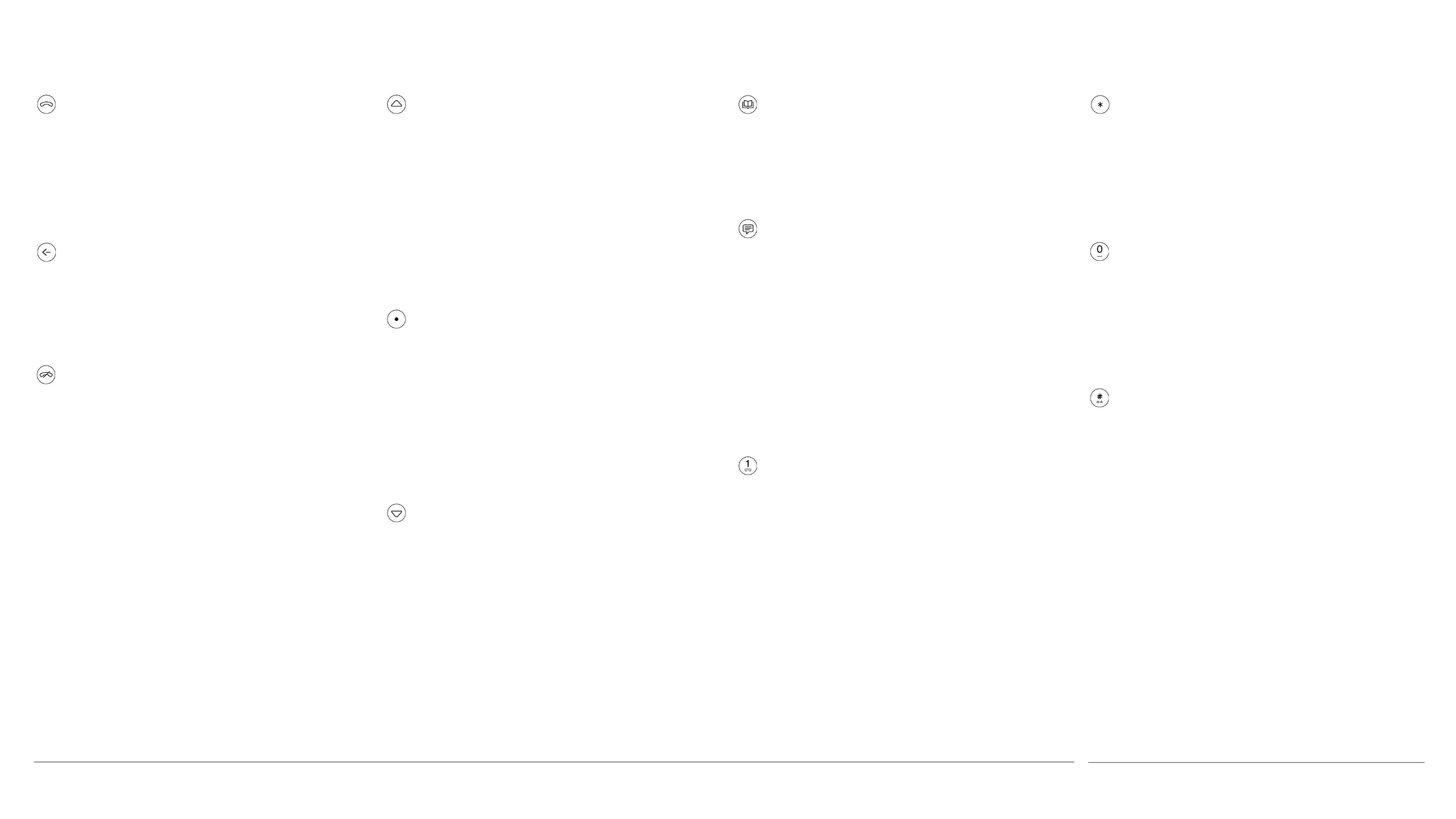
Call
• With a Contact highlighted or
number entered: make a call
• Incoming call: accept call
• Home screen: view call history
Back
• Go back to previous screen
• While entering text: delete one
character (long press: delete all)
End
• Incoming call: reject call
• During a call: end call
• Other areas of the operating
system: end activity and return
directly to the Home screen
• Home screen, long press: switch
phone off
Up
• Within a menu or range of options:
scroll upwards (long press: rapid
scrolling)
• Within text: move cursor left (long
press: rapid movement)
• Increase numerical values
• Home screen: open Status menu
Punkt.
• Unlock screen
• Select/open a highlighted option or
menu item
• Home screen: access Main Menu
• Within a message thread: compose
a new message
Down
• Within a menu or range of options:
scroll downwards (long press: rapid
scrolling)
• Within text: move cursor right
(long press: rapid movement)
• Decrease numerical values
• Home screen: open Notifications
list
Contacts
• Home screen: open Contacts
• Home screen, long press: add a new
contact
Text messages
• Home screen: open the Messages
menu
• Home screen, long press: compose
a new SMS message
• With a Contact or phone number
highlighted: compose a new SMS
message addressed to that
recipient
Number keys (1-9)
• Enter a number or letter
• Home screen, long press: call
voicemail (1) or activate a short-cut
(2-9)
Star
• While entering text: view symbols
list
• While entering a phone number:
insert a ✻ symbol
Zero
• Insert a space or enter a zero
• While entering a phone number
into Contacts, long press: insert a +
symbol
Hash
1
• While entering text: change input
mode and capitalisation setting
• While entering text: long press:
select input language
• While entering a phone number:
insert a # symbol
1 Also known as crosshatch, hatch, pound, pound
sign, number, number sign, octothorpe, (garden)
fence, crunch, mesh, hex, flash, grid, pig-pen, tictactoe,
scratch (mark), (garden) gate, hak, oof, rake, unequal,
punch mark


 To Next Page