23.07.2019
Punkt. MP02 Mobile Phone - Instruction manual
Calls II
41
Call history
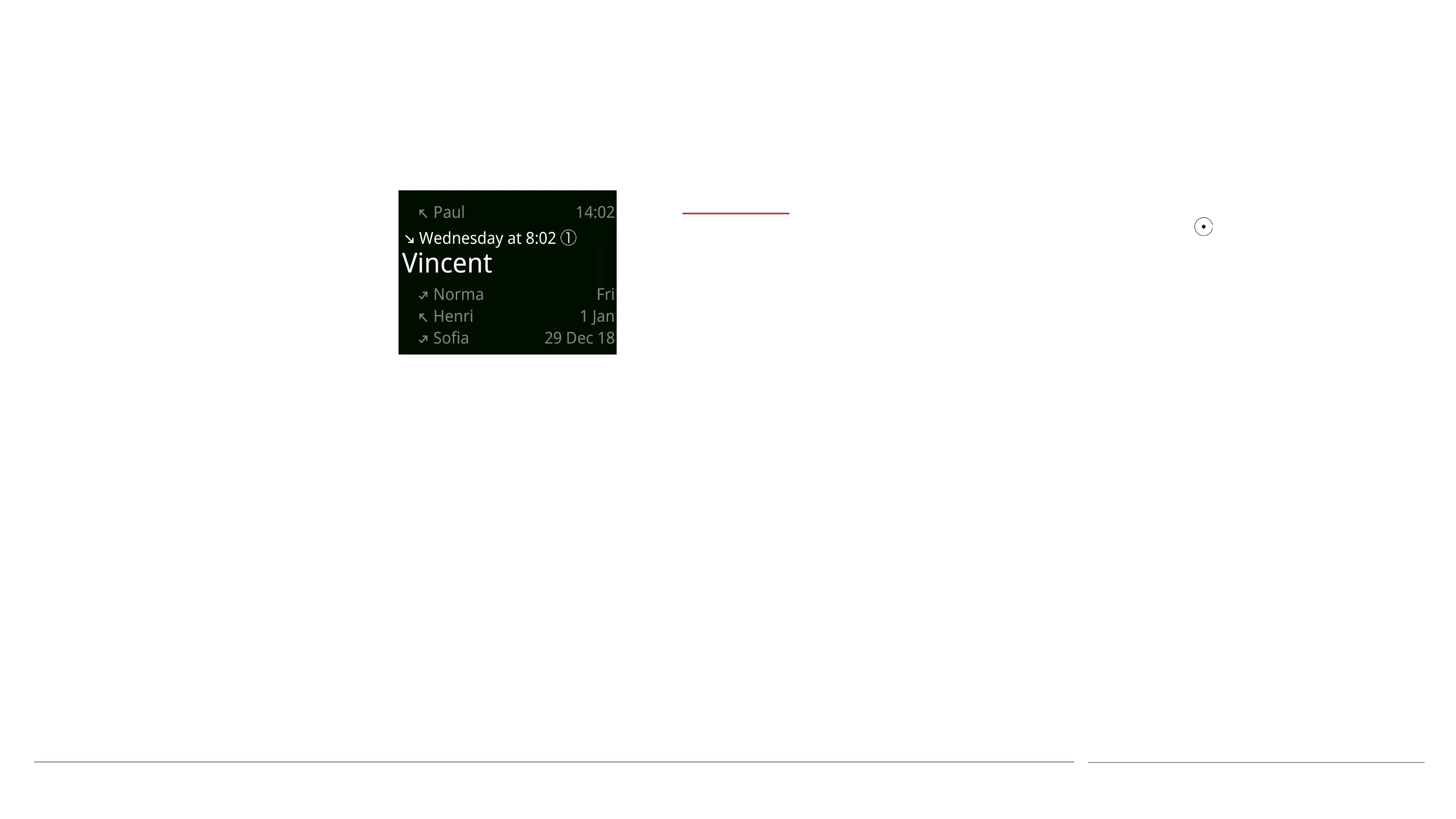
It is possible to view a list of calls that have
been made or received, including missed
calls.
• From the Home screen press the Call key.
• Callers will be identified by their phone
number, or their name if they are in the
MP02’s Contacts list. A small number in a
circle will show how many times a call has
been made to or received from that caller.
• To make a call to a number listed, select
it and press the Call key again.
• Pressing the key will bring up a list of
options: call the number, send a text
message, add the number to the MP02’s
Contacts list or amend its associated
information if already entered, or delete
this call from the Call history. A full list
of calls made to/received from that caller
can be viewed by selecting the top entry
in this sub-menu.



 To Next Page