23.07.2019
Punkt. MP02 Mobile Phone - Instruction manual
The MP02’s operating system
13
Status menu
The Status menu can be opened from the
Home screen by pressing the Up key. It
provides quick access to the following
features/information:
• USB connection (only displayed when
connected to a computer)
• Tethering
• Network
• Battery
• Silent mode
• Aeroplane mode
• Bluetooth
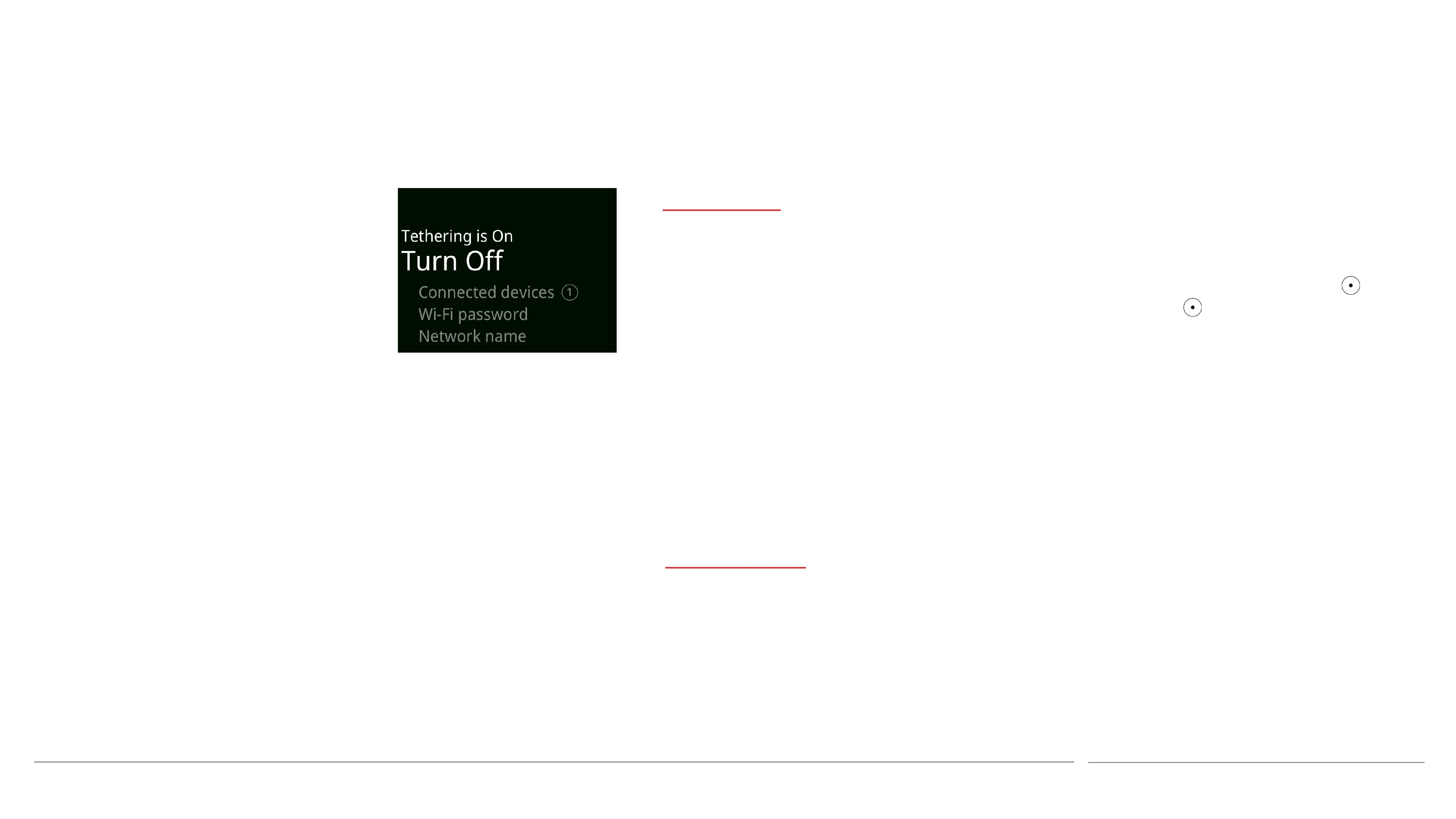
Scrolling to an element on the Status menu
will cause it to display specific status
information and/or offer an option to switch
between On and Off. To switch on/off, or
access more information, press the key.
Long press the key when Tethering, Network
or Bluetooth are highlighted to access more
aspects of these features.
Options menus
Various elements of the operating system have
a short menu that contains a number of
specific commands. For example, when
composing a text message the Options Menu
offers actions like Send, Save as draft, and so
on.
The top of an Options Menu is shown in the
bottom-left corner of the screen. It is accessed
by pressing the Down key (sometimes
repeatedly, see the next section), and exited by
pressing the Up key.



 To Next Page