23.07.2019
Punkt. MP02 Mobile Phone - Instruction manual
Contacts I
34
Adding Contacts
There are multiple ways to create a new
Contact.
1) Via the Contacts menu:
• Press the Contacts key.
• Select Add contact.
• Select an element from the list and enter
the required numbers or text, pressing
the key to return to the menu. Special
characters can be accessed via the Star
key.
• Continue with other elements on the list
(e.g. Name), as many or as few as is
desired.
• Finish by pressing the Call key (or by
selecting Save), or cancel by selecting
Discard.
2) Based on a call that has been sent or
received:
• Press the Call key and select the number
to be used when adding a Contact.
• Select Add to contacts.
• Follow the previous instructions.
• Finish as described previously.
3) Number first, via the Home screen:
This method can be the most convenient when
face-to-face with someone.
• With the Home screen showing, use the
keypad to enter a phone number.
• Press the Down key and select Save, then
New contact.
• Add more information as required, using
the key to open and close each
element.
• Finish as described above.
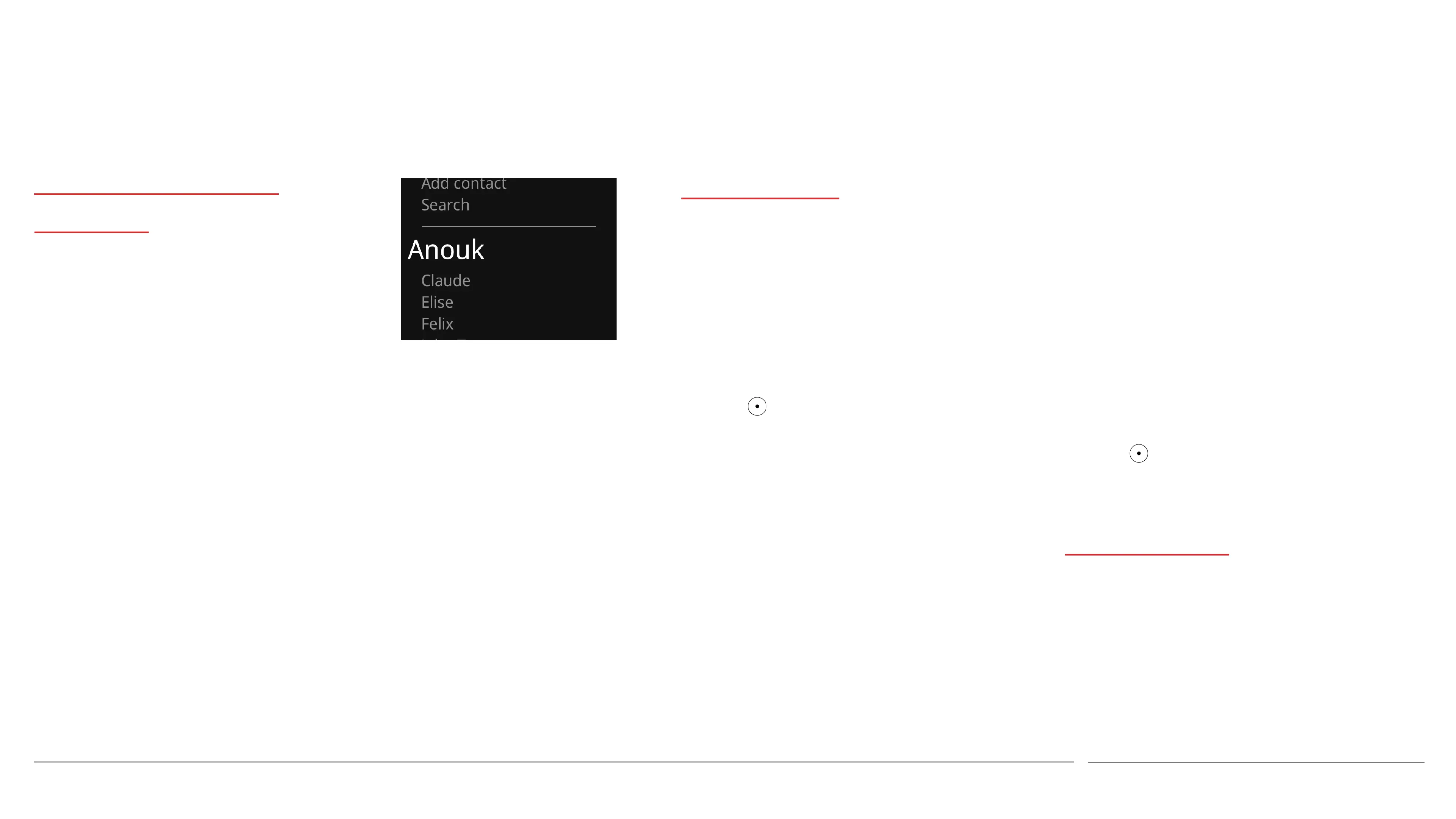
Viewing Contacts
• Press the Contacts key.
• Use the Up and Down keys to scroll
through the list of Contacts.
• This can be speeded up by selecting
Search and then entering the Contact’s
initial letter(s).
About the Contacts
directory
A Contact is a person or
organisation, whose
phone number(s) are
stored in the Contacts
directory.



 To Next Page