23.07.2019
Punkt. MP02 Mobile Phone - Instruction manual
Notes
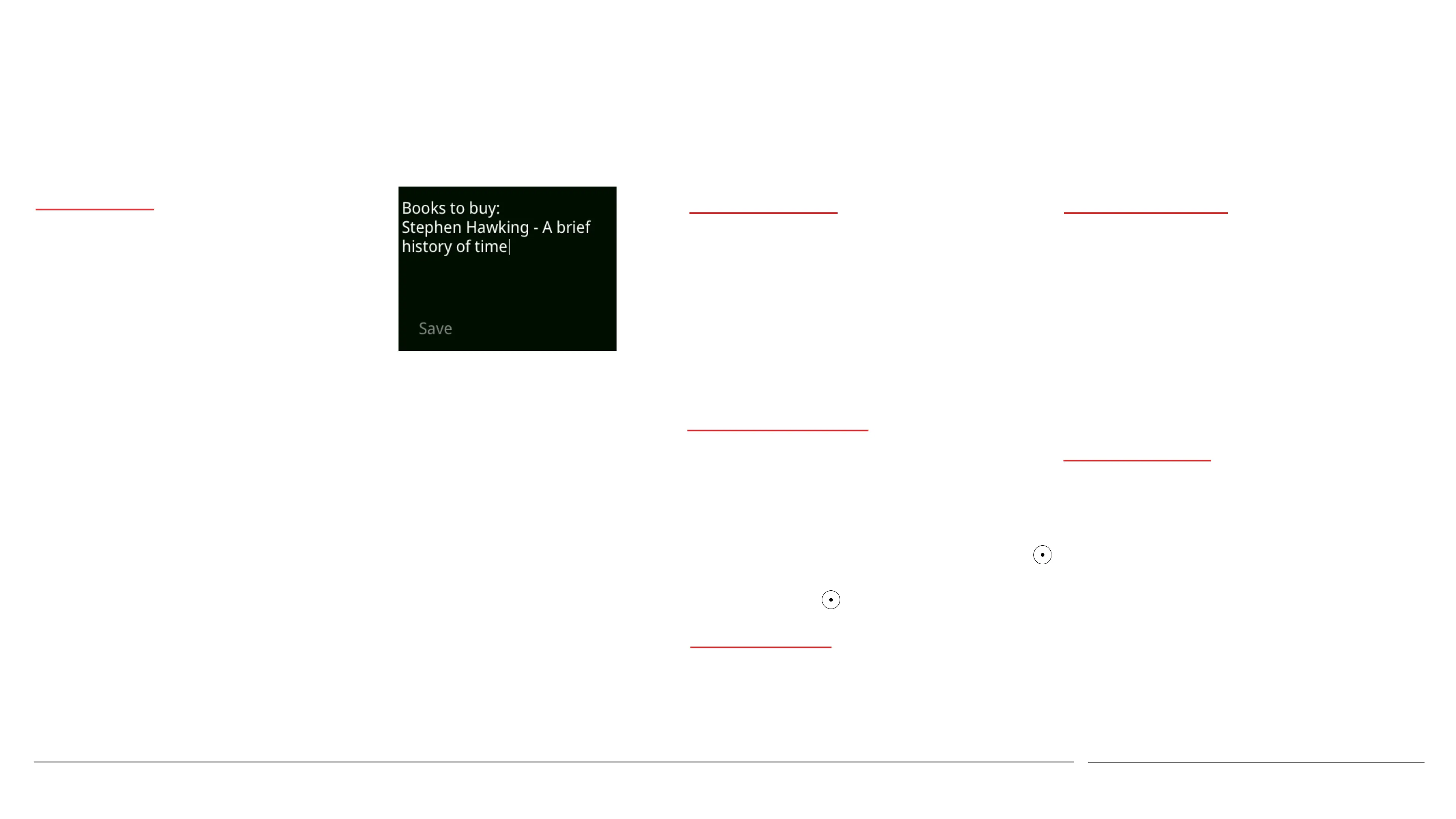
Creating a Note
• From the Main menu, select Notes, then
New note.
• Use the keypad to enter the desired
information. (See p 30 for information
about text entry.)
• Open the Options menu by pressing the
Down key, and select Save.
Adding a Reminder
• Open the Options menu by pressing the
Down key.
• Select Add reminder.
• Specify the desired day/date and time
(including AM/PM if applicable). Use the
key and the Back key to move left and
right, and the key to save the settings.
Viewing a Note
• From the Main menu, select Notes, and
then any Note on the list.
Amending a Note
• From the Main menu, select Notes, and
then the Note that is to be amended.
• Open the Options menu and select Edit
and/or Add reminder.
• Make the desired changes and save as
before. (Any previous Reminder will be
deleted if a new one is created.)
Deleting a Note
• From the Main menu, select Notes, and
then the Note that is to be deleted.
• Open the Options menu by pressing the
Down key, and select Delete.
50
About Notes
If desired, a Reminder can be
added to a Note. This will
cause an alarm signal to sound,
and the Note will appear on the
screen for a few seconds. Until
this happens, the
Note/Reminder will be
referenced in the Notifications
list; selecting it will open the
Notes section.



 To Next Page