23.07.2019
Punkt. MP02 Mobile Phone - Instruction manual
Calls I
38
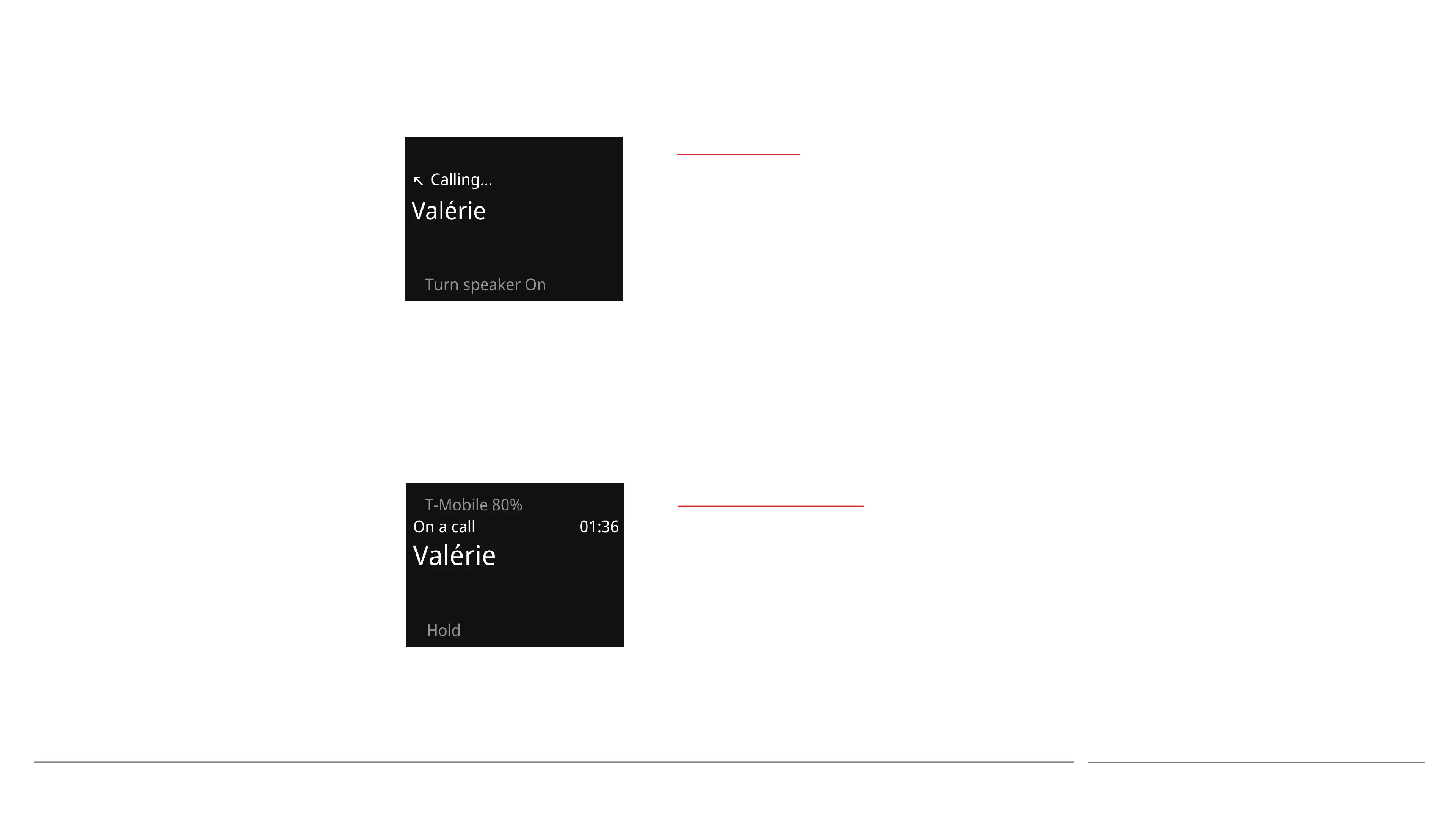
Making a call
⏤To make a call by entering the recipient’s
phone number directly
• Enter the number by using the keypad.
• Press the Call key.
If preferred, a country calling code can be
inserted by entering at least one digit of the
phone number and then scrolling down to
select Add country code. Locate the country by
entering the first letter or two of its name.
⏤ To call a Contact
• Press the Contacts key.
• Highlight the desired Contact.
• If the Contact has multiple phone
numbers, scroll to highlight the desired
number.
• Press the Call key.
⏤ To call a number that is stored in the
phone’s Call History
• Press the Call key.
• Highlight the desired number or Contact,
and press the Call key.
The radio antennae
are located at the
top corners and the
bottom edge of the
MP02. For optimal
network
connection and
maximum battery
life, avoid covering
these areas during
calls.
Speed-dial numbers
The number keys can each be allocated a
phone number, which can then be called with
a single touch. This set up via the MP02’s
Shortcuts feature.
• For information about assigning
speed-dial numbers, see page 36.
• To call a speed-dial number, press and
hold the applicable number key.
The “1” key is for calling voicemail, as
indicated by its audio-tape symbol. For more
information about accessing voicemail, see
page 40.



 To Next Page