GEM5000 Gas Analyzer
Page 32 of 102
7.4 User settings
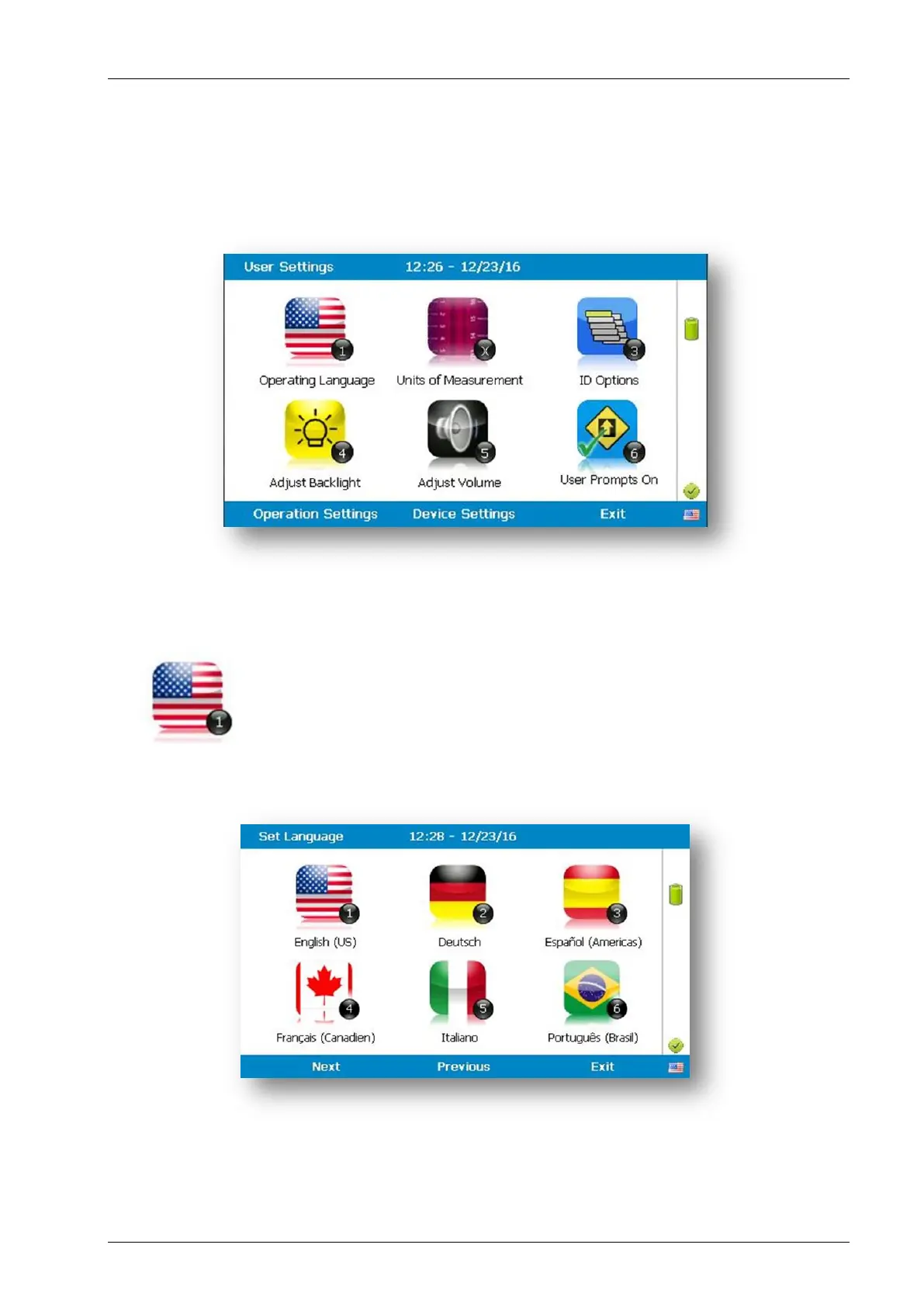
To access the ‘User settings’ menu, select the ‘Menu’ key on the front of the analyzer to
display the ‘Operating Settings’ menu followed by the soft-key to display ‘User Settings’
menu. The following menu is displayed:
To exit the user settings menu select the soft-key ‘Exit’.
7.4.1 Operating language
This option enables the operator to specify the operating language
displayed for the instrument.
1) Select ‘Key 1 – Operating Language’ and the following screen is displayed:



 To Next Page