GEM5000 Gas Analyzer
Page 93 of 102
10.7.16 Clear Readings
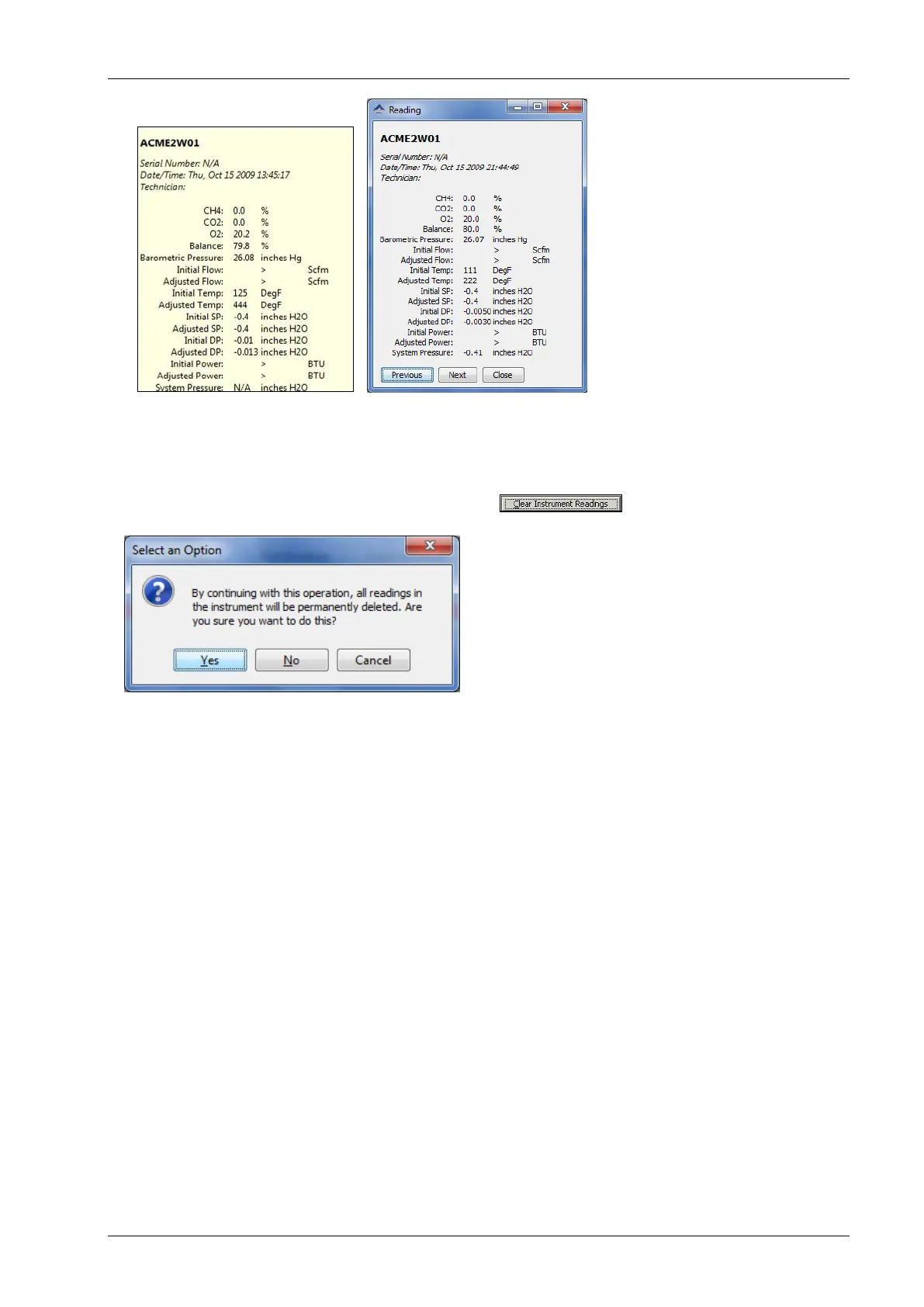
To clear the readings from your instrument, after the readings are downloaded successfully,
click the Clear Instrument Readings button . A prompt will verify the
permanent deletion of the readings from the instrument.
This will clear information within the GEM and GA Mode simultaneously.
Note: Clicking yes will NOT check to ensure all data is saved from the instrument. If you
plug in an instrument and click the Clear Instrument Readings button without first performing
a Get Readings operation, data not previously downloaded will be lost!



 To Next Page