GEM5000 Gas Analyzer
Page 63 of 102
9.8 Restore to factory settings
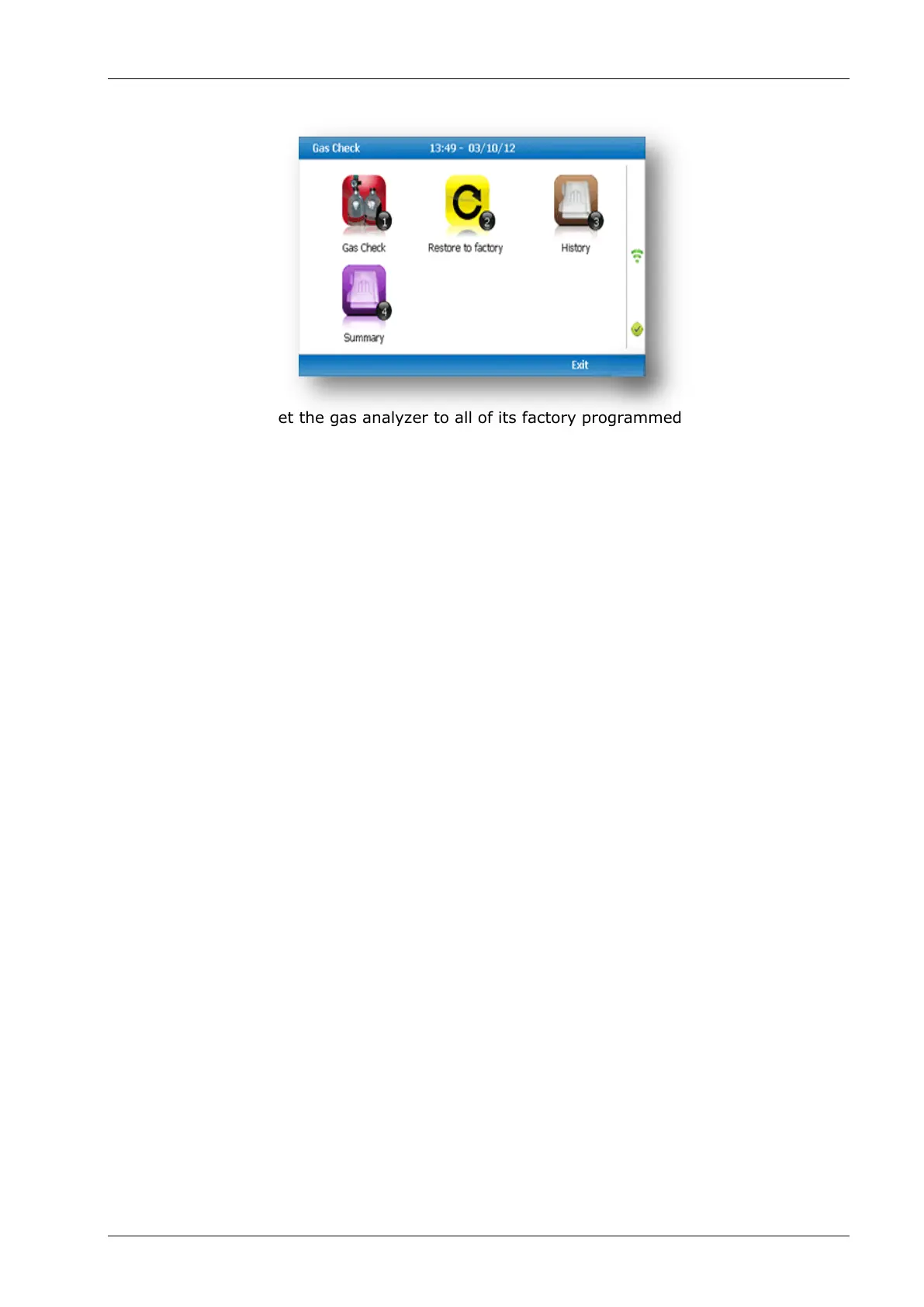
This option will reset the gas analyzer to all of its factory programmed calibration settings
and will clear ALL the user defined calibration points. It will not affect or remove ID’s or
readings from the analyzer.
1) Select ‘Key 2 - Restore to factory’ followed by the soft-key ‘Confirm’ or ‘Cancel’.
2) A validation message is displayed ‘Reset user calibration?’ Press the soft-key ‘Confirm’
to continue with the factory settings or soft-key ‘Cancel’ to cancel the operation and
return to the Gas Check menu.
9.9 Calibration history
The GEM5000 gas analyzer logs user calibrations in ‘History’ application. This can be used
as an aid to ensuring that gas measurements are valid and accurate. Both good and failed
calibration results are recorded for each channel calibrated.
1) Select ‘Key 3 – History’.
2) The operator may view the calibration data stored. Use the soft-key ‘Filter’ to add a
sort filter to the history enquiry.
9.10 Calibration summary
The GEM5000 gas analyzer has the facility to log the history of user calibrations.
1) Select ‘Key 4 – Summary’.
2) The operator may view the calibration data history stored by ID, technician,
timestamp, type and calibration result. Use the soft-key ‘Exit’ to exit and return to the
‘Gas Check’ menu.



 To Next Page