GEM5000 Gas Analyzer
Page 95 of 102
This interface provides several options described below.
To add or remove a single reading from export, uncheck the checkbox in the leftmost
column.
To add or remove a specific parameter from export, uncheck the corresponding checkbox
across the top.
To clear all row checkboxes, click the Clear All Rows button at the bottom of the screen.
After Clearing all Rows you can click the button and it will change to Set all Rows
To clear all column selections, click on the Clear All Columns button at the bottom of the
screen. After Clearing All Columns the button will change and you can then choose Set
All Columns
To exit the operation without saving, click the Cancel button.
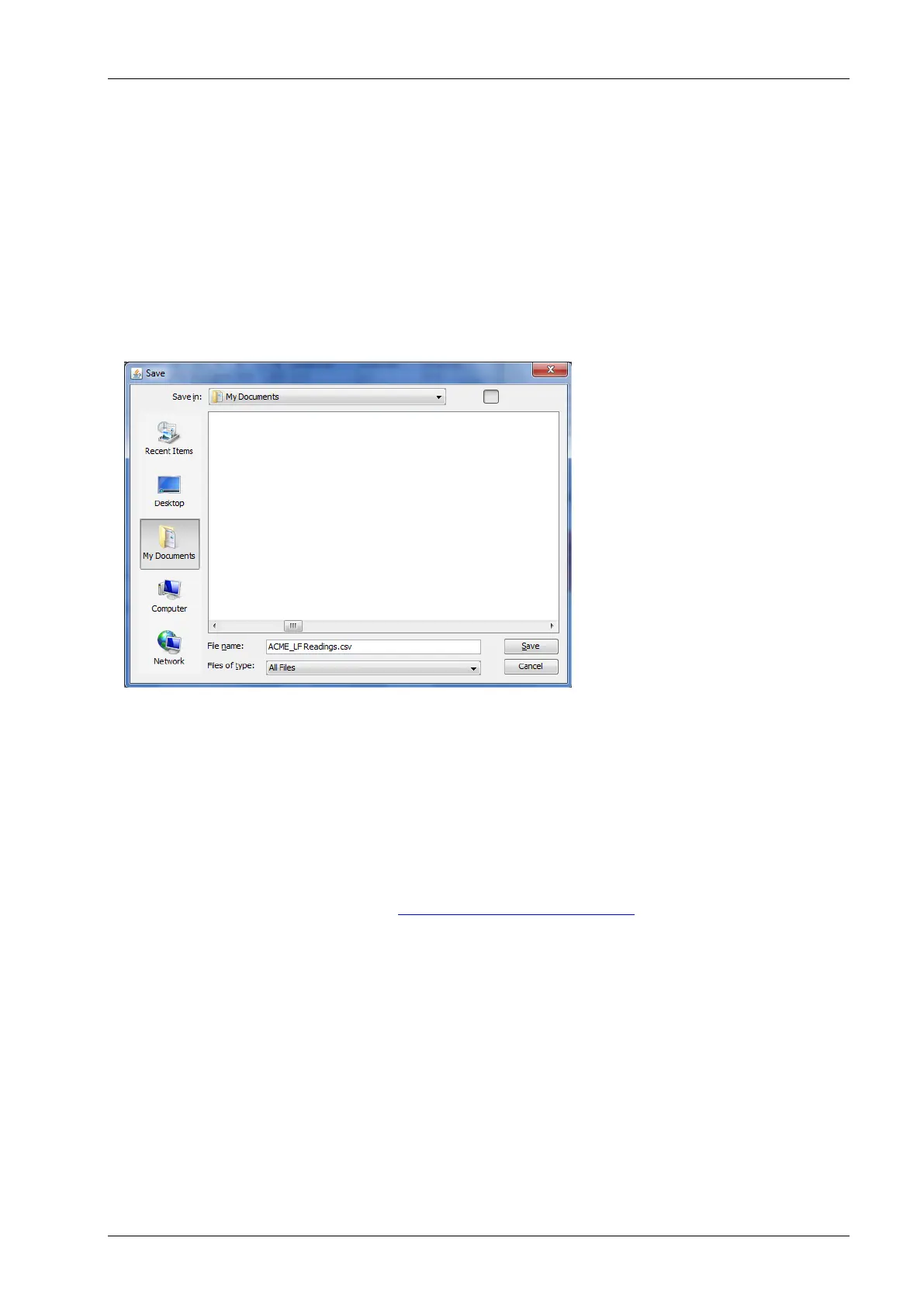
To specify a filename and save the selection to a file, click the Save File button. Clicking
this button will open a Save window.
The save file dialog will open and default to the My Documents of the user who is currently
logged in on the computer. Specify a filename and location then click the Save button. The
selected readings will be saved in comma separated value (.CSV) format. The .CSV file may
now be opened in another application such as Microsoft Office Excel or Open Office Calc.
11.0 Problem Solving
This section outlines various warning and error messages which the operator may receive
during general operation of the instrument. For further assistance please contact Technical
Support at (800) 968-2026 or email landtec_support@qedenv.com
12.0 Warning and Error display
When switched on, the instrument will perform a pre-determined self-test sequence taking
approximately 15 seconds. During this time many of the instrument’s working parameters
and settings are checked.
If any operational parameters are out of specification or the pre-programmed
recommended calibration/service date has passed, errors or warnings may be displayed.
Use the ‘Scroll up’ and ‘Scroll down’ keys to move through the list if required.
Only three warnings/errors can be displayed at any time.
To ascertain if more errors have occurred use ‘Key 8’ – Scroll down’ and ‘Key 2’ - Scroll up’
through the list.



 To Next Page