GEM5000 Gas Analyzer
Page 66 of 102
instruments, however, the driver package included with the 5000 instruments shipping
after Nov 1, 2012 include drivers for both the GEM5000 and GEM-2000 instruments. The
LSGAM software for the GEM5000 is backwards compatible for the GEM2000 instruments.
The LSGAM software will automatically update if an internet connection is available when
the software starts. This software has been tested with Windows XP and Windows 7.
Should you have any difficulties, please don’t hesitate to contact us. Our Software
support group can be reached at (800) 968-2026 or landtec_support@qedenv.com
The instrument communicates to the computer by means of a USB cable or by bluetooth.
The USB cable requires drivers to be installed prior to use on the computer. From the CD
(or USB memory stick) choose the first option titled “Step 1”. A Bluetooth connection
requires the instrument to be paired to the computer. Refer to the section “Configuring
Communications” for more details.
The Java programming is an import part of this software and will be loaded with the
installation. If you have internet access, it is recommended to update your java to the
latest version by going to http://www.java.com/en then clicking the button for the Free
Java download. Once at the Java downloads you’ll see links to download the latest
version of Java for your computer.
The Java icon, shown below, will be in the task tray at the bottom of your computer
screen where your time is shown. There will also be a GAM log icon, shown below, that
will be created on your desk top during installation.
10.4 Start Up
Once the USB cable drivers are installed and you’ve checked for the latest Java Runtime from
the www.java.com/en website, click on “Step 2 — Install LSGAM”. LSGAM will install placing
an Icon on your desktop and a new Start Menu Group named LANDTEC.
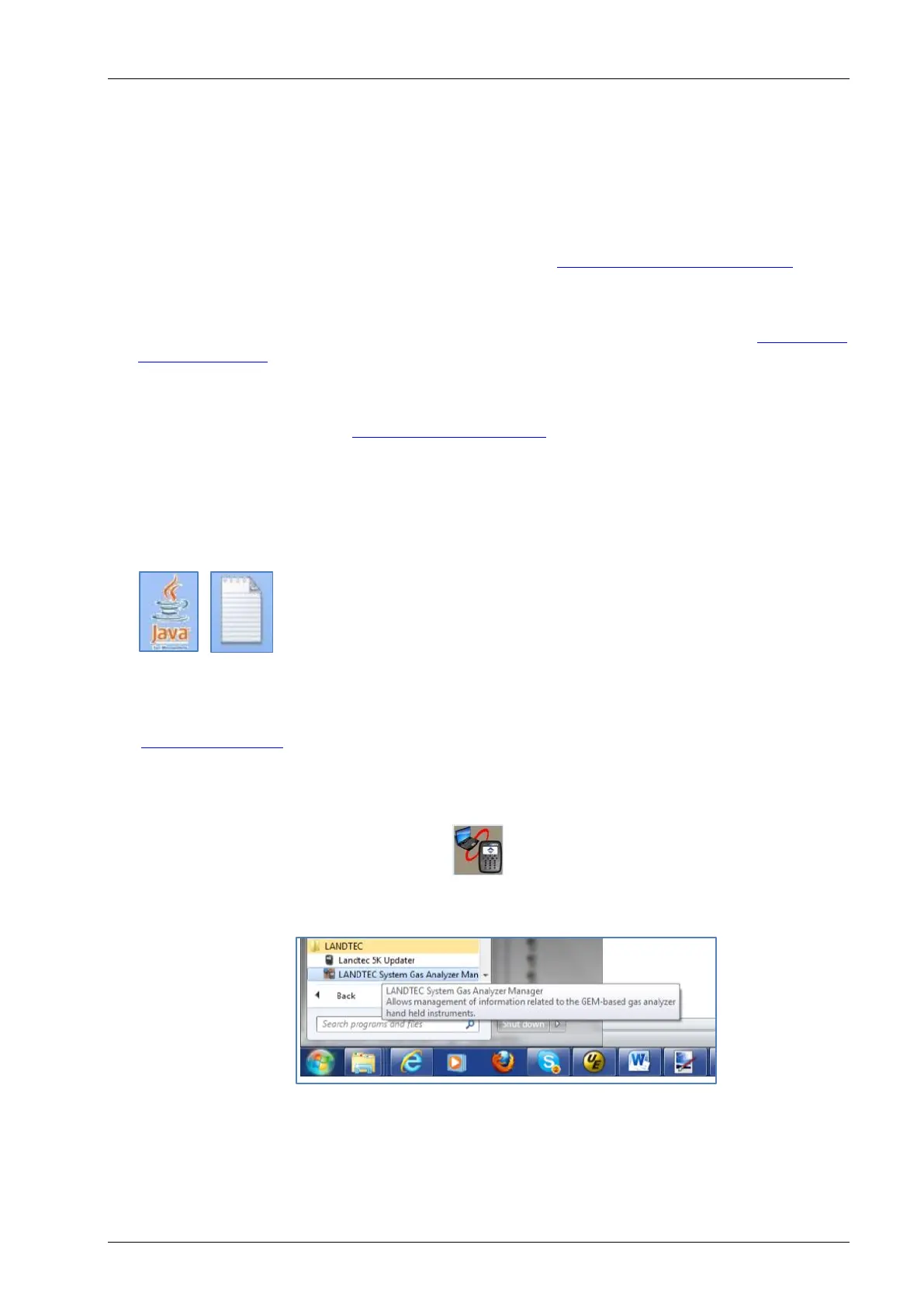
Starting LSGAM can be easily done by doing one of the following:
Double-Click on the Desktop icon. OR - go to;
Start All Programs LANDTEC LANDTEC System Gas Analyzer Manager
The software will start.



 To Next Page